
- What is a Biometric Attendance System?
- How Does a Biometric Attendance System Work
- Benefits of Biometric Attendance Systems
- Types of Biometric Attendance Systems
- Importance of Biometric Attendance Systems
- Challenges with Using Biometric Attendance Systems
- How to Choose the Right Biometric Attendance System
- Cost of Biometric Attendance System
- Popular Attendance Management System with Biometrics in 2026
- Conclusion
- Frequently Asked Questions:
Automation in attendance tracking has become the need of the hour, irrespective of the size, model, or budget of the business. Manual entries through register or swipe cards can engender fraud; thus, a smarter and more secure solution is required.
Biometric attendance is one such tool that offers precise and accurate attendance records using biological characteristics such as fingerprints, facial features, iris prints, and voice patterns.
Here is an in-depth guide to explore every detail of the biometric attendance system.
What is a Biometric Attendance System?

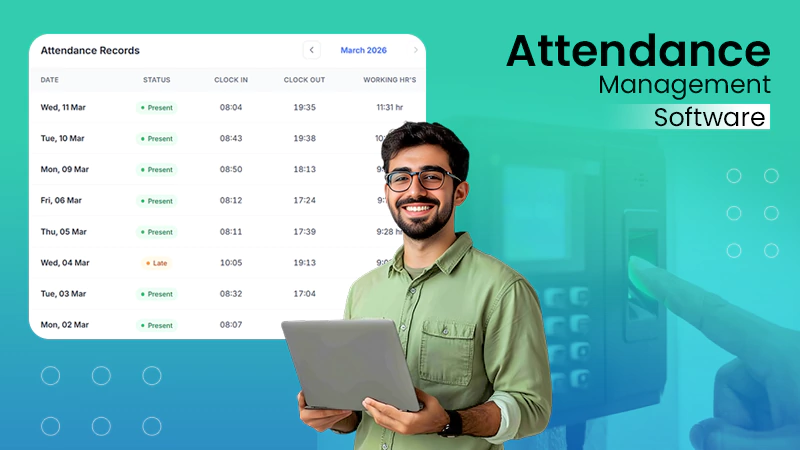
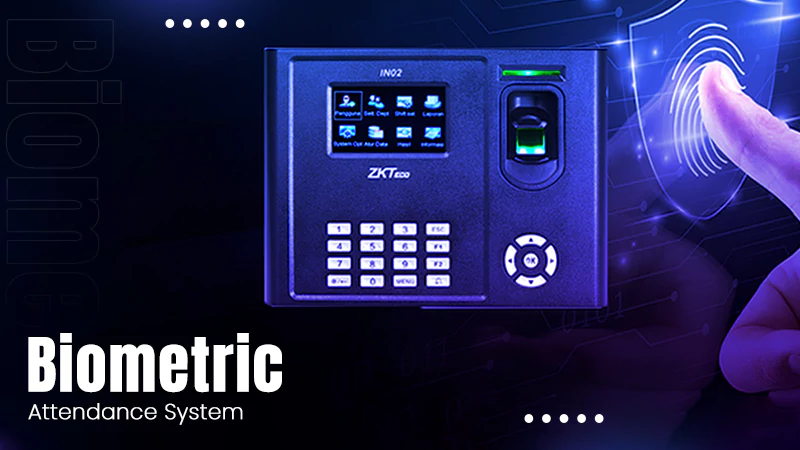
A biometric attendance system is a technology that records employee attendance using unique biological characteristics such as fingerprints, facial recognition, IRIS scans, or voice patterns.
These systems do not rely on cards or passwords and use biological identity to punch in, making them more secure and accurate.
It is the most widely used attendance tracking system of its time, as it eliminates common attendance issues such as buddy punching. A biometric attendance machine ensures that the right person is signing in for work, as biological traits cannot be faked.
Key features of biometric systems are:
- Real-time attendance tracking.
- Cloud-based access.
- Mobile integration.
- AI-powered facial recognition.
- Geo-fencing or location-based attendance.
- Multi-location tracking.
- Advanced analytics dashboards.
How Does a Biometric Attendance System Work
A biometric attendance system operates through a combination of hardware and software algorithms. It is quite seamless to operate.
It uses unique identity features to track when an employee arrives or leaves a place.
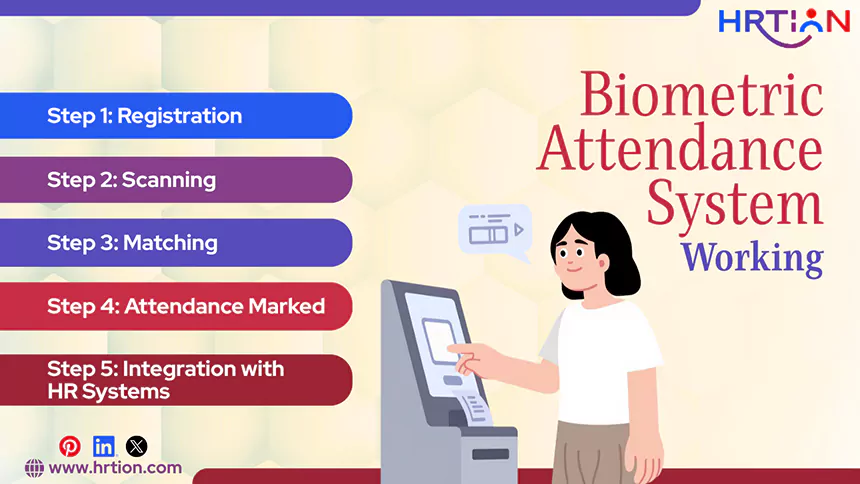
Here is the step-by-step working process for the biometric attendance machines.
Step 1: Registration
The employee first needs to register their biometric details, for example, fingerprints, face scan, etc in the system. This information is secured in the system for future reference.
Step 2: Scanning
The registered employees can mark their attendance by placing their finger on the scanner, looking at the face recognition camera, or using the biometric attendance machine installed in the company.
Step 3: Matching
The biometric systems churn the registered data to find the matching entries. This way, the system finds out the identity of the person using the scan.
Step 4: Attendance marked
After verifying the identity, the biometric system marks attendance. It records the time of entry and exit of the person and keeps this information secure.
Step 5: Integration with HR Systems
The modern biometric systems are usually integrated with HR management tools, payroll software, or leave tracking systems. This enables automated salary calculations and real-time reporting.
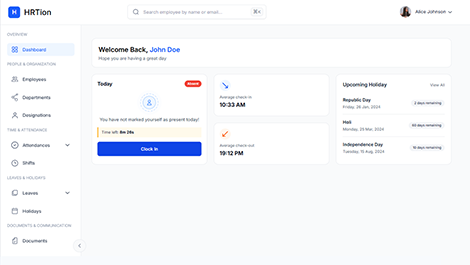
Manage the payroll, attendance, shift roles, and more in an all-encompassing HR suite. Your ultimate HR toolkit is just a click away.
Benefits of Biometric Attendance Systems
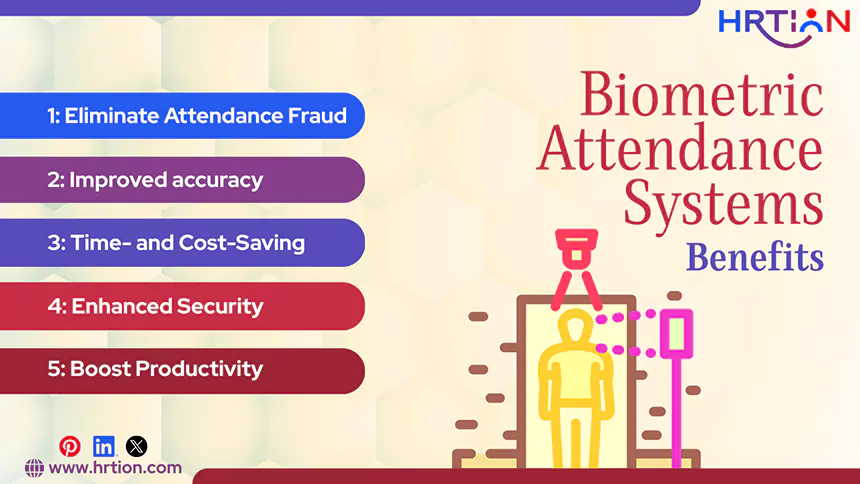
Biometric systems offer a significant number of improvements in operations and workplace efficiency. Here are some of the major benefits of using an attendance system.
- Eliminate Attendance Fraud
One major advantage of using a biometric system is eliminating frauds like buddy punching. Because biometrics use unique features, the employee has to be physically present to mark attendance.
- Improved accuracy
Manual attendance systems are highly prone to errors. Incorporating a biometric system reduces these errors. Stats by globalgrowthinsights.com revealed a 42% improvement in attendance accuracy and a 25% reduction in manual errors with biometric systems.
- Time- and Cost-Saving
Automation in an attendance system reduces administrative workload and payroll errors. Thus, it saves the money and time spent on physical keys, ID cards, and password resets.
- Enhanced Security
Biometric systems ensure that only the authorized person is accessing the workplace, thus helping companies to maintain security.
- Boost Productivity
Accurate attendance tracking improves accountability, punctuality, and discipline across the company, resulting in boosted productivity.
Types of Biometric Attendance Systems
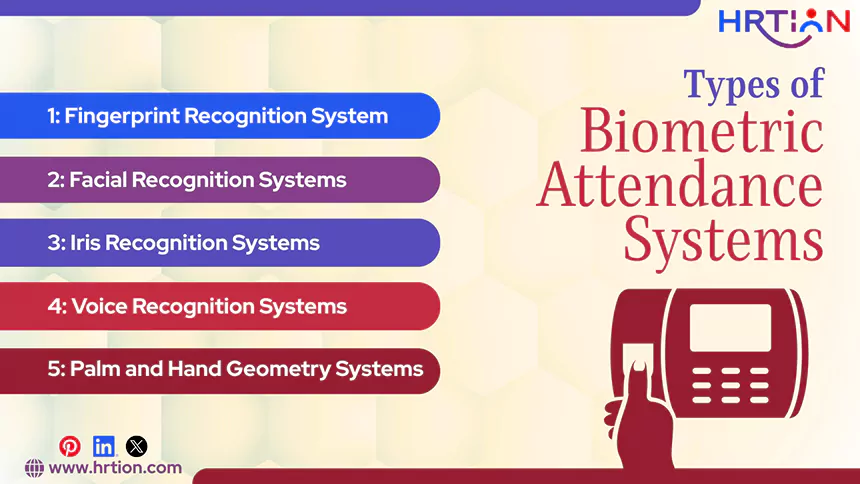
Not one solution is ideal for all businesses; thus, there are different technologies available in the market. Pick one type of biometric system from the options given below, depending upon the company’s needs, size, and budget.
1. Fingerprint Recognition System
Fingerprint attendance systems are the most commonly used biometric systems due to their affordability, ease, and availability. They are widely popular for providing a great balance of cost and performance.
Benefits:
- Easy to set up and operate.
- cost-effective, thus best suited to SMEs.
- Reliable and secure.
Limitations:
- Susceptible to dirt and moisture.
- Sensors degrade over time.
- Sometimes causing false rejections.
2. Facial Recognition Systems
Facial recognition is gaining more attention in today’s corporate world due to its contactless nature. This uses facial features to analyze the person’s identity through a video or image.
Benefits:
- Touch-free and totally hygienic.
- Ideal for hybrid workplaces
- Compatible with mobile devices.
Limitations:
- Poor accuracy in inconsistent lightning.
- Raises privacy concerns.
- Complex to set up.
3. Iris Recognition Systems
An iris recognition system scans the unique human-eye patterns. It provides high-level security and complete accuracy. Iris recognition is preferred by businesses needing the optimum security and precision.
Benefits:
- Highly precise and accurate.
- Used in high-security domains.
- More expensive than its counterparts.
Limitations:
- More expensive to install.
- Can be a bit uncomfortable to use.
- Affected by lightning, glasses, and eye conditions.
4. Voice Recognition Systems
Voice recognition programs are designed to identify individuals based on their unique voice patterns. It is convenient for remote work arrangements but can be difficult to use in loud environments.
Benefits:
- Useful for remote environments.
- Simple to integrate in phone systems.
- Includes AI-driven technologies.
Limitations:
- Less accurate in noisy environments.
- Voice changes due to illness can cause failure.
- Challenging to use in high-traffic areas.
5. Palm and Hand Geometry Systems
Palm & hand geometry systems measure the shape and structure of a person’s hand, best suited in industrial settings.
Benefits:
- Durable and long-lasting
- Not likely to get affected by environmental conditions
- Ideal for tough and industrial surroundings.
Limitations:
- Not suitable for hands of all shapes and sizes.
- Precise positioning of hands is required.
- Less accurate than fingerprint or iris systems.
Importance of Biometric Attendance Systems
With increasing demand for transparency and efficiency, biometric attendance systems are becoming a necessity.
Nowadays, organizations follow complex work structures like remote teams, flexible work hours, and compliance requirements. And, to manage all these factors effectively, biometric solutions play a key role.
Furthermore, biometric systems support payroll management by providing accurate data for salary calculations, overtime, and leaves. With real-time tracking, they allow organizations to monitor attendance instantly and make informative decisions.
Challenges with Using Biometric Attendance Systems
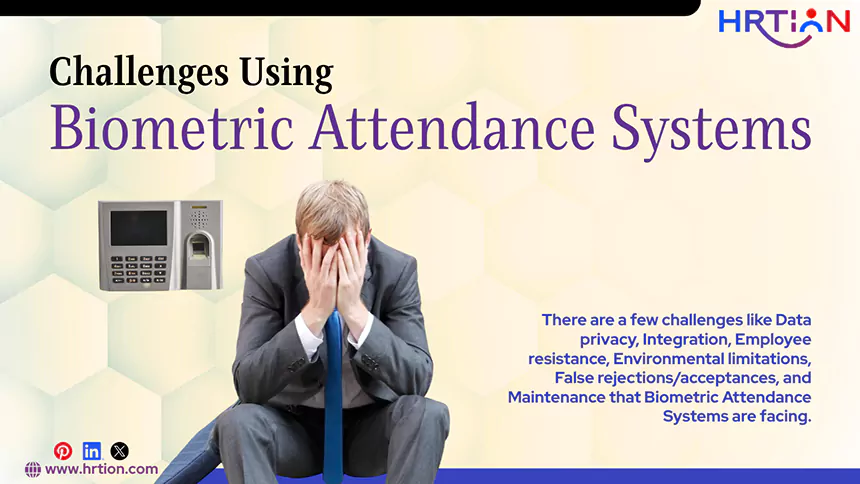
While biometric attendance systems offer a higher rate of accuracy and transparency, there are a few challenges associated with them.
- Data privacy concerns: Employees usually worry about the security of their personal information. They might feel uncomfortable sharing the biometric data, such as fingerprints, facial information, and more.
- Integration challenges: Biometric systems need to be integrated with existing HR systems; compatibility issues may arise, leading to data mismanagement.
- Employee resistance: Some employees may be hesitant to share their personal and biological details and adapt to an entirely new system.
- Environmental limitations: Factors such as poor lighting, dust, moisture, and background noise can reduce the efficiency of biometric systems. This may cause inaccurate readings or delays.
- False rejections/acceptances: The system sometimes fails to recognize the authorized person or incorrectly accepts an unauthorized person, resulting in false rejections or acceptances.
- Maintenance requirements: A biometric system requires regular software updates, system checks, and maintenance. It is necessary to ensure proper upkeep, or the performance may decline over time.
How to Choose the Right Biometric Attendance System
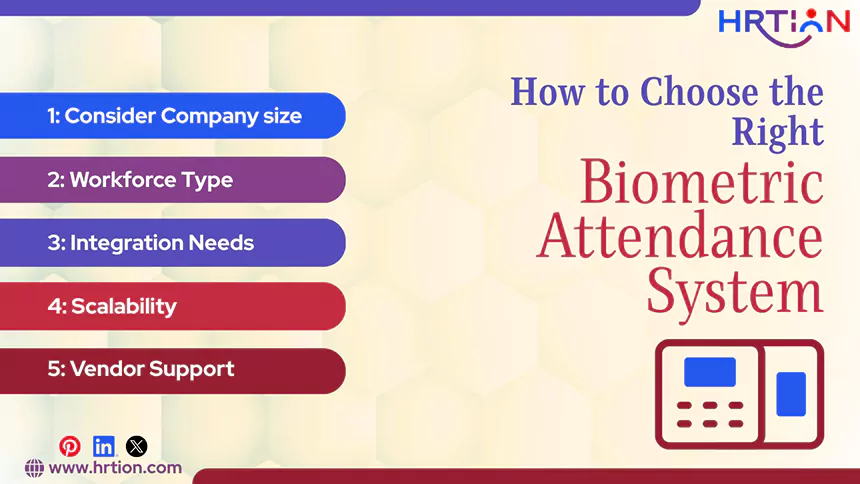
Choosing the right biometric attendance system involves evaluating the size, budget, and technical capabilities of the company. Here is the guide to choosing the ideal biometric tool for your business:
- Consider Company size
Business size is the most important factor when choosing a biometric system. Small businesses need simple and cost-effective solutions such as fingerprint systems, as they are easy to install and operate. In contrast to this, larger organizations require advanced systems such as cloud-based or multi-biometric systems to handle a larger workforce.
- Workforce Type
The type of workforce you are dealing with can affect the choice of biometric systems. Remote and hybrid teams require systems that support mobile integration and multi-location support. However, for on-site workers, simpler technologies like fingerprint and iris recognition are more effective.
- Integration Needs
Integration capabilities are the most important factor when selecting a biometric system. It should be able to integrate smoothly with HR systems, payroll software, and ERP tools. Strong integration helps in the automation of processes like salary calculations, reporting, leave management, and reducing manual workload.
- Scalability
Organizations must select a system that can grow when the business expands. The system must be able to handle the additional load without requiring replacements of expensive add-ons.
- Vendor Support
Reliable vendor support is crucial for long-term usage. A good software vendor provides regular software updates, technical assistance, and rapid issue resolution. Consistent vendor support ensures minimum downtime and fewer technical problems.
Cost of Biometric Attendance System
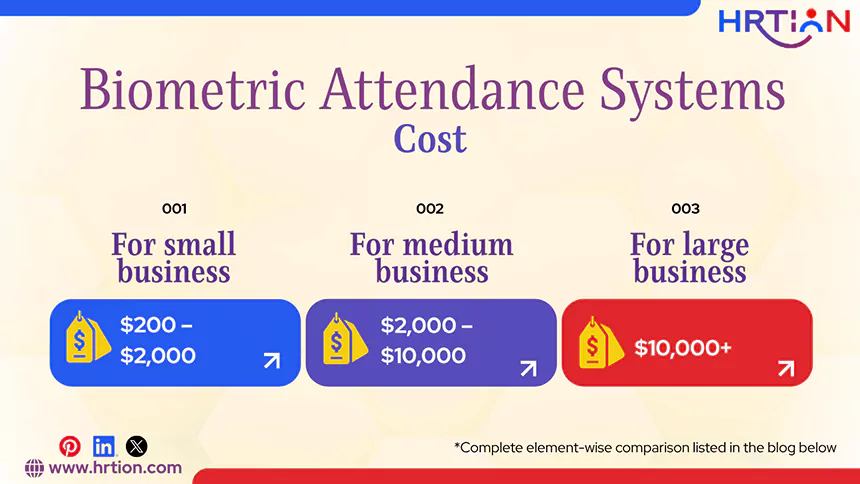
The cost of a biometric attendance system depends on elements like the type of hardware & software used, integration capacities, and setup & installation requirements.
| Cost Element | Details | Estimated Cost |
| Fingerprint Device | Basic and most widely used biometric device | $50 – $200 |
| Facial Recognition | Contactless and AI-based systems | $200 – $600 |
| Iris Scanner | Offers high-security and highly accurate systems | $400 – $1,200 |
| Software (Cloud-Based) | Usually Monthly subscription (based on users/features) | $10 – $1,000/month |
| Setup & Installation | Initial configuration and deployment | $100 – $500 |
| Maintenance | Annual servicing and updates | 10–20% of the total cost |
This table provides complete cost-breakdown for biometric systems. Here is a summary of the initial and recurring costs for different business types:
- For small business – $200 – $2,000
- For medium business – $2,000 – $10,000
- For large business – $10,000+
Popular Attendance Management System with Biometrics in 2026
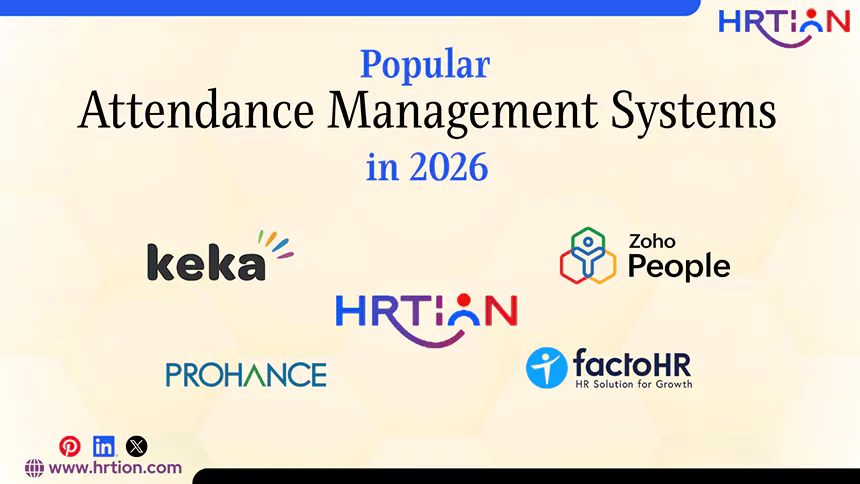
An ideal biometric attendance management system should be powered with AI-powered tools, cloud integration, and support for a hybrid work culture. Here are some best options of 2026:
HRtion: An all-in-one software that can easily integrate with biometric attendance tools with payroll, leave, and employee management. It is most suited for small- to medium-sized businesses, offering ease and affordability.
Zoho People: It is a cloud-based HR system that comes with biometric integration and real-time attendance tracking. It offers mobile check-in support, geo-tracking, and seamless integration.
Keka: Modern HR and payroll systems offer biometric, mobile, and web-based tracking support. It is best suited for hybrid workforces. The key characteristics are automation and ease of use.
ProHance: An attendance software that offers precise time management. It is best for advanced workforce analytics. It offers biometric attendance systems along with features like activity tracking, automated reporting, and performance analytics.
FactorHR: This tool is a comprehensive HR management system with built-in biometric attendance, payroll, and recruitment support.
Conclusion
Biometric attendance systems provide complete access to real-time attendance, ensuring comprehensive workforce management. These solutions ensure that businesses can track the clock-in and clock-out times through automation using unique biological traits.
But, for smoother and more secure management, companies must inform their employees about the usage, security, and processing of their biological information. This will promote transparency, reduce trust issues, and eliminate legal concerns.
Frequently Asked Questions:
Are biometric systems safe to use?
Yes, most modern biometric systems are safe as they consist of secure and encrypted storage methods to protect sensitive data.
Can biometric systems fail at some point?
Yes, in some rare cases, biometric systems can fail due to technical or environmental issues.
Which biometric system works the best?
The suitability of the biometric system depends on various factors, including company size, work model, and budget.
Is biometric attendance mandatory?
No, but it can encourage accountability, productivity, and efficiency within the company. So, it is not mandatory, but highly beneficial.
Can biometric systems be used for the remote workforce?
Yes, facial recognition systems and mobile-based systems work best for remote employees’ attendance.

Sunita Kumari is a Freelance Contributor Writer at HRTion, writing accurate, reliable, and informative content. She completed her Bachelor's from Rajdhani College of the University of Delhi. She has been a Human Resources Recruiter for almost 2 years, including over 1 year with Battersea Web Expert. Drawing on her recruitment and HR processes experience, she writes clear and practical payroll-related guides that help employees and job candidates better understand HR procedures and workplace practices.