
- What is Workforce Management Software?
- Features of Workforce Management Software
- What Are the Uses of Workforce Management Software?
- Benefits of Workforce Management Software
- How to Choose Workforce Management Software
- Best Practices to Follow with Workforce Management Software
- Challenges with Workforce Management Software
- HRtion: Best Workforce Management Solution
- Conclusion
- FAQs
The latest report by Grand View Research indicates that the global workforce management market tends to reach $9.5 billion by 2030, growing at a CAGR of 11.2%.
Even with the current rate of expansion, companies struggle to manage their employees efficiently. This is when automation steps in; the workforce management software has become a staple for the current business environment.
This workforce management software guide will walk you through the different and crucial aspects of this tool, such as features, uses, benefits, challenges, and best practices.
What is Workforce Management Software?
Workforce Management Software (WFM software) is an automated solution to help companies plan, track, and optimize the workforce. It digitizes the key HR tasks, such as attendance management, time tracking, leave management, and labor compliance.
WFM software helps businesses by providing real-time data and analytics for better decision-making, eliminating human errors, and improving productivity.
Corporate giants like IBM and Kronos report that incorporating workforce management software can reduce the labor cost by 10-15% yearly.
Features of Workforce Management Software
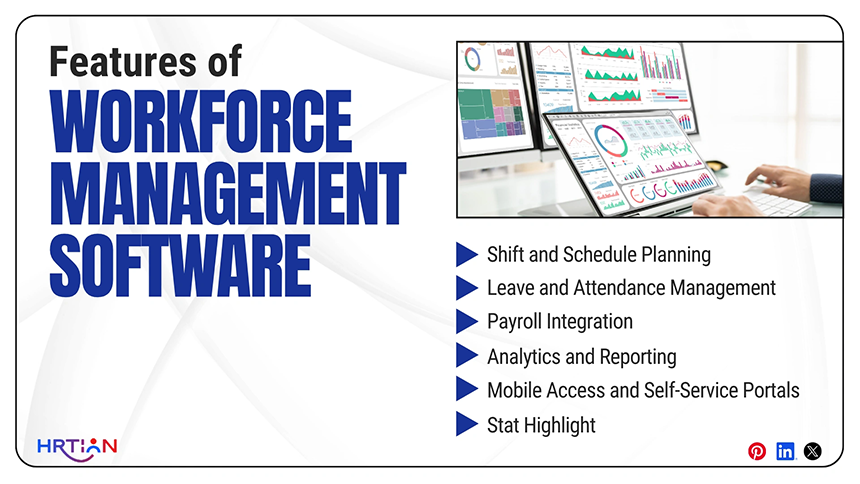
Workforce optimization tools offer a wide range of features that help companies manage employees with ease.
- Shift and Schedule Planning
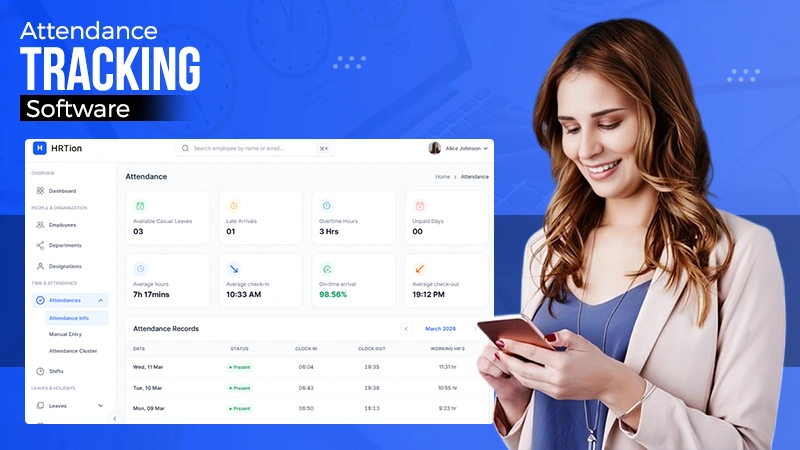
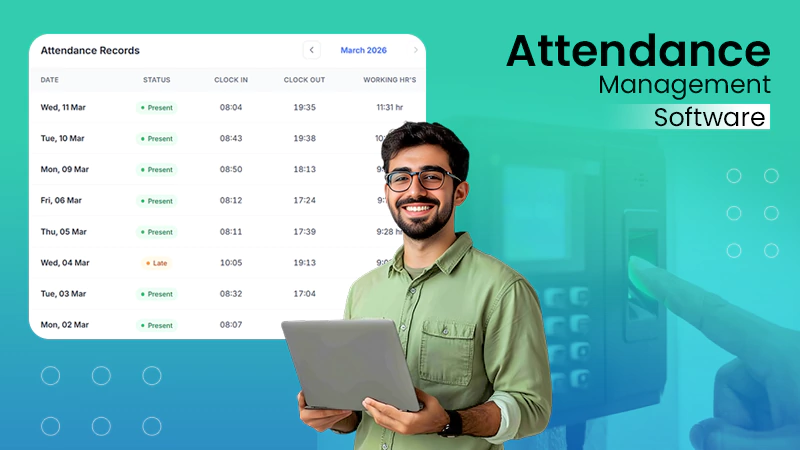
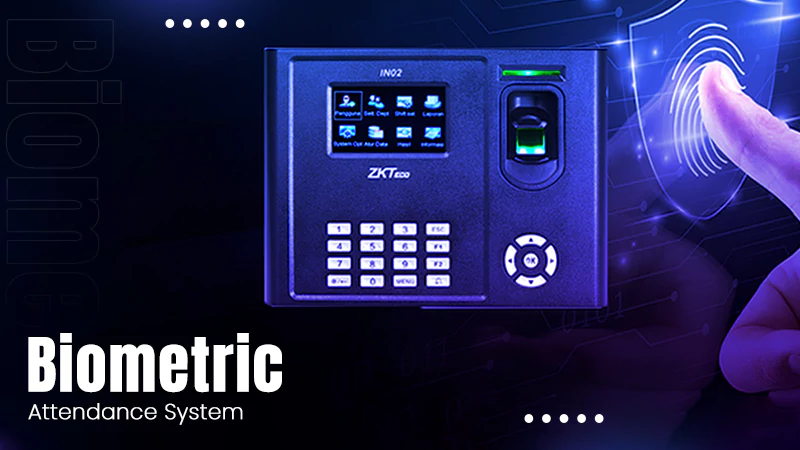
Capturing the employee login and logout times data through biometrics, mobile apps, and web portals; eliminating the need for manual timesheets; and reducing payroll errors.
- Leave and Attendance Management
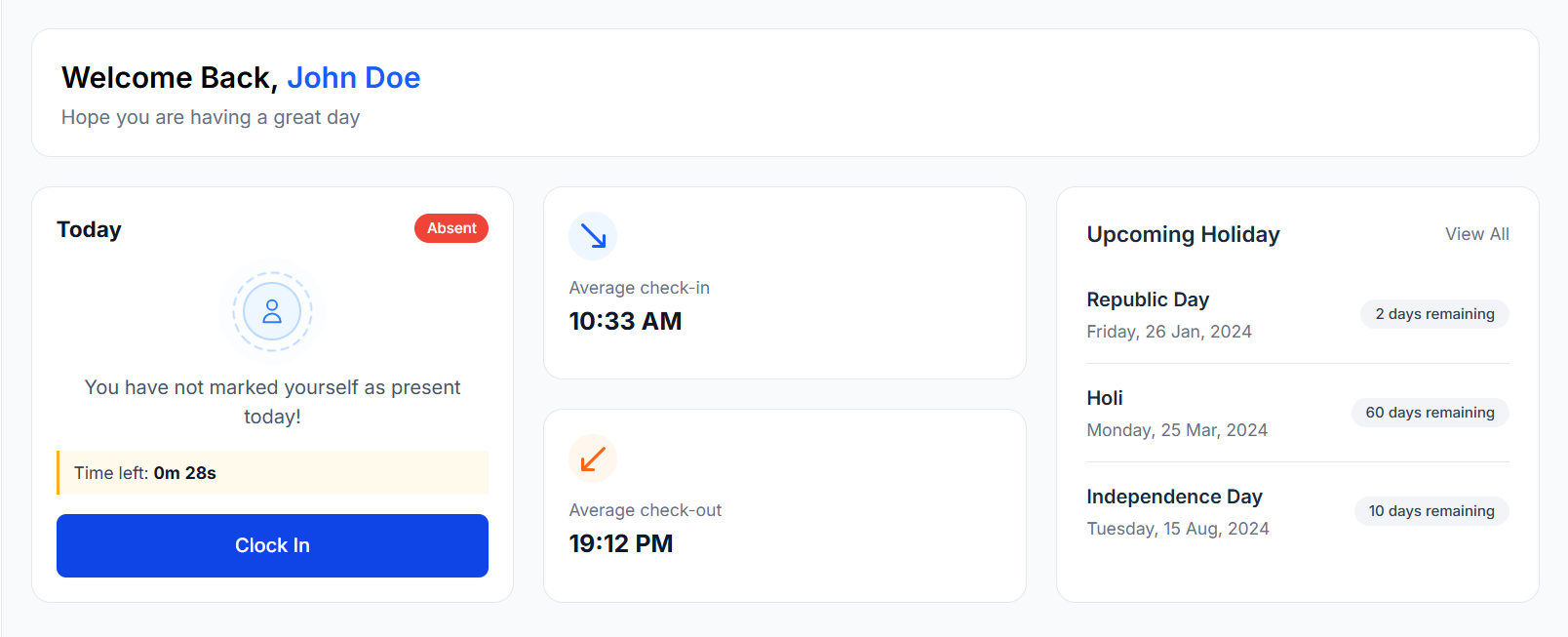
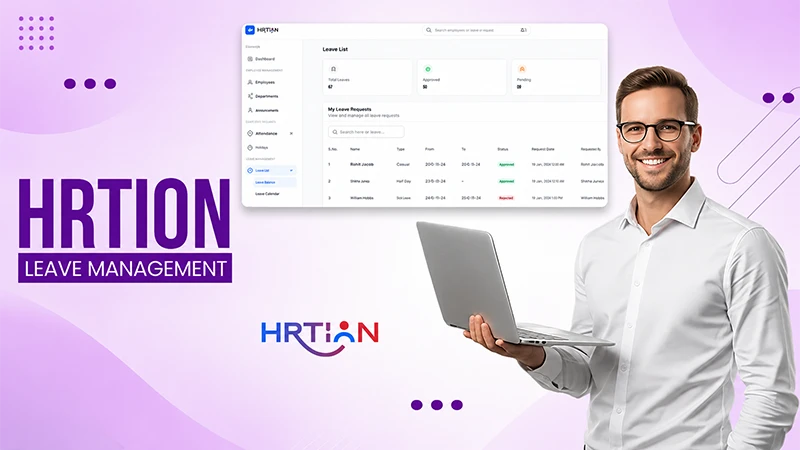
The system makes it easier to manage leave requests and approvals by offering transparency. It provides visibility regarding absence patterns, allowing businesses to figure out issues related to attendance.
- Payroll Integration
With built-in payroll integration, salaries, overtime, and benefits are calculated automatically. This ensures accuracy in payroll processing, optimizing the overall business operations.
- Analytics and Reporting
With advanced analytics and reporting tools, administration can look into employee productivity rate, absenteeism trends, and scheduling strength. This enables smarter and data-driven workforce decisions.
- Mobile Access and Self-Service Portals
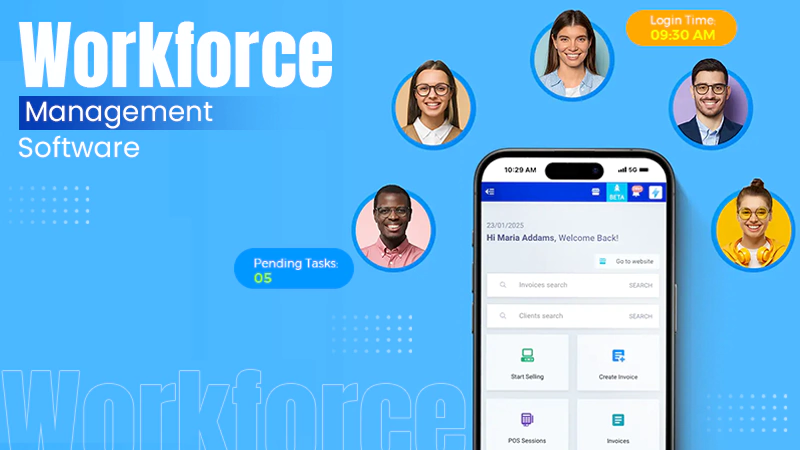
Employees can easily access schedules, request leave, and track attendance from anywhere. This way, managers can access the performance anytime.
- Stat Highlight
Organizations that adopt the automated scheduling feature report a reduction rate of 25% in conflicts and a 20% improvement in workforce productivity, according to Deloitte.
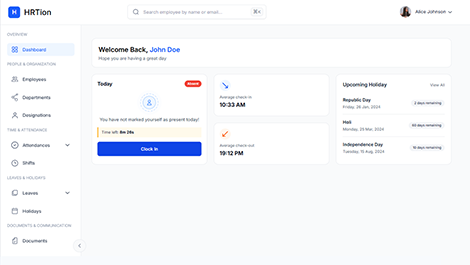
Manage the payroll, attendance, shift roles, and more in an all-encompassing HR suite. Your ultimate HR toolkit is just a click away.
What Are the Uses of Workforce Management Software?
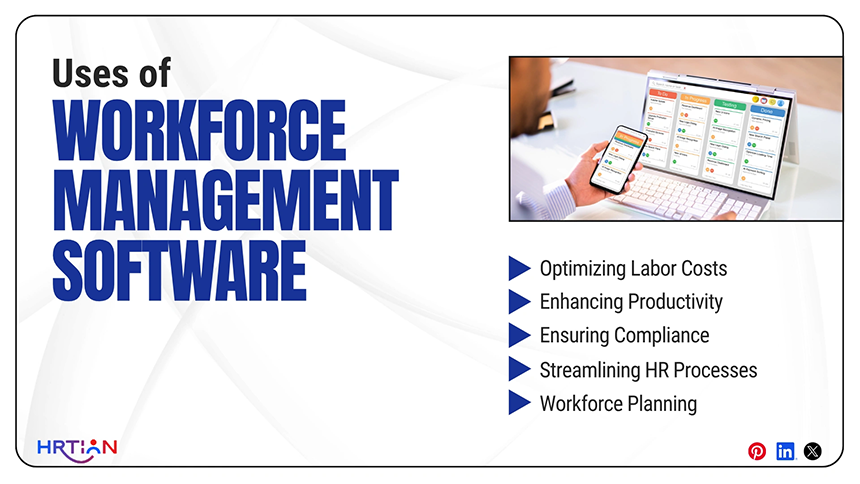
According to recent findings by MarketsandMarkets, businesses that implement workforce optimization tools “witness 15–20% improvements in operational efficiency and a 10–15% reduction in labor costs.”
Businesses implement workforce management software for different uses:
- For optimizing labor costs: Accurate shift scheduling reduces the overtime and overstaffing cost.
- Enhancing productivity: Real-time analytics help fill the performance gaps and improve resource allocation.
- Ensuring compliance: With automatic tracking of working hours and labor data management, the tool helps in adherence to local and state labor laws.
- Streamlining HR processes:By automating repetitive tasks such as attendance tracking, leave approvals, employee scheduling, and payroll integration, HR workflow automation helps organizations reduce manual effort and improve operational efficiency.
- Workforce planning: It identifies staffing and other requirements to handle the shortage efficiently by forecasting hiring needs.
Benefits of Workforce Management Software
Investing in WFM software offers numerous benefits for both employees and businesses. Deloitte’s survey found that “70% of enterprises reported measurable improvements in workforce efficiency after implementing WFM software.”
- Improved productivity
Automation helps in streamlining the redundant tasks like scheduling, attendance tracking, and leave management. This reduces the time spent on manual coordination and loads of paperwork and lets them focus on more productive activities like planning, development, and improvement.
- Cost Savings
By handling most of the tasks digitally, WFM reduces unnecessary overtime, preventing overstaffing, and minimizing payroll errors. This leads to significant cost savings, ensuring resources are used in an efficient manner.
- Enhanced Employee Satisfaction
Features like transparent scheduling, shift swapping, and self-service portals give employees greater control over work schedules. This offers flexibility, a boost in morale, improved engagement, and retention.
- Data-Driven Decision Making
WFM software offers detailed analytics and reports for workforce performance, attendance patterns, and labor utilization. These insights can help identify trends, forecast staffing needs, and make more informed decisions.
- Regulatory Compliance
Workforce software helps businesses stay compliant with labor laws and industry regulations by automatically tracking working hours, breaks, and overtime.
How to Choose Workforce Management Software
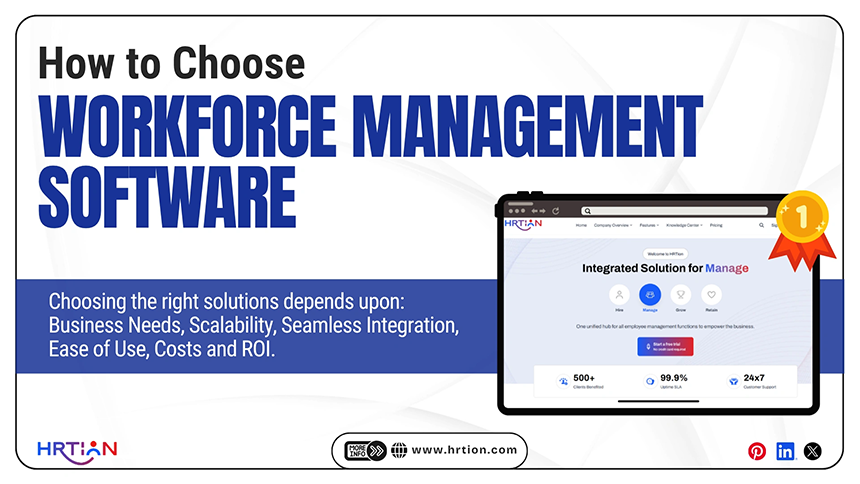
Choosing the right solutions requires careful considerations. Here are a few factors to consider while selecting workforce management software:
- Business Needs: Identify what your company needs. Without a proper understanding of what the organization’s requirements are, it is very difficult to make progress in this factor. Some businesses may only require basic features like scheduling or attendance tracking, while some others may need more comprehensive features like analytics, payroll integration, and compliance tools.
- Scalability: A good WFM software needs to be able to grow alongside a business. If a business expands and opens new locations in different regions, the software should be able to manage increased data and users without compromising performance.
- Seamless Integration: A well-integrated WFM software ensures that data moves automatically between systems, reduces duplication, removes errors, and improves accuracy. The software should be able to integrate easily with HR systems as well as payroll and ERP platforms.
- Costs and ROI: When analyzing WFM software, businesses should take into account not only the initial cost but the overall return on investment as well. Many factors like reduced labor costs, improved productivity, fewer errors in payroll processes, and time saving should also be weighed when comparing prices.
- Ease of Use: A good WFM software is user-friendly and allows users to easily navigate it. This enables effective usage of the software, reduces training time, minimizes errors, and makes day-to-day operations much more smooth.
Best Practices to Follow with Workforce Management Software
Effective utilization of WFM software is critical for making the most out of the software. Some practices for efficient usage are provided below:
- Describing Policies Clearly
Many policies like scheduling, attendance, and leave management within the system should be very well-defined and clarified to reduce inconsistency and confusion and also maintain fairness across the business.
- Right Use of Analytics
Accurately leveraging the software’s analytics and reporting features for purposes of tracking workforce performance and identification of trends allows the organization to optimize factors, like productivity, better decision-making, and staffing.
- Conduct Training
Provide thorough and well-structured training to both employees and managers so as to clarify the functions and navigation through the software and systems. This not only reduces the frequency of errors but also helps to ensure that the software is used to its fullest potential.
- Encourage Self-Service
Allowing employees to use self-service features for viewing schedules, requesting leaves, and updating information reduces administrative workload and also empowers employees to take ownership over their own tasks.
- Track Improvement
Regularly review your processes and evaluate how effectively the software is helping your organization, making adjustments wherever you can improve efficiency and adapt to shifting business needs.
Challenges with Workforce Management Software
Despite WFM software being capable of versatile functions and automation, it still can face challenges. Some of these challenges are:
- High initial costs can act as a barrier. This is because implementation, customization, and integration often require significant upfront costs. This can be difficult to manage for smaller businesses with limited budgets.
- Data accuracy and precision are crucial, and even minor errors in employee data or attendance records can lead to payroll issues and compliance risks. For maintaining reliability, regular monitoring and validation are necessary.
- There may be employee resistance when transitioning from manual or older systems to new software. Without proper training and change management, adoption can be slow and negatively impact efficiency.
- Advanced features are often required, in addition to careful configuration, for managing complex scheduling needs, especially in larger or dynamic organizations where multiple shifts, roles, and labor rules are to be maintained carefully.
HRtion: Best Workforce Management Solution
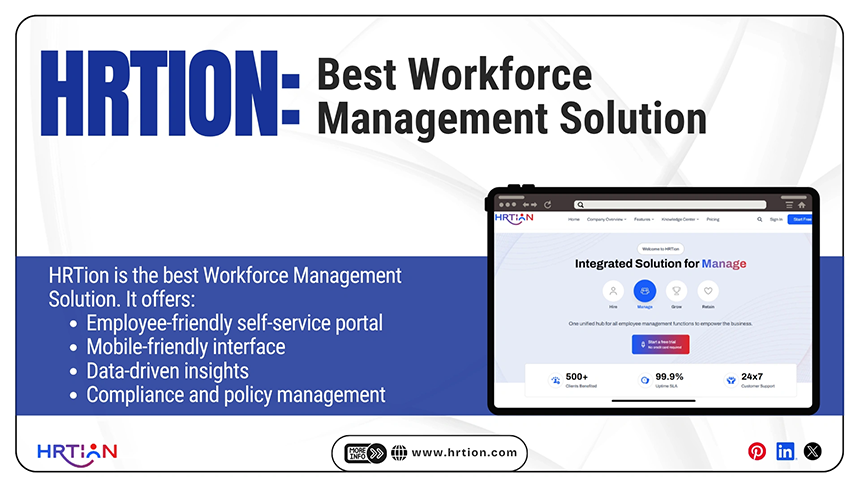
Among thousands of options available in the market, HRtion stands out as one of the most cost-effective yet feature-rich tools that offer employee management along with various other useful functions.
Key benefits of HRTion are:
- An employee-friendly self-service portal for applying for leaves and tracking attendance.
- Mobile-friendly interface for management on the go.
- Data-driven insights to help businesses make informed decisions.
- Compliance and policy management to steer clear of legal troubles.
- Offer a free trial version to get an overview of its usefulness.
Conclusion
In the end, it is essential to cope with the fast-paced business environment, and one successful way to do so is to implement automation to handle the workforce.
If not sure, it is always recommended to start with a small group and track the success. Even while finalizing a workforce management software, start with the trial version before making any major investment.
FAQs
What is workforce management software?
It is a set of tools that helps an organization manage scheduling, attendance, leave, and workforce productivity.
How do workforce optimization tools help?
They help by improving efficiency, reduce labor costs, and also provide insights for decision-making.
Can small businesses benefit from WFM software?
Yes, even small teams can utilize this software and reduce errors, save time, and improve overall productivity.
How do I choose the right workforce management software?
Choosing the right WFM software requires evaluation of organizational needs, scalability, integration capabilities, and ROI potential.
Why is compliance easier with WFM software?
Since the software automates tracking of hours and labor laws and ensures accurate reporting, it reduces the risk of penalties and maintains compliance.

Sunita Kumari is a Freelance Contributor Writer at HRTion, writing accurate, reliable, and informative content. She completed her Bachelor's from Rajdhani College of the University of Delhi. She has been a Human Resources Recruiter for almost 2 years, including over 1 year with Battersea Web Expert. Drawing on her recruitment and HR processes experience, she writes clear and practical payroll-related guides that help employees and job candidates better understand HR procedures and workplace practices.