
“HR teams spend around 57% of their time on repetitive administrative tasks” stats by Deel reveal. This reduces their involvement in strategic planning work such as employee engagement and talent development, resulting in hindered operations and hiring mistakes.
This is why HR workflow automation is becoming increasingly popular among growing companies to handle daunting tasks through tools and software. An automated system can handle anything in between employee management to, resume screening, onboarding, payroll, and attendance tracking.
Adopting HR automation can reduce the administrative workload by 40% to 70%, making it necessary for companies with goals and vision.
What is HR Workflow Automation?
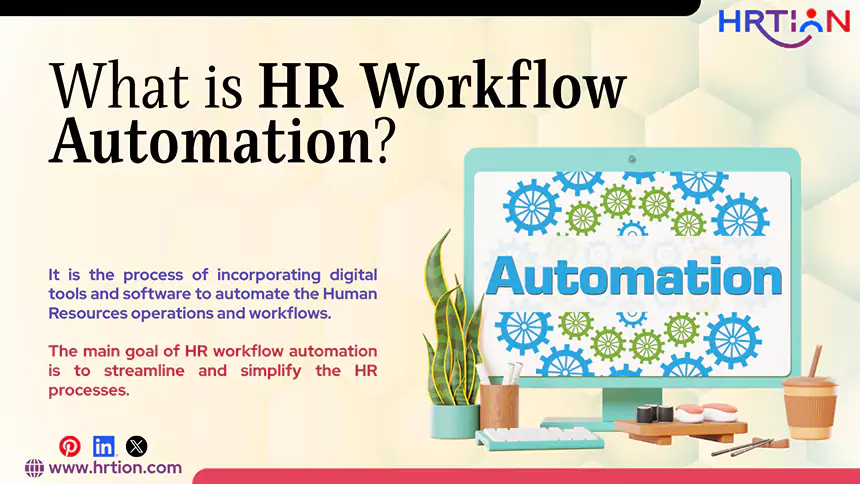
HR workflow automation is the process of incorporating digital tools and software to automate the Human Resources operations and workflows. This transition helps HR teams to complete redundant tasks easily and effectively. An automation system handles them through predefined rules and triggers.
The main goal of HR workflow automation is to streamline and simplify the HR processes, reduce manual labor, save time, improve accuracy, and provide a seamless experience for employees and HR alike.
Manage the payroll, attendance, shift roles, and more in an all-encompassing HR suite. Your ultimate HR toolkit is just a click away.
Common HR Processes That Can be Automated
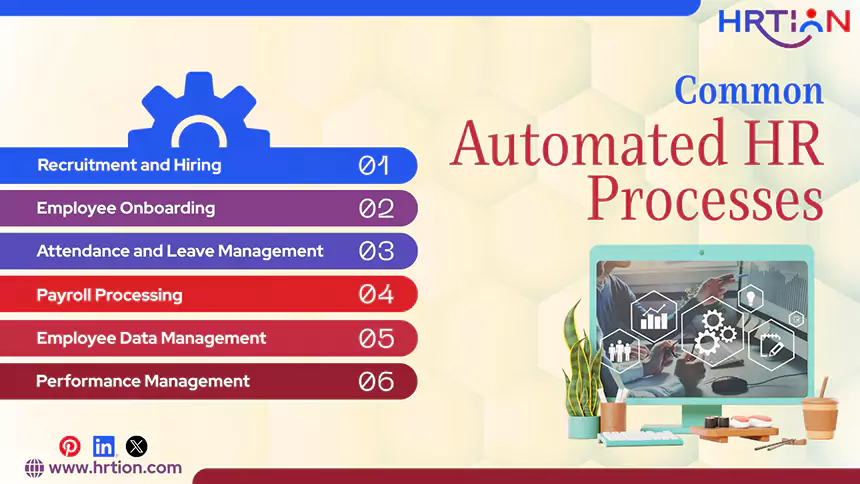
Automation is a wider process that works for numerous HR operations. Here are some of the most tedious tasks that an HR workflow automation tool can handle.
- Recruitment and Hiring
HR automation makes recruitment faster and easier by automating tasks such as job posting, resume screening, and interview scheduling. After the interview is complete, HR tools can update candidates on the hiring status and share outcomes.
- Employee Onboarding
Automation simplifies the onboarding process by sharing welcome emails, generating employee IDs and profiles, sharing training materials, generating company documents, and setting up access on employee portals.
- Attendance and Leave Management
Automated attendance management systems track attendance, manage shifts and schedules, and calculate leaves; the digital tools can handle it all, reducing the burden for HR teams.
- Payroll Processing
Payroll automation calculates salaries, deductions, overtime, bonuses, and taxes. It also generates payslips and processes earnings, ensuring accurate and timely payments.
- Employee Data Management
HR systems can store sensitive employee information such as personal data, professional data, attendance, payroll, and documents. Also, it offers end-to-end encryption to manage and access data securely.
- Performance Management
Automation helps manage employee performance by scheduling appraisals, providing KPIs and HR analytics, sharing feedback, and generating inclusive reports.
Benefits of HR Workflow Automation
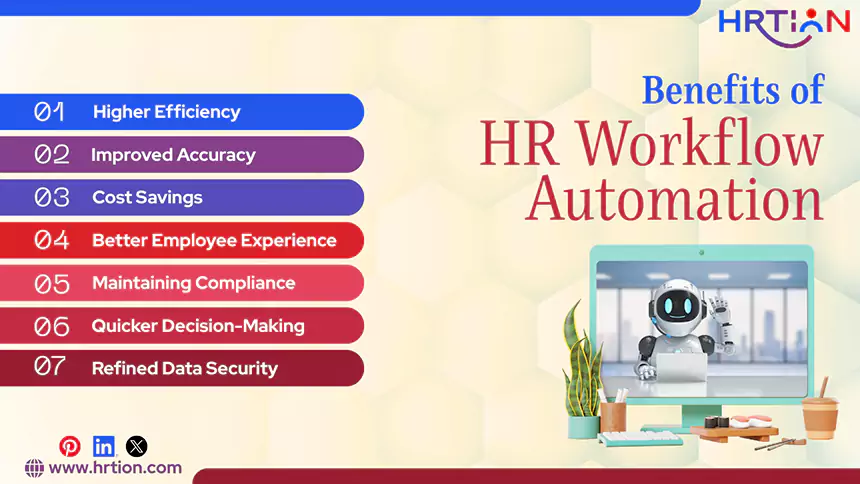
From providing ease and efficiency, HR automation can present a wide range of other benefits that can ultimately endanger employee satisfaction and business growth.
- Higher Efficiency
The biggest benefit that HR workflow automation provides is improved efficiency. The automation of repetitive tasks like managing attendance, processing leave requests, and updating employee records allows HR departments to reduce both the time taken for handling these tasks and the manual workload. HR professionals are able to focus more on activities like employee engagement, training, and talent development.
- Improved Accuracy
Manual handling of HR processes is much more likely to result in errors than automated systems, especially when working with large amounts of employee data. Any mistakes in calculation, attendance records, or employee information can lead to serious consequences and legal and compliance issues for both employees and the organization. Automated systems reduce mistakes by following consistent rules and calculations.
- Cost Savings
HR automation can significantly decrease the operational costs for organizations. As many administrative tasks are automated, the requirement for time, paperwork, and manual effort also reduces heavily. This allows organizations to lower the costs related to printing, document storage, and repetitive administrative work.
- Better Employee Experience
Automation improves the quality of employee experience by making HR services faster, more transparent, and easier to access. Employees are able to use self-service portals to apply for leave, check attendance, update personal information, or track request statuses without having to depend on HR staff. This also makes communication smoother and reduces delays in many processes.
- Maintaining Compliance
It is necessary that an organization follow labor laws, tax regulations, and company policies while managing employee information and HR processes. HR workflow automation helps in maintaining compliance with these regulations by securely storing employee records, tracking policy-related activities, and generating accurate reports whenever required, leading to a reduction in penalties and compliance issues.
- Quicker Decision-Making
HR automation systems can provide real-time data and reports related to employee performance, attendance, hiring, and workforce trends. This allows managers and HR professionals to quickly access this data and make informed decisions without having to collect this data manually, which is more time-consuming.
- Refined Data Security
HR departments handle sensitive data like employee salaries, personal records, and legal documents. It is, therefore, required that this data be properly secured, and risks like data loss, unauthorized access, and document mismanagement are minimized. Automated HR systems provide better data security by using controlled access, encryption, and secure digital storage.
Key Features of HR Automation Tool
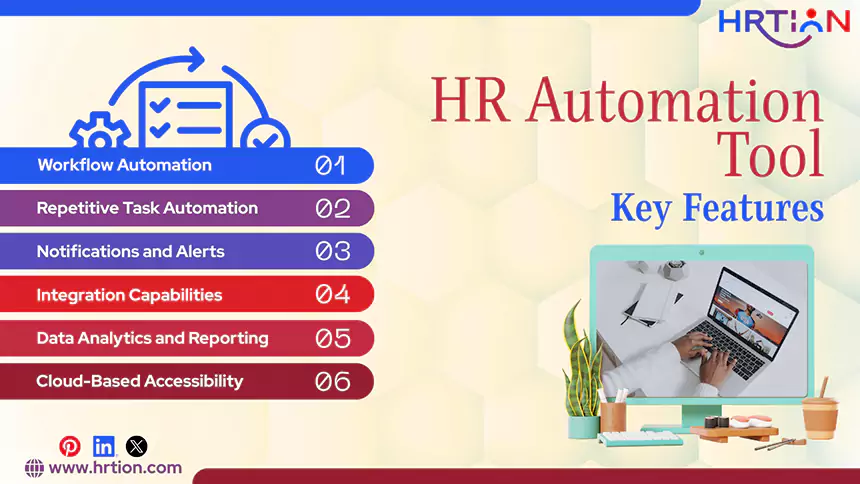
From saving time, improving efficiency, and reducing manual efforts, HR automation tools can simplify businesses and increase productivity. Here are the features that a HR system can offer:
- Workflow Automation
Being a prominent part of HR automation, a digital tool can automate the workflows. From recruitment to employee onboarding, leave approvals, and performance review, everything can be managed automatically, ensuring smooth and consistent HR operations.
- Repetitive Task Automation
Another important feature of HR automation is task automation, especially those that include redundancy. Some of the examples are attendance tracking, payroll processing, interview scheduling, and basic employee management.
- Notifications and Alerts
The tools can help send automatic notifications and reminders regarding leaves, meetings, approvals, deadlines, and important updates. Employees and managers also stay informed regarding their tasks and improve communication to prevent operational delays.
- Integration Capabilities
HR automation tools can easily integrate with payroll software, attendance systems, accounting tools, and other business applications. This enables smooth data sharing between systems and reduces duplicate data entry.
- Data Analytics and Reporting
With HR automation, companies can collect and analyze employee data to generate insightful reports based on criteria like attendance, performance, recruitment, and workforce trends. These reports and analytics can help make better decisions and improve overall planning.
- Cloud-Based Accessibility
Cloud-based HR tools help improve efficiency, reduce paperwork, and simplify management eventually. This feature helps make this tool ideal for remote and hybrid work settings.
How to Select an HR Automation Tool
Choosing the right HR automation tool is necessary to enhance HR efficiency. Since every company has different requirements, businesses must thoroughly evaluate needs before picking the one option.
- Identify Business Needs
First, find what your business requires, whether it’s an improvement in a process, increased efficiency, better customer experience, cost reduction, or complete digital transformation.
- Choose a User-Friendly System
HR software must be handy for users. A clean and easy-to-use interface can’t be overlooked while selecting a system. Both the HR team and employees should be able to use the software without any intensive training. This ensures better adoption and increased productivity.
- Prefer Scalability
The system must be able to grow over time. The expansion of the company must not affect the performance of the tool. A scalable solution can easily handle the growing volume of employees and data without requiring replacement.
- Integration is Important
The selected tool should consist of strong integration capabilities, as it must smoothly integrate with existing systems such as payroll, attendance, accounting, and communication platforms. This ensures smooth data sharing, eliminating duplicate work and providing a better accuracy rate.
- Compliance and Security are Non-Negotiable
The company must not sleep on data security and compliance support. The tool must help the company operate under legal and regulatory requirements. Strong security measures are crucial to protect sensitive employee information and prevent unauthorized access.
- Consider Support and Pricing
Customer support and pricing plans determine whether the software is right for the company. The quality of customer support, the reputation of the vendor, and the readiness of customer support are crucial deciding factors. Reliable technical support, training, and regular updates help attain a smooth experience in terms of implementation and long-term usage.
Challenges with HR Workflow Automation
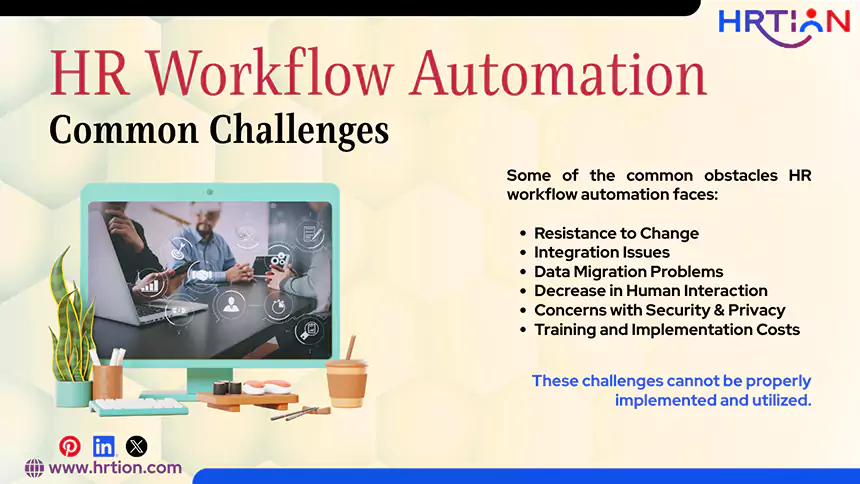
HR workflow automation has many advantages, but organizations often find it challenging to properly implement and utilize it. Some of the common obstacles are detailed below:
- Resistance to Change
This is one of the most common challenges when it comes to HR workflow automation. Employees are generally more comfortable when interacting with traditional manual processes than by interacting with this newer automated technology. Proper training is required to help employees use and adjust to this technology.
- Integration Issues
Organizations typically use many different software systems for payroll, attendance, and employee management. Integrating a new HR automation tool with existing older systems can sometimes be difficult, especially if those older systems are incompatible or outdated. This can cause poor integration, which can lead to data inconsistencies and workflow disruptions.
- Data Migration Problems
Transferring employee records and HR data from old systems to a new platform needs to be precise and carefully planned. Any mistakes or missing data can cause errors and operational problems. Businesses must ensure data accuracy and security during the transfer process.
- Decrease in Human Interaction
Human connection can get significantly reduced if an organization relies too heavily on automation and over-automates every HR activity. Human interaction is necessary in areas like employee support, conflict resolution, and performance discussions. Too much reliance on automation can also negatively affect employee engagement and workplace relationships.
- Concerns with Security & Privacy
HR systems store very delicate and sensitive information about employees, such as salaries, personal details, and performance records. Without the implementation of security measures, there is a risk of data breaches or unauthorized access. Businesses must ensure that HR software provides strong features for the protection of data.
- Training and Implementation Costs
Implementing a new HR automation system requires extensive training, technical support, and an initial investment for its full utilization. Small businesses may find the setup process difficult if resources are limited.
HRTion: Automation at its best
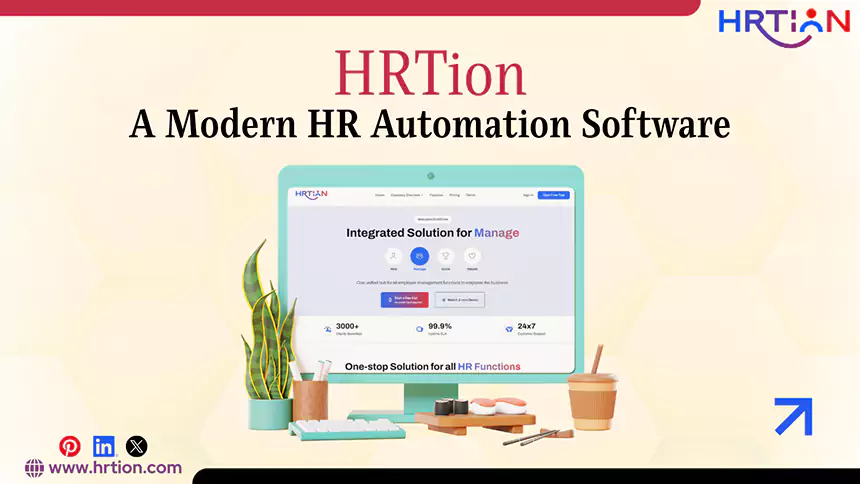
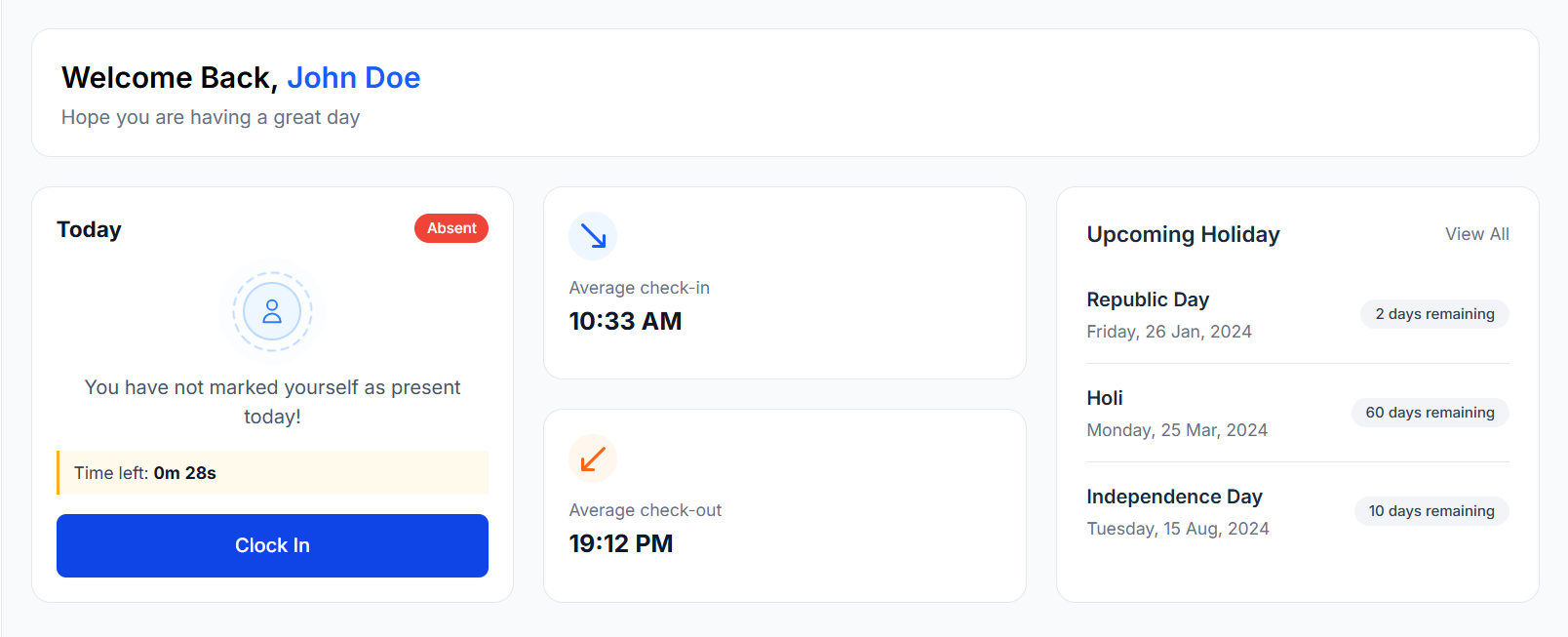
HRTion is a modern HR automation software that is designed to simplify and streamline HR operations for businesses, regardless of their size or resources. It helps organizations reduce manual labor, improve efficiency, and manage employees more effectively through the implementation of smart automation tools and centralized HR management.
Some key features are described below:
- Automated attendance and leave management
- Integration with payroll processes for salary processing
- Employee data and record management
- Reporting and real-time analytics
- Customizable workflows based on organizational needs
- User-friendly interface for HR teams and employees
By using automation, HRTion reduces the time spent on repetitive HR tasks, improves accuracy, and supports smoother HR operations.
Conclusion
HR workflow automation has become a highly efficient way for organizations to improve the employee experience, reduce errors, and save time on repetitive tasks.
As companies expand and continuously turn more digital every day, it is crucial for businesses to adopt digital tools and invest in HR automation tools.
FAQs
What is HR workflow automation?
It refers to the usage of technology to automate repetitive HR tasks like recruitment, payroll, and attendance management.
How does HR automation improve efficiency?
Automation reduces manual work, speeds up many processes, and minimizes mistakes. This improves efficiency and allows HR teams to focus on more strategic activities.
Is HR automation suitable for small businesses?
Yes, small businesses can also benefit from automation, as it saves time, reduces costs, and improves accuracy.
What are the key features of HR automation tools?
Some key features of HR automation tools include workflow automation, integration capabilities, reporting, and compliance management.
What challenges come with HR automation?
Challenges like resistance to change, integration issues, data migration, and security concerns are frequently observed with HR automation.

Bhavesh is a Guest Writer at HRTion with an academic background in HR. He did an HR management course in 2025. Before transitioning to HR content writer, he worked as an Academic Content Writer at Trident Management for over 6 years. His expertise in recruitment processes & strategies helps him write detailed and clear content that is not only informative but also accessible for everyone.