
- Quick Comparison of Top 10 Affordable HR Software
- Top 10 Budget HR Software: Features, Pricing & Best Fit
- How to Choose Budget HR Software by Business Size
- HR Software Pricing Models: What Affects the Cost?
- How to Choose HR Software for Your Business
- Common Mistakes to Avoid When Choosing HR Software
- Conclusion
- FAQs
Not every organization needs to pay heavy monthly bills for streamlined HR processes. Startups, small businesses, and growing teams can benefit from affordable HR software to handle regular tasks such as employee records, attendance, leave, payroll, onboarding, and performance management without stretching the budget.
With the expansion of the HR software market, the technology has become readily accessible to small or growing organizations without needing expensive infrastructure; pay according to the number of employees or features actually required.
If your business needs budget HR software to manage your HR and administrative operations, this comparison guide is tailor-fit for you.
Quick Comparison of Top 10 Affordable HR Software
| HR Software | Best For | Core HR | Attendance | Payroll | Recruitment | Free Plan/Trial |
| HRtion | Small and growing businesses | ✓ | ✓ | ✓ | ✓ | Varies by plan |
| Zoho People | Small businesses | ✓ | ✓ | ✓ | — | Free/trial options |
| BambooHR | Growing companies | ✓ | ✓ | ✓ | ✓ | Trial |
| Freshteam | Recruitment-focused businesses | ✓ | — | — | ✓ | Free/trial options may vary |
| Gusto | Small U.S. businesses | ✓ | ✓ | ✓ | — | Trial/options vary |
| Connecteam | Deskless and field teams | ✓ | ✓ | — | — | Free plan |
| Factorial | SMEs | ✓ | ✓ | ✓ | ✓ | Trial |
| Rippling | Growing businesses | ✓ | ✓ | ✓ | ✓ | Quote-based |
| Sage HR | Small and medium businesses | ✓ | ✓ | — | — | Trial |
| Deel | International contractors | ✓ | ✓ | ✓ | ✓ | Product demo |
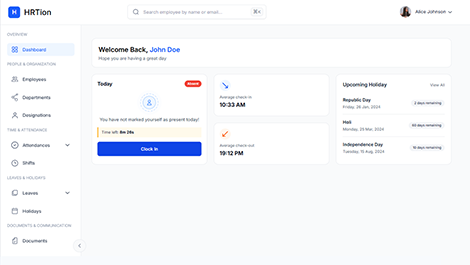
Manage the payroll, attendance, shift roles, and more in an all-encompassing HR suite. Your ultimate HR toolkit is just a click away.
Top 10 Budget HR Software: Features, Pricing & Best Fit
The key to selecting the most affordable HR software is not looking at the amount but comparing what features and ease you are getting for the amount you are paying.
Here are the top 10 budget HR software programs that can provide great value at a fair price.
1. HRtion
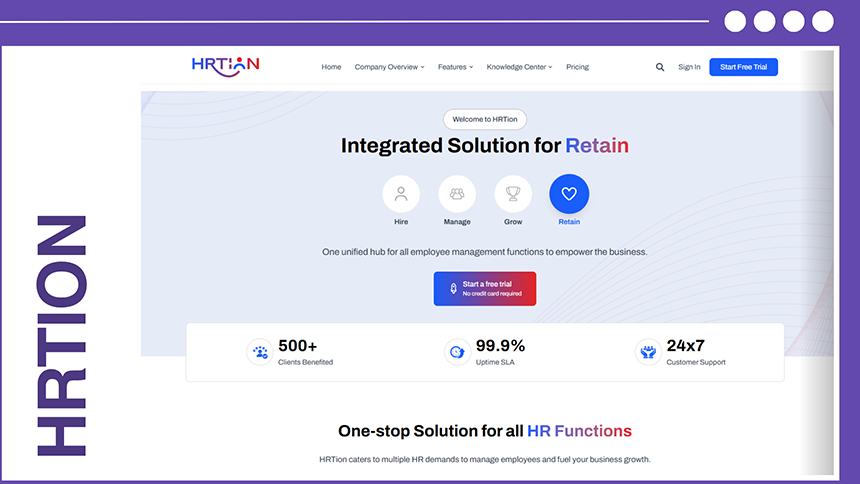
HRtion is an all-in-one HR management platform designed to manage employee information, attendance, leave, payroll, performance, reporting, and other HR processes. The payment and subscription plans are specially structured for small and large companies.
Key features:
- Employee management
- Employee profiles and directory
- Attendance and time tracking
- Leave management
- Shift and schedule management
- Payroll management
- Performance management
- HR analytics and reporting
- Employee onboarding
- Role-based permissions
- Mobile access
- Workflow automation
Pricing: Basic plan starts at $499 and standard & premium are $999 and $1499.
Best for: Small and growing businesses looking for an all-in-one HR platform.
| Pros | Cons |
| A wide range of HR functions | Extremely varied pricing structure |
| Suitable for all business sizes | Businesses need to confirm the exact cost based on the number of employees |
| Includes attendance, payroll, and performance tools | |
| Mobile access | |
| Free trial available |
2. Zoho People
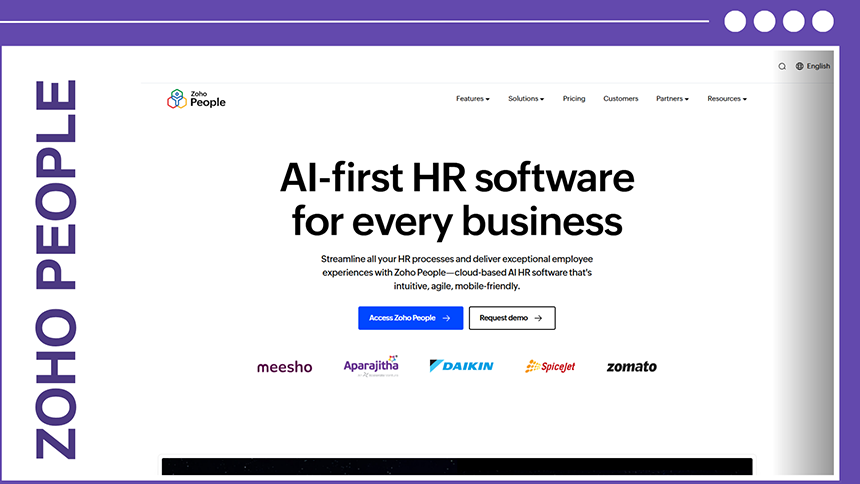
Zoho People is a cloud-based HR management platform that helps businesses centralize employee information and automate everyday HR processes. It can also integrate with other products in the Zoho ecosystem.
Key Features:
- Employee database
- Leave management
- Attendance tracking
- Time tracking
- Shift scheduling
- Performance management
- Employee self-service
- Document management
- Workflow automation
- HR reports
- Integrations
Pricing: Plans range from free for up to five users to €4.16 per employee/month when billed annually. Monthly pricing ranges from €1 to €5 per employee/month.
Best For: Startups and small businesses already using the Zoho ecosystem.
| Pros | Cons |
| Wide range of HR functions | Advanced features require higher plans |
| Suitable for different business sizes | Payroll requires separate Zoho payroll product |
| Free option for small teams | The number of available modules can make plan selection confusing |
| Strong integration with Zoho products | |
| Scalable plan structure |
3. BambooHR
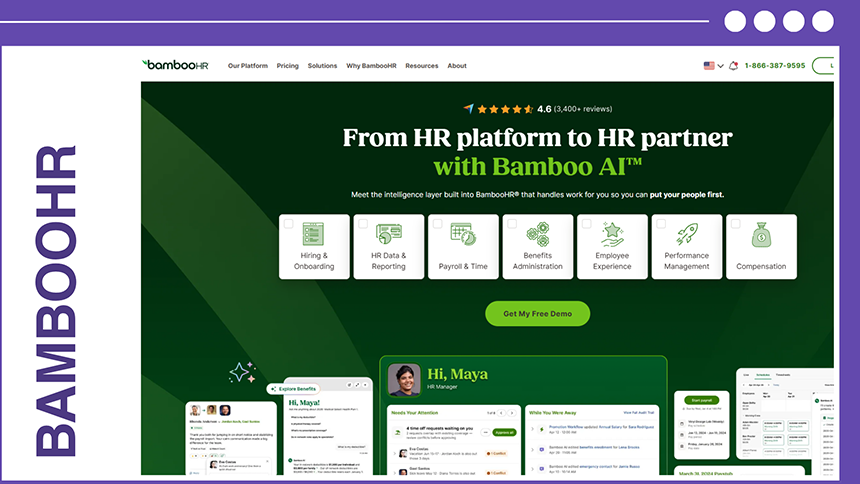
BambooHR is a popular HRIS-focused platform, offering features like employee data, hiring, onboarding, time off, performance, reporting, and employee experience. Its current plans have Core, Pro, and Elite tiers.
Key Features:
- Employee records
- HR reporting
- Hiring and onboarding
- Applicant tracking
- Time-off management
- Benefits tracking
- Performance management
- 360-degree feedback
- Employee recognition
- Compensation management
- HR analytics
- Integrations
Pricing: Pricing starts at $10 per employee/month for Core, $17 for Pro, and $25 for Elite for companies with 25 employees. Companies with 25 or fewer employees are charged at a flat rate of $250/month.
Best for: Growing businesses that require a comprehensive HRIS.
| Pros | Cons |
| Easy-to-use interface | Payroll is an add-on feature |
| Strong employee management features | Some advanced features require higher plans |
| Good reporting capabilities | Pricing can be extra when employees increase |
| Performance management available | Payroll is currently limited to U.S. employees only |
4. FreshTeam
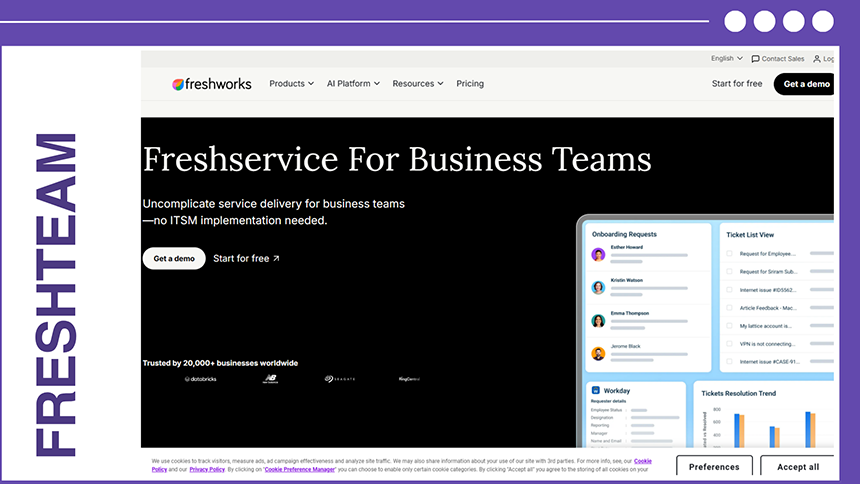
FreshTeam is mainly a recruitment and applicant tracking system that is designed by Freshworks. It is particularly useful for businesses that need to organize hiring, candidate management, interviews, and onboarding.
Key Features:
- Applicant tracking
- Job posting
- Candidate database
- Resume management
- Interview scheduling
- Candidate communication
- Recruitment workflows
- Employee onboarding
- Hiring reports
Pricing: Availability and pricing can vary by plan and region. So, businesses can contact the Freshworks team.
Best for: Startups and small businesses that need affordable recruitment and onboarding software.
| Pros | Cons |
| Recruitment focused | More recruitment-focused than full HR management |
| Simple candidate management | Requires other software for payroll and advanced HR functions |
| Useful for growing hiring teams | Feature availability depends on selected plans |
| Can streamline recruitment workflows | |
| Part of a broader Freshworks ecosystem |
5. Gusto
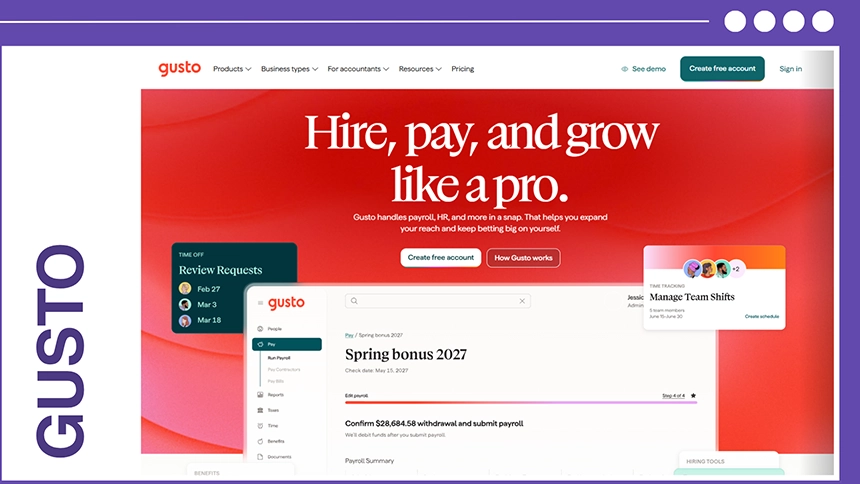
Gusto combines different HR functions like payroll, benefits, HR, and time-tracking tools and is mainly designed for U.S.-based small businesses.
Key Features:
- Payroll
- Tax filing
- Benefits administration
- Employee onboarding
- PTO management
- Time tracking
- Employee self-service
- Hiring tools
- HR reports
- Compliance-related tools
Pricing: Gusto lists a simple plan at $49/month + $6 per person, while Plus costs $80/month + $12 per person. Its contractor-only plan starts at $0/month plus $6 per person.
Best for: U.S.-based small businesses that want payroll and HR in one platform.
| Pros | Cons |
| Combines payroll and HR | Primarily designed for the U.S. market |
| Transparent pricing | Payroll and benefits are less relevant to businesses not based in the USA. |
| Easy payroll administration | Advanced features require higher plans |
| Benefits administration | |
| Suitable for small businesses |
6. Connecteam
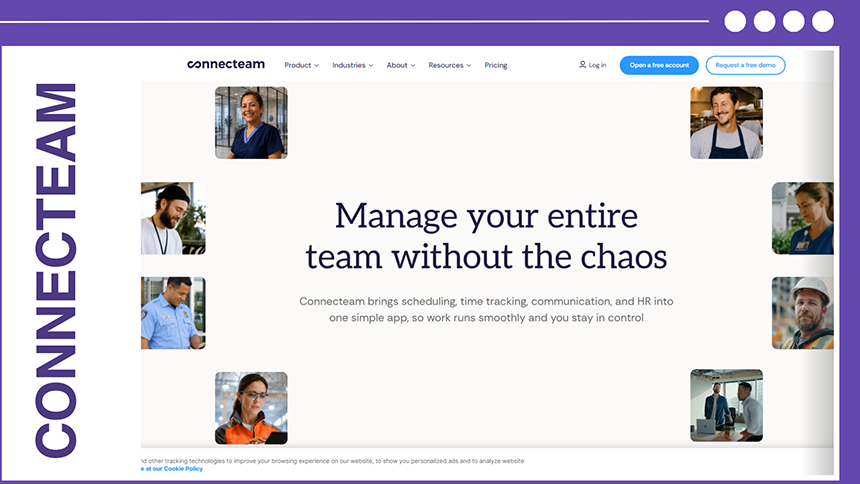
Connecteam is designed around workforce management for deskless, mobile, and field-based employees. It combines HR, communication, scheduling, and operations tools. The pricing structure can be attractive for small teams because the first 30 users are included in its plans.
Key Features:
- Employee scheduling
- Time tracking
- Attendance
- Employee communication
- Task management
- Training
- Digital forms
- Employee engagement
- Workforce management
- Mobile app
Pricing: Connecteam’s current annual pricing lists Basic at $348/year ($29/month equivalent), Advanced at $588/year ($49/month equivalent), and Expert at $1,188/year ($99/month equivalent). The plans include the first 30 users.
Best for: Field teams, restaurants, retail, construction, and other deskless workforces.
| Pros | Cons |
| Designed for mobile workforces | Not a traditional payroll-focused HRIS |
| The first 30 users are included | Provides extra features than required by office-based HR teams |
| Strong scheduling and time tracking | Advanced functionality requires higher plans |
| Mobile-first experience | |
| Useful communication tools |
7. Factorial HR
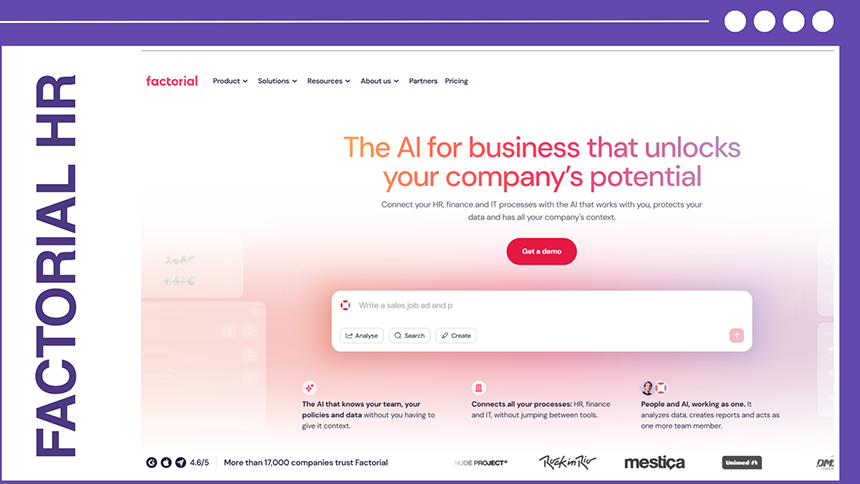
Factorial HR is an all-in-one HR platform ideal for small and medium-sized businesses. It brings employee management, attendance, time tracking, recruitment, performance, and other HR processes together in one system.
Key Features:
- Employee management
- Time and attendance
- Leave management
- Recruitment
- Onboarding
- Performance management
- Payroll-related functionality
- Document management
- HR reporting
- Employee self-service
Pricing: It uses plan- and employee-based pricing, and the cost may change according to modules and the number of employees.
Best for: SMEs looking for a centralized HR management system
| Pros | Cons |
| Broad HR functionality | Exact pricing may require a quote |
| Strong foundation | Some features are only available in higher plans |
| Useful for growing businesses | Businesses should check regional payroll support |
| Employee self-service | |
| Multiple HR modules with one platform |
8. Rippling
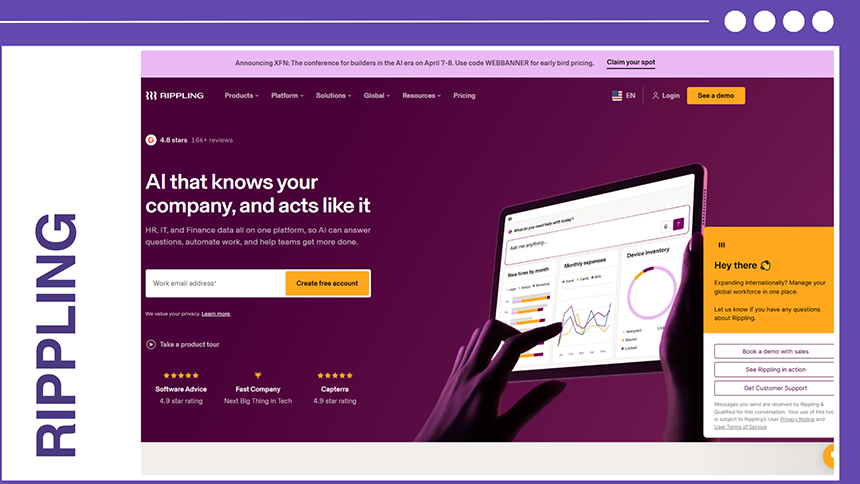
Rippling combines HR, payroll, benefits, IT, workforce management, and automation. This makes it different from basic HR software because it can manage several employees’ business systems from one platform.
Key Features:
- Employee management
- Payroll
- Benefits
- Recruiting
- Onboarding
- Time tracking
- Workforce management
- IT management
- Workflow automation
- App and device management
Pricing: Customized plans according to products and modules. It starts at $8 per employee/month.
Best for: Growing businesses that require HR, payroll, IT, and administrative management.
| Pros | Cons |
| Combines HR and IT | Pricing can be complex |
| Powerful automation | Additional modules increase the total cost |
| Highly scalable | May require more features for a small business |
| Broad range of integrations | |
| Strong employee lifecycle management |
9. SageHR
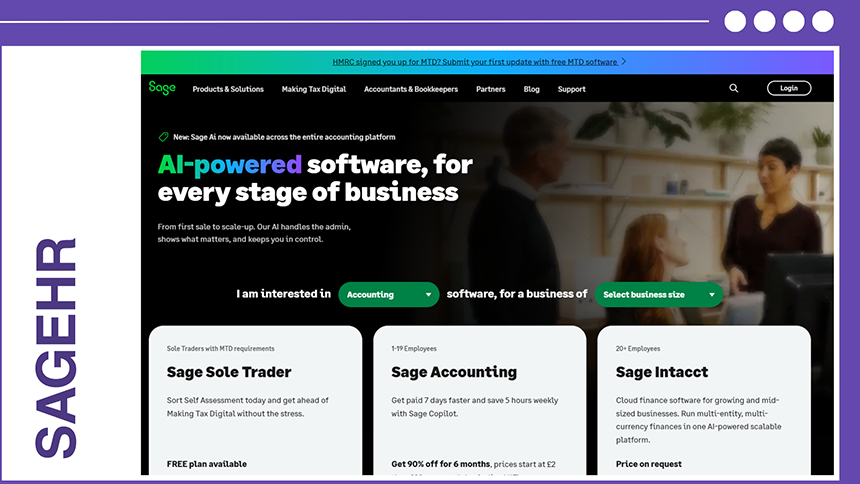
SageHR is a. Businesses can only pay for features they have chosen instead of purchasing the entire package. Sage says the platform is designed for businesses with up to 250 employees.
Key Features:
- Core HR
- Leave management
- Performance management
- 360-degree feedback
- Shift scheduling
- Timesheets
- Expense management
- Recruitment
- Mobile access
- Employee management
Pricing: Core HR and leave management start at $6.50 per employee/month. Optional modules include Performance at $3.25, Shift Scheduling at $3.25, Timesheets at $3.25, and Expenses at $1.75 per employee/month. Recruitment costs $210/month.
Best for: Growing SMEs that want to build an HR system for their specific needs.
| Pros | Cons |
| Modular pricing | Adding multiple modules can increase cost |
| 30-day free trial | Recruitment uses separate pricing |
| Mobile ready | Payroll isn’t a primary feature |
| Businesses pay for selected features | |
| Useful performance and management tools |
10. Deel
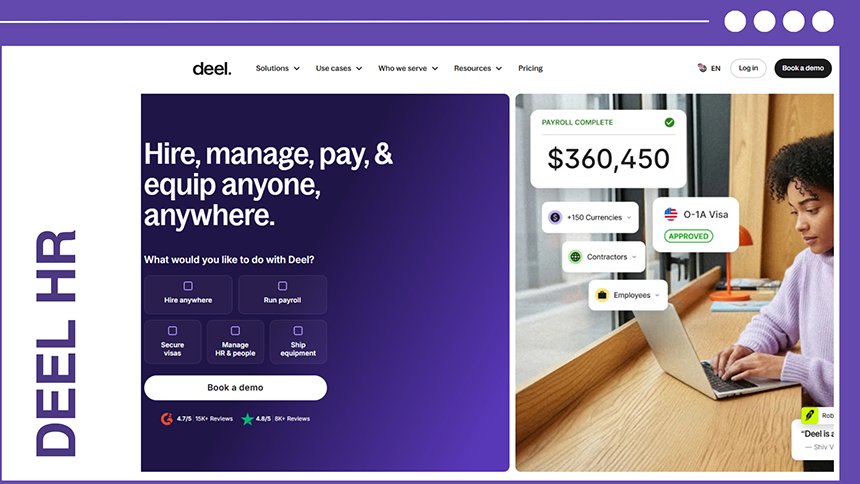
Deel is an HR and payroll platform with a main focus on hiring and recruitment tasks. It combines hiring, workforce management, and payroll. It specializes in cross-border employment to eliminate the need for businesses to set up different legal bodies abroad.
Key Features:
- Employer of Records
- Flexible payments
- Contractor management
- IT device lifecycle management
- Unified global payroll
- Tax compliance
- Multi-currency support
Pricing: Starts at $14 per worker per month. The highest EOR cost is $599 per employee each month.
Best For: Fast-growing companies that need to scale their international teams.
| Pros | Cons |
| Extensive country coverage | High EOR cost |
| Transparent core pricing | Some indirect costs |
| Automated compliance | Thin analytics |
| Smooth onboarding dashboard |
How to Choose Budget HR Software by Business Size
The right budget-friendly HR software depends on the size, employee count, and structure of your company. Different business sizes need different levels of functionality.
For Small Businesses and Startups
- Focus on affordable and easy-to-use HR solutions
- Look for employee database management, attendance tracking, leave management, and basic payroll features.
- Employee self-service can help reduce routine HR tasks.
- Simple cloud-based software is often sufficient for businesses with smaller teams.
Medium-sized Businesses
- Choose software that supports a growing workforce and more structured HR processes.
- Look for recruitment, onboarding, performance management, payroll, benefits, and reporting features.
- Integrations with accounting, payroll, and other business tools can improve efficiency.
- Scalable plans are useful as the number of employees increases.
Large Businesses
- Larger organizations typically require advanced HR management and automation capabilities.
- Look for workforce analytics, automated workflows, compliance management, talent management, and advanced reporting.
- Multi-location and multi-department support may be important for distributed teams
- Customized permissions and integrations can help manage complex HR operations.
HR Software Pricing Models: What Affects the Cost?
HR software can be priced in several ways. Understanding the pricing model can help businesses estimate their ongoing costs and avoid unexpected expenses.
Quick comparison:
| Pricing Model | Advantage |
| Per Employee | Pay according to workforce size |
| Flat Rate | Predictable subscription cost |
| Tiered | Flexible feature options |
| Custom | Tailored to business needs |
Here is a detailed overview of what all pricing models look like:
Per-Employee Pricing
- Businesses pay based on the number of employees using the platform.
- Costs generally increase as the workforce grows
- Suitable for businesses that want pricing based on their current team size.
- Check whether the provider charges per employee per month or per employee per year.
Flat-Rate Pricing
- Businesses pay a fixed subscription fee for the software.
- Makes monthly or annual budgeting easier.
- Can be useful for businesses with a stable number of employees.
- Check whether the flat fee has employee limits or feature restrictions.
Tiered Pricing
- Different packages such as Basic, Professional, and Premium.
- Lower tiers often include basic and essential HR features.
- Higher tiers may add payroll, analytics, recruitment, automation, or advanced reporting.
- Compare the features in each plan before choosing the cheapest tier.
Custom Pricing
- Pricing is tailored according to the company’s specific requirements.
- Depends on employee count, locations, integrations, and support needs
- Commonly used by larger companies with complex HR needs.
- Check for implementation, onboarding, and support costs before signing up.
How to Choose HR Software for Your Business
It might seem easy to quickly find software that has the cheapest subscription prices and use it to keep costs down, but the better approach centers around choosing the right platform for the price.
The development of the organization will require both training newer employees for proper use of the software programs and offering the features that the business actually needs.
Some steps you can take to choose the right HR software among affordable options are detailed below:
1. Understand HR Requirements
Software is only as good as the services it provides, and that should align perfectly with your criteria when choosing the right option. It’s best to first understand and identify what kind of features you want the software to have, with common tasks for automation being employee records, attendance, payroll, recruitment, and HR reporting.
2. Compare the Total Cost
The advertised starting price of any software is often not the complete cost of all its features, and HR software is no exception. The cost can rise as more features are added, as well as many implementation costs, data migrations, integrations, premium support, and the costs of automating different tasks like payroll, recruitment, or advanced reporting, easily increasing the price.
It’s a good idea to first calculate the expected annual cost for your current workforce before jumping to any decisions.
3. Check Pricing Structures
Many different low-cost HR software programs use various pricing structures, common examples being per-employee, per-user, flat-rate, modular, or customized HR software pricing.
Checking the details and figuring out exactly what is included in the plan and how the cost will change if employee numbers or features increase is an important and valuable step in the decision for selection of the software.
4. Focus on Essential Features
A long list of features does not necessarily mean a particular software program is perfect for your organization. Measuring the functions and features your HR team can sufficiently utilize to make the feature profitable in the long run is a powerful way of differentiating between your choices.
Some of these features may include attendance, leave management, employee self-service, and onboarding.
5. Prioritize Automation
Automation can significantly reduce many workloads that repetitive administrative work tends to bring. Some features that take up a majority of the time are leave approvals, attendance calculations, onboarding workflows, notifications, and HR reports.
It should definitely be a criterion for prioritizing the automation of these tasks, as well as any other tasks that require intense calculations and constant rechecking.
6. Integrations and Scalability
An extremely important feature to keep in mind when choosing HR software is integration. The software you choose must be able to connect with payroll, accounting, recruitment, attendance, or other business applications.
Another thing to remember when comparing these software programs is how well they scale as your organization develops and grows. Employee limits, additional-user pricing, and multi-location support are all simple yet effective features to compare.
7. Consider Security Measures
The information that HR systems carry is valuable and sensitive, so it only makes sense that the protection of this information is taken as a priority during the buying decision.
The provider should be reputable and have reviews of their data protection practices, access controls, authentication, backups, and privacy policies.
8. Test Before Purchasing
A free trial or product demonstration tends to be very useful in providing information to the organization about how the HR software would work and HR software ROI for the business.
This is better tested by both HR staff and employees using it for common activities like requesting leave, checking attendance, accessing documents, and generating reports.
Common Mistakes to Avoid When Choosing HR Software
Many mistakes while choosing budget HR software fall into three categories, which comprise the total cost, features, and usability. Some of the easy ways to avoid these mistakes are provided below:
1. Properly Check Pricing
Instead of looking for the cheapest option you can find, try to locate the software that includes important features without requiring several paid add-ons. Compare carefully what each platform brings to the table for the price you are willing to pay.
2. Don’t Ignore Hidden Costs
Some HR platforms offer a very low starting price but then charge separately for implementation, additional employees, premium modules, integration, or advanced support. The best way to figure out all the hidden fees and costs is to ask the provider for a detailed pricing breakdown and then calculate the expected yearly costs.
3. Avoid Paying For What You Don’t Need
It’s a common misconception that the more features a particular software platform has, the better it is. Every organization can require different features.
For example, a small company may not need advanced workforce analytics, enterprise-level administration, or complex global payroll. So, choosing a platform based on what your business specifically needs is a good way to both reduce the cost and extract more value from the software.
4. Check Scalability
As an organization grows and develops, more employees are needed, and many new features are required by the organization from an HR software platform.
Ignoring scalability can lead to expensive or restrictive problems with the software, so it’s better to check what happens to both the price and availability of certain features when the employee count increases.
5. Always Take the Free Trial
A free trial or demo clears up many problems and shows the advantages a software platform can provide to the business. This allows for experimentation and helps businesses to recognize and understand the software before fully committing to it.
Employees should test the platform with basic HR tasks, like applying for leave, checking attendance, or accessing HR documents.
6. Pay Attention to Integration
A bad way businesses end up losing time is by overlooking integration in their HR systems, especially if payroll, accounting, recruitment, or attendance tools all use different systems.
Without proper integration, you may need to enter the exact same data and information into multiple systems, which leads to a massive time loss.
7. Prioritise Security and Employee Experience
HR software stores sensitive employee information and company data. So, the security of the software should not be sacrificed at all for a lower price, but the software should also be simple enough that employees can efficiently and easily operate it.
8. Compare Multiple Providers
Don’t immediately choose the first affordable HR software you find. A common tip is to find at least three or four platforms based on their pricing, scalability, integrations, security, support, and overall usability, and then compare them amongst one another.
Conclusion
Affordable HR software can help small and growing businesses eliminate the manual work through spreadsheets and disconnected processes without spending heavily on technology.
To find the most suitable option, it is advised to consider factors like employee count, required features, pricing structure, payroll requirements, integrations, automation, security, and future growth.
Simply shortlist three to five platforms and calculate the cost against features instead of picking the cheapest one. This is a practical tip to get the most value for money.
FAQs
What is affordable HR software?
Affordable HR software refers to an HR management platform that is designed to provide and automate functions like payroll, recruitment, employee management, and onboarding for an organization at a reasonable price, especially for small to medium-sized businesses.
How much does affordable HR software cost?
The overall cost of HR software can vary significantly depending on the vendor, number of employees, features, and pricing structure and model. Some platforms may also offer free trials or plans, while paid platforms can charge per employee, per user, per module, or through fixed subscriptions.
What is the cheapest HR software for small businesses?
There isn’t any definite option that is accepted as the cheapest platform, as the pricing often depends on employee count and required features, but free plans, entry-level subscriptions, and modular platforms all provide lower-cost options for small businesses.
Is free HR software worth using?
Free plans usually are worth it for startups and very small teams with basic and uncomplicated HR requirements. However, for larger organizations or complex HR functions, free plans may only provide limited use and may not keep up with the employee count, storage, automation, reports, integrations, or support for the larger businesses.
What features should affordable HR software include?
Some common essential features that HR software should include are attendance management, automation of payroll and document management, recruitment features, onboarding, employee self-service, reporting, employee databases, leave management, mobile access, integrations, and performance management.

Bhavesh is a Guest Writer at HRTion with an academic background in HR. He did an HR management course in 2025. Before transitioning to HR content writer, he worked as an Academic Content Writer at Trident Management for over 6 years. His expertise in recruitment processes & strategies helps him write detailed and clear content that is not only informative but also accessible for everyone.