
- What is HR Software?
- Why Businesses Invest in HR Software
- Understanding HR Software Pricing Models
- Key Factors That Affect HR Software Costs
- Average Cost of HR Software According to Business Size
- Hidden Costs of HR Software
- What is ROI in HR software?
- How to Calculate ROI of HR Software
- Tips to Maximize ROI from HR Software
- Common Mistakes to Avoid When Budgeting for HR Software
- Top 10 HR Software Tools and Their Pricing
- Conclusion
- Frequently Asked Questions (FAQs)
HR software is much more than just an administrative tool; it is a true companion to drive business success. The global HR software market was estimated to be over $17.5 billion in 2024 and is projected to reach $34.1 billion by the year 2030, growing at a CAGR of 11.8%.
These numbers predict the ever-growing trend of HR technology, but the biggest concern for businesses is how much does HR software cost and if it actually drives return on investment (ROI).
This comprehensive guide is designed to answer all queries related to pricing models, cost factors, and ROI calculation methods.
What is HR Software?
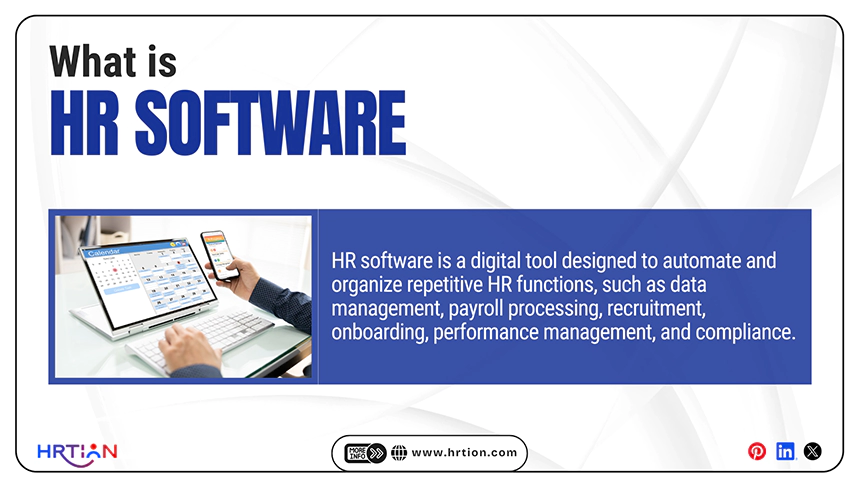
HR software is a digital tool designed to automate and organize repetitive HR functions, such as data management, payroll processing, recruitment, onboarding, performance management, and compliance.
The tool automates traditional HR processes, which are time-consuming and prone to errors. It also serves as a centralized platform to access all employee information.
- Improved efficiency
- Reduced manual efforts
- Better compliance management
- Enhanced employee experience
- Self-service portal
- Cost-savings
Why Businesses Invest in HR Software
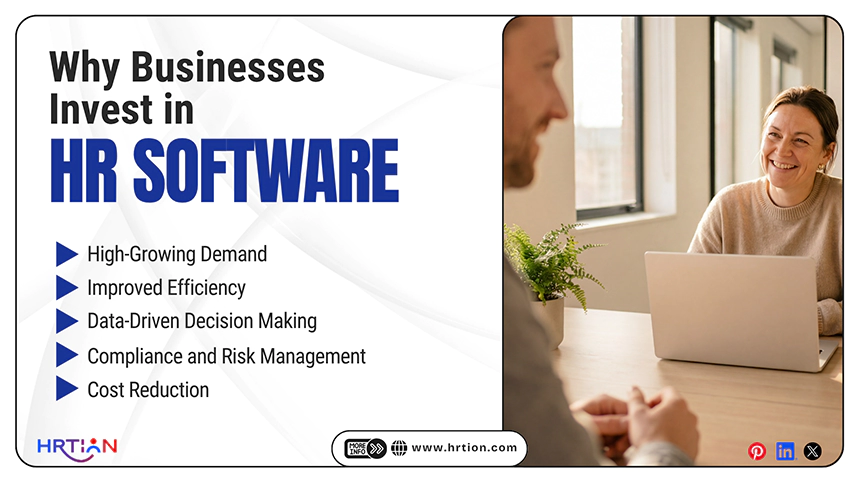
Businesses invest in HR tools not only for automation and convenience but also for measurable return on investment and cost-efficiency. The reasons why businesses are continuously investing in HR software are the following:
- High-Growing Demand
85% of organizations are using HR technology, and the HR tech market is valued at $42.5B+ and is still growing steadily. This makes HR tools a standard business strategy.
- Improved Efficiency Through Automation
With a 30% increase in output without labor cost and the 99.99% accuracy rate in data extraction, the HR tool increases overall productivity and operational efficiency.
- Data-Driven Decision Making
Businesses use analytics and insights to make predictions for employee turnover, optimize hiring, and improve workflow across the company.
- Compliance and Risk Management
With constantly evolving labor laws, HR software enables businesses to stay compliant and stay away from legal risks.
- Cost Reduction
Automation reduces the cost by minimizing errors and cutting the cost of additional HR staff.
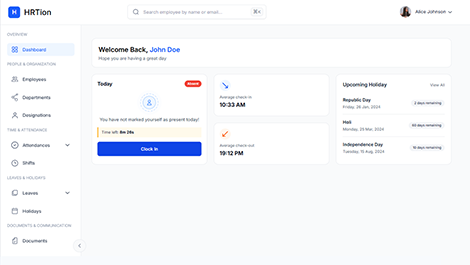
Manage the payroll, attendance, shift roles, and more in an all-encompassing HR suite. Your ultimate HR toolkit is just a click away.
Understanding HR Software Pricing Models
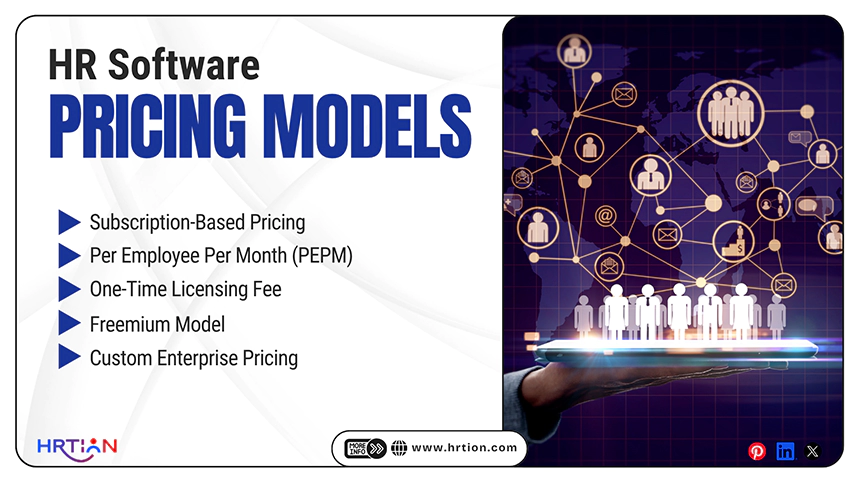
HR software pricing can be distributed into different categories depending on the company size, deployment types, features, and integration.
These are the basic pricing models that are commonly used, with their pros and cons.
Subscription-Based Pricing
It is one of the most common pricing models in cloud-based HR systems.
Businesses need to pay the monthly or annual fee to access the platform that is hosted on the vendor’s server. The pricing models depend on features; the more advanced the features, the higher will be the subscription.
It is best suited for startups, SMEs, or growing companies that need flexibility without excessive initial investment.
| Pros | Cons |
| Lower upfront cost compared to other HR software types. | Costs can accumulate over time and become expensive in the long run. |
| Automatically updates and adds new features. | Can include hidden costs. |
| Easy to scale up when the workforce changes. | Add-ons like payroll or technical support can increase the amount. |
Per Employee Per Month (PEPM)
It is also a commonly used HR software pricing model in which businesses need to pay based on the number of employees.
A fixed fee is charged per employee per month, and the amount can vary depending on the features included.
It is best suited for growing and mid-sized companies that want pricing based on their workforce size and needs.
| Pros | Cons |
| Directly relates cost to the company size. | Cost may rise when the company grows rapidly. |
| Easy to forecast and plan HR software expenses. | Some vendors may charge separately for inactive and active employees. |
| Scales when the company grows. | Misalignment between usage and cost. |
One-Time Licensing Fee
This traditional pricing model is mostly associated with on-premises HR software. It is an upfront purchase model, best suited to businesses needing complete control over data.
It is best suited for large companies with strict data control requirements or utmost data security. A large upfront payment offers complete and secure data access.
However, in this model, additional costs for maintenance, upgrades, and infrastructure can be included.
| Pros | Cons |
| No regular or recurring subscription fee. | High initial investment. |
| Full control over data. | An internal IT support team is required. |
| Complete system customization is available. | Limited flexibility compared to vendor-based models. |
Freemium Model
Some HR software providers offer a free or trial version with limited features, enabling organizations to access and try the platform before actually purchasing the subscription.
It is best suited for startups and small business teams that want to explore HR automation. It comes up with basic HR management functions such as employee records, leave and attendance tracking, and limited user access.
| Pros | Cons |
| Zero upfront cost. | Limited scalability. |
| Great for testing the functioning. | Crucial features are unlocked behind walls. |
| Simple to use, best for smaller companies. | Can have added security risks. |
Custom Enterprise Pricing
This model is best suited for large enterprises with complex HR needs and requiring complete customizations.
It includes tailored pricing models based on the number of employees, chosen modules, and integration with existing HR systems.
A custom pricing model serves best for companies in need of deep customization, integration, and strategic HR approaches.
| Pros | Cons |
| Dedicated account management. | Longer implementation time |
| Fully aligned with business processes. | Higher cost compared to basic plans. |
| Best for digital transformation. | Requires complete planning. |
Key Factors That Affect HR Software Costs
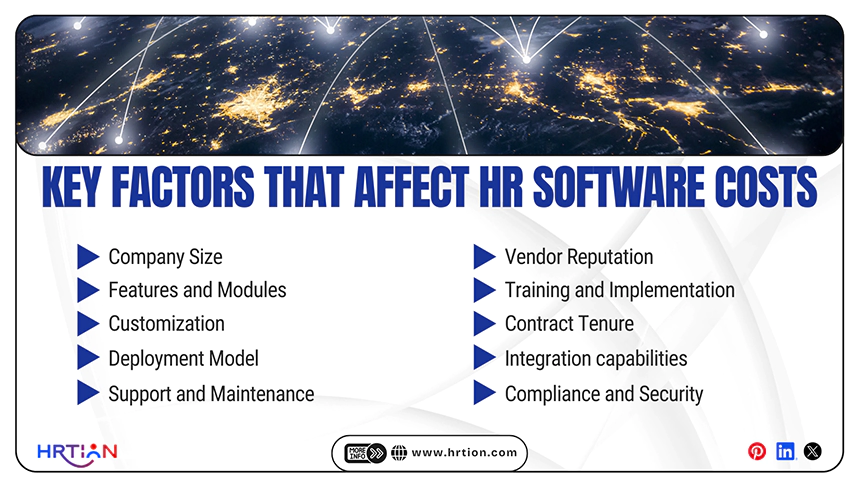
HR software cost depends upon various factors; here is the detailed explanation of every aspect of HR tech that impacts the cost and ROI of the business.
Company Size
Company size is the most considerable factor while determining the cost of HR software. With the increased number of people, the cost of licensing, storage, and support rises proportionally. According to HRstacks – “Adoption climbs with company size (approx. 79% of small firms → approx. 90% of mid/large.”
Features and Modules
The more modules you select, for example, payroll, ATS, and analytics, the higher the cost will be. Many software providers price every feature individually, directly impacting the cost of the tool. HR platforms’ cost exceeds $500 per month depending on the features.
Customization
Customization can significantly increase the cost of an HR tool due to development and maintenance. The customized workflow, reports, and integrations require additional technical resources and software testing. Additional customization can lead to costs soaring, especially during the time of updates.
Deployment Model
Cloud (SaaS) solutions usually come up with lower upfront costs but recurring costs can make it expensive depending on the company size. However, the on-premises software requires a large initial investment. Even with on-premises solutions, the cost may rise over time due to maintenance of ongoing infrastructure and escalating storage.
Support and Maintenance
Support services and maintenance costs can impact the overall spending on the tool. Businesses tend to pay “$100–$200 per hour for IT support, adding to long-term expenses.” Maintenance, updates, and troubleshooting are usually overlooked but are critical cost components of an HR tool.
Vendor Reputation
Established and well-reputed vendors usually cost more than less-popular ones, because they offer more security, reliability, and optimum performance. As one report by TechTarget states, “There are all sorts of things that go into delivering different pricing.” So, vendor reputation drives to a premium pricing range.
Training and Implementation
Implementation is one of the most underestimated factors that actually drives cost. It includes onboarding, data management, and employee training. According to Forbes experts, “ We had to assign internal staff… which we didn’t budget for.”
Contract Tenure
Longer contracts usually lead to reduced monthly pricing. With the annual or multi-year software agreements, businesses usually get more discounts and offers. Whereas the short-term plans offer more flexibility, as there is less sense of commitment to one tool.
Integration capabilities
Integration with existing HR tools such as payroll, ERP, and accounting systems can increase the cost significantly. If the integrations are not available, companies need to build custom connections, and this can “drive up the cost… in ways you didn’t expect.”
Compliance and Security
Advanced compliance and security features increase costs but can benefit the company significantly. According to HRstacks, “Around 31% of buyers prioritize compliance features, reflecting their importance in pricing decisions.” These features can reduce legal risks and save the related costs in the final analysis.
Average Cost of HR Software According to Business Size
| Business Size | Employee Range | Cost per Employee/Month | Estimated Monthly Cost | Key Features Included | Cost Drivers |
| Small Businesses | 1–50 employees | $2 – $20 | $50 – $800+ | Basic HR,Attendance,Limited Payroll,Leave management | Simplicity, fewer features, minimal integrations |
| Mid-Sized Companies | 50–500 employees | $8 – $30 | $1,000 – $15,000+ | Payroll, recruitment (ATS), performance management, analytics | More users, automation, integrations, scalability |
| Large Enterprises | 500+ employees | $15 – $70+ | $30,000 – $200,000+ | AI-driven analytics, global payroll, compliance tools, custom workflows | Customization, global operations, advanced features, and implementation costs |
Hidden Costs of HR Software
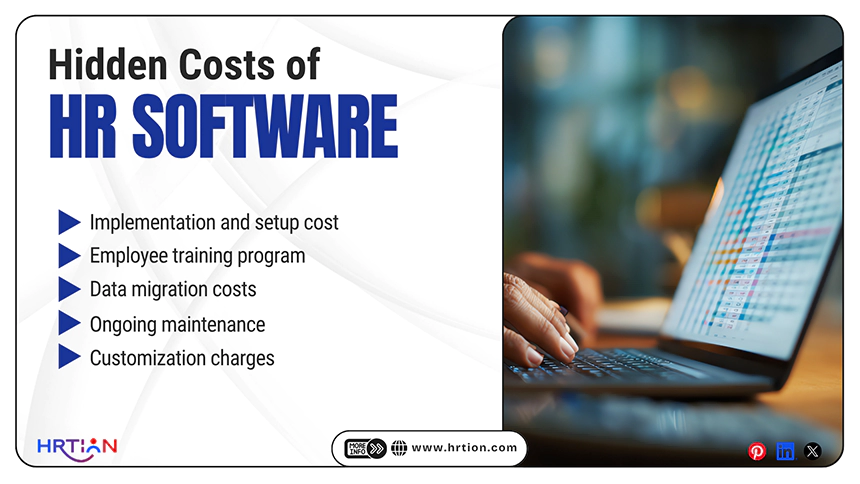
Businesses mainly focus on licensing fees and subscriptions, which are usually higher. It can also consist of hidden costs that can lead to budget overruns.
- Implementation and setup cost: The initial setup cost includes system configuration, workflow designing, and overall onboarding. This can charge separately for each aspect and lead to over-budgeting.
- Employee training program: Training sessions, workshops, and other related materials can cause additional investment. Hiring external training and multiple training cycles can lead to extra costs.
- Data migration costs: Transferring data from legacy or traditional setups to new tools can be complex, time-consuming, and expensive. This can accelerate the vendor’s or on-premises costs.
- Ongoing maintenance: Regular updates, bug fixes, and system monitoring tools can be an added cost to base pricing. Even premium support plans can inflate the recurring costs.
- Customization charges: Tailoring software to match business needs often involves development charges; this can cause a rise in the prices.
What is ROI in HR software?
ROI (Return on Investment) is an HR software metric calculated through various benefits compared to the total cost of purchasing, implementing, and maintaining the tool.
In simple language, ROI means the following:
“Is the money that you are spending on HR software worth the value you get back?”
Instead of just being an expense or investment, HR software helps businesses to save money, save time, and work smarter. This makes sure that the function actually adds value to the business.
When businesses invest in HR technology, it pays back through improved efficiency, productivity, and better results.
Automation digitizes repetitive tasks such as payroll, attendance, and onboarding. It reduces manual efforts and minimizes errors, leading to boosted ROI.
Key areas to achieve ROI:
- Financial savings: Reduced administrative costs, controlled compliance penalties, and lower HR staff costs lead to better ROI.
- Time efficiency: Automation of regular and repetitive tasks frees up HR teams to focus on strategic development and decision-making.
- Improved productivity: With faster processes and self-service tools, employees are helped to manage work more effectively.
- Better employee retention: Engagement tools and performance monitoring help improve the ROI and reduce turnover.
How to Calculate ROI of HR Software
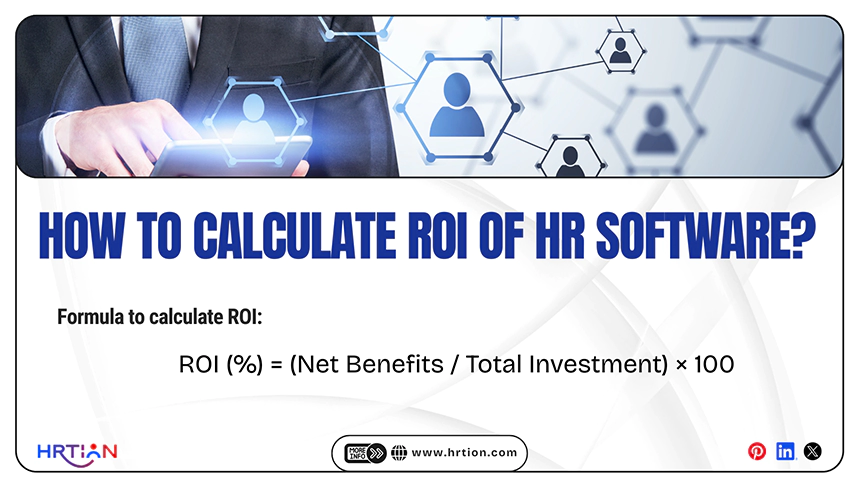
Calculating Return on Investment (ROI) helps you understand whether your HR software delivers actual value when compared to the cost spent on it.
Formula to calculate ROI:
ROI (%) = (Net Benefits / Total Investment) × 100
- Net Benefits = Total savings and gains from the software
- Total Investment = Cost of software + implementation + training + maintenance
In simple terms:
How much you gain from investment – cost of investment = ROI
But, before calculating ROI, it is important to calculate the “cost of investment,” which includes the following:
- Annual subscription fee: The regular cost paid monthly or yearly; it depends on the number of employees, features, and pricing models.
- Set-up and implementation costs: These are the one-time expenses that occur at the initial phase. It includes data migration, configuration, and training.
- Ongoing maintenance and support: Even after setup, the recurring costs include system maintenance, updates, and customer support. Premium support and customization can cause increased expenses over time.
Tips to Maximize ROI from HR Software
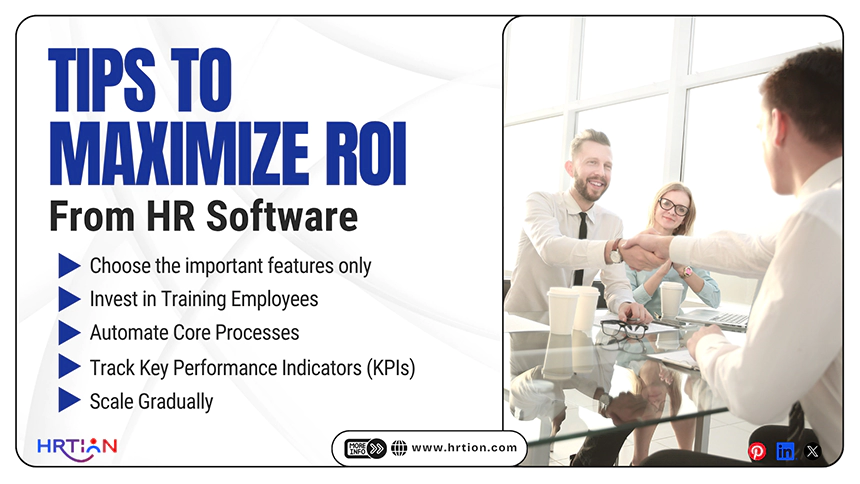
Here are the tips to maximize ROI from HR software. This will help businesses make the right decision regarding the HR digital transformation.
- Choose the important features only
Avoid selecting unnecessary features or modules. Plan the selection effectively and pick features that align with your business needs. Unused features or functionality can add unnecessary costs without delivering value.
- Invest in Training Employees
Even the best HR tools can’t render desired results if the employees are not familiar with the functioning. Start with practical training sessions; this will help employees understand the system, as better adoption leads to better efficiency and higher ROI.
- Automate Core Processes
First, automate the processes that are high-impact, such as payroll, recruitment, and attendance management. These repetitive functions usually take the most of the time and are error-prone when done manually, and automating them offers the right ROI.
- Track Key Performance Indicators (KPIs)
To measure ROI, keeping track of the following key metrics is crucial.
- Time-to-hire: how quickly the positions can fill.
- Employee turnover: how many employees are leaving over time.
- Payroll accuracy: reduce errors and process discrepancies.
Regularly monitoring the essential KPIs is important to determine the improvements and track ROI.
- Scale Gradually
Instead of implementing everything at once, start something small and expand over time. When the business scales gradually, it controls costs, reduces risks, and ensures smoother adoption.
Maximizing ROI is not about spending excessively; it’s about using HR software smartly. With the right measures, generating the maximum ROI is easier and less of a struggle.
Common Mistakes to Avoid When Budgeting for HR Software
Considering price only: Low-cost software may be tempting at first, but it often lacks essential features, scalability, and support. This can lead to higher costs later on.
Ignoring scalability: Not selecting software that cannot grow with the business can create issues during expansion. Scalable solutions prevent the need for frequent replacement costs.
Over-customization: excessive customization can increase both initial and ongoing costs. It also makes the system more complex and harder to manage.
Lack of training: Without proper training, employees may not be able to use the software to its maximum capacity. This will affect the overall ROI, and proper adoption is best to get the value from the investment.
Ignoring compliance rate: HR software will align with the local labor laws and regulations. Not considering compliance can result in legal risks, penalties, and extra costs.
Top 10 HR Software Tools and Their Pricing
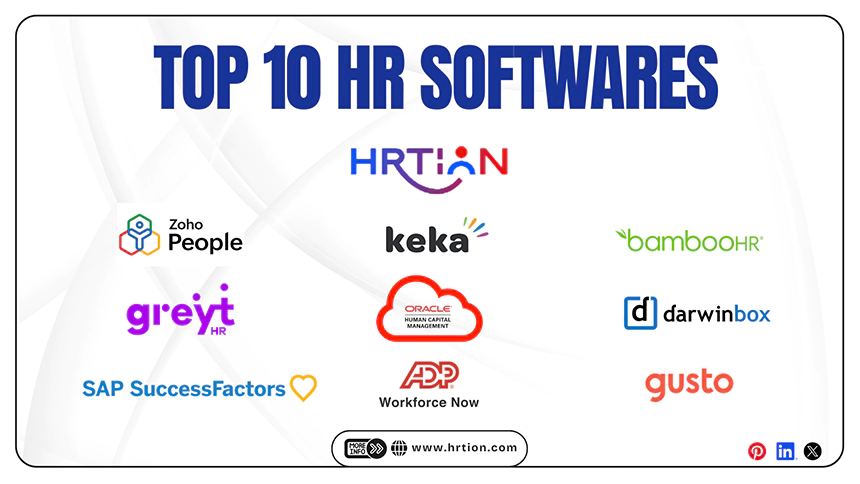
Top human resources software pricing, what it is best suited for and key takeaways.
| Software | Pricing (USD) | Best For | Key Notes |
| HRtion |
| Small- to mid-sized businesses. | Affordable, multi-tier, basic to advanced HR management, no hidden charges. |
| Zoho People | $1 – $5/user/month | Small businesses | Affordable, multiple tiers, free plan available |
| Keka HR | $1.5 – $3/user/month | Indian SMEs | Strong payroll & compliance features |
| greytHR | $0.5 – $2/user/month | Payroll-focused SMEs | Cost-effective, popular in India |
| BambooHR | ~$6 – $25/user/month | Mid-sized companies | Scalable HRIS with strong UX |
| ADP Workforce Now | Custom (~$10 – $30+/user/month) | Enterprises | Highly scalable, payroll and compliance heavy |
| Darwinbox | Custom (~$15 – $40/user/month) | Large organizations | Enterprise-grade HR platform |
| SAP SuccessFactors | $20 – $100+/user/month | Enterprises | Advanced global HR suite |
| Oracle HCM Cloud | $15 – $80+/user/month | Global enterprises | Premium enterprise solution |
| Gusto | Starts at $40/month + $6/user/month | Startups & SMBs | Payroll-focused with simple pricing |
Conclusion
HR software is no longer optional, as it is necessary for modern businesses to grow effectively. With digital tech growing fast, businesses are expanding at rapid speed, but measuring ROI is crucial to ensure the investments are heading in the right direction.
The long-term ROI turns HR software into a strategic asset rather than just being an expense.
Frequently Asked Questions (FAQs)
How much does the HR software cost?
It ranges from $5 to $500, depending on the features and modules selected by the businesses.
What is the ROI of HR software?
ROI includes cost savings, time efficiency, and induced productivity. It takes around 6-12 months of time to witness growth and scalability.
Is HR software worth it for small businesses?
Yes, even small businesses can generate ROI from the right HR technology.
What are the major benefits of HR software?
Automation, accuracy, compliance, and improved employee experience are the major advantages of HR software.
Sources:

Bhavesh is a Guest Writer at HRTion with an academic background in HR. He did an HR management course in 2025. Before transitioning to HR content writer, he worked as an Academic Content Writer at Trident Management for over 6 years. His expertise in recruitment processes & strategies helps him write detailed and clear content that is not only informative but also accessible for everyone.