
- What is HR Software ROI?
- Cost Involved in Integrating HR Software
- How to Conduct Cost-Benefit Analysis of HR Software
- How to Track Costs and Benefits in HR Software?
- How to Calculate ROI of HR Software
- Key Cost-saving Benefits of Integrating HR Software
- How to Choose the Right HR Software for Cost Savings
- How HRtion Helps Optimize Cost and Efficiency
- Conclusion
- FAQs
The HR team often spends long hours on repetitive tasks that require investing time and money. And the only solution to this is automation, and HR software is the way to go. Studies by Infeedo show that HR technology reduces administrative manual workload by 70% and improves productivity by 20-30%.
Understanding HR software ROI is essential for every company, as it helps measure whether the investment in HR technology delivers meaningful business value. A proper cost-benefit analysis allows organizations to evaluate savings, productivity gains, and long-term returns.
What is HR Software ROI?
ROI of HR software is a strategic approach to evaluating the value the software provider has provided when compared with the cost (whether it’s more or less).
The process compares total expenses, including implementation, subscription, and training, with benefits that are measurable and intangible, such as time savings, reduced errors, and better retention rate.
In today’s technology-driven sphere, HR software is no longer optional. Companies that incorporate an HR platform into their routine must track the productivity and reduced turnover to understand the delivered ROI.
A study by Paycom suggests that “HR automation tools can deliver up to 821% ROI over three years.” It is due to time savings and operational efficiency.
Cost Involved in Integrating HR Software
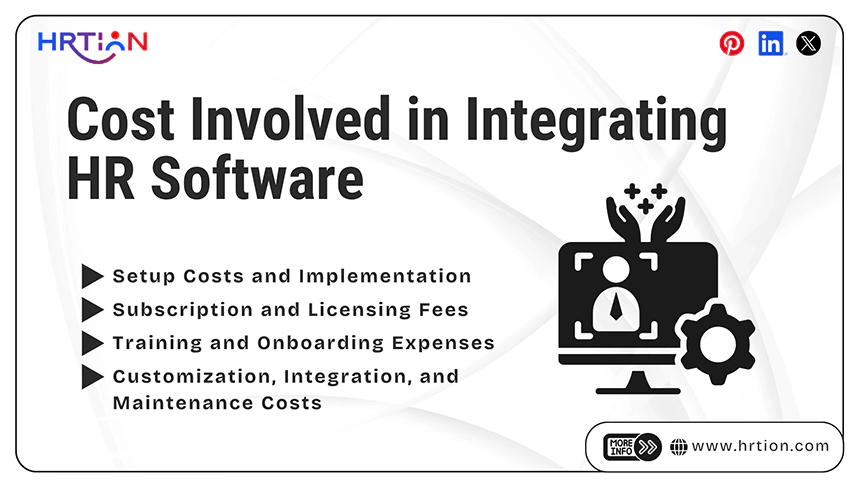
Organizations should have complete knowledge of their cost structure, which includes implementation, operation, and long-term maintenance, before evaluating any benefits of HR software.
These costs can vary depending on the size of the organization, the software provider, and the level of customization needed. Some common costs are detailed below:
- Setup Costs and Implementation
These costs are the initial expenses involved in arranging the HR software within the organization. Software installation, configuration, data migration from existing systems, workflow setup, testing, and infrastructure preparation are all costs that occur during implementation.
In many other cases, businesses may also need vendor consultation, technical assistance, and project management support.
- Subscription and Licensing Fees
A Software-as-a-Service (SaaS) pricing model is commonly seen when using modern HR software solutions. In this model, organizations usually pay monthly or annual subscription fees, which are also based on the number of employees, users, or selected modules.
There may be additional charges for premium features, advanced analytics, administrator accounts, cloud storage, or better security options.
- Training and Onboarding Expenses
To properly use and take advantage of the benefits of the HR software, employees, HR teams, and managers must be properly trained on the software.
Training costs often include workshops, webinars, user manuals, onboarding sessions, and external trainers. The temporary productivity loss as employees get more comfortable and used to the new system during the learning period.
- Customization, Integration, and Maintenance Costs
Many businesses integrate HR software with payroll, ERP, accounting, CRM, or attendance systems. Other ongoing maintenance expenses also go towards customization, report development, API integration, technical support, software updates, security monitoring, and future enhancements.
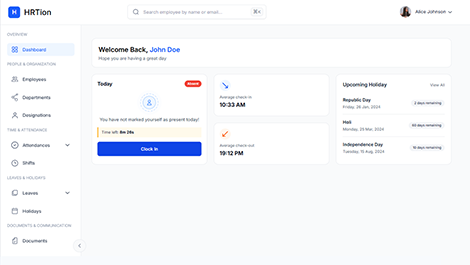
Manage the payroll, attendance, shift roles, and more in an all-encompassing HR suite. Your ultimate HR toolkit is just a click away.
How to Conduct Cost-Benefit Analysis of HR Software
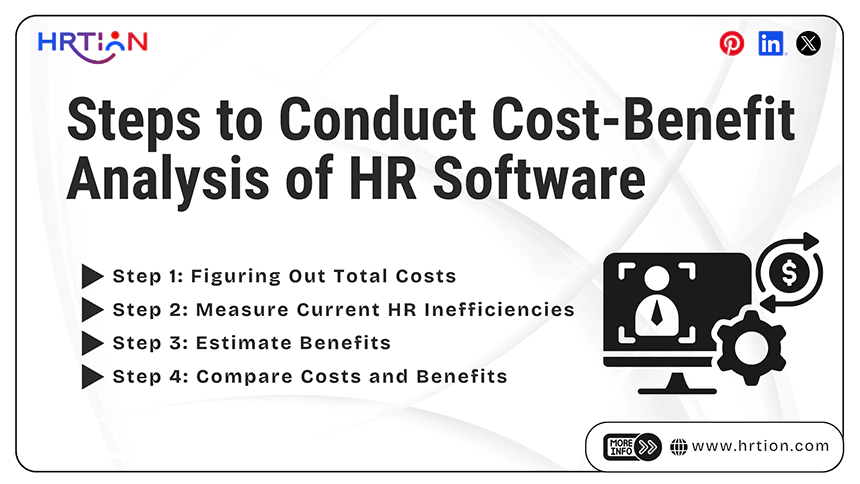
Organizations can better predict whether their investment will deliver long-term value and operational improvement or not by conducting a cost-benefit analysis of HR software. The process is provided below:
Step 1: Figuring Out Total Costs
It is necessary to identify all the costs associated with HR software implementation and usage for an organization. These include subscription or licensing fees, setup and configuration charges, customization expenses, integration costs, employee training costs, and ongoing maintenance or technical support fees.
There are also indirect fees to take into consideration, like employee training time, temporary productivity loss, and transition-related disruptions during implementation.
Step 2: Measure Current HR Inefficiencies
A business should first evaluate the inefficiencies in its existing HR process before adopting the software. This involves calculating the time and resources spent on manual tasks like payroll processing, attendance tracking, recruitment activities, report generation, and employee record management.
Understanding where these inefficiencies lie helps businesses find areas where automation can reduce workload and improve productivity.
Step 3: Estimate Benefits
After properly evaluating the current challenges in the organization’s HR processes, the business should estimate the benefits the HR software can provide. Automation saves time, reduces administrative workload, minimizes payroll and data entry mistakes and errors, improves compliance, and enhances the overall employee experience.
Step 4: Compare Costs and Benefits
The final task of the process includes comparing total costs with expected benefits using metrics like ROI, productivity management, cost savings, and payback period to make sure that the investment is financially beneficial.
How to Track Costs and Benefits in HR Software?
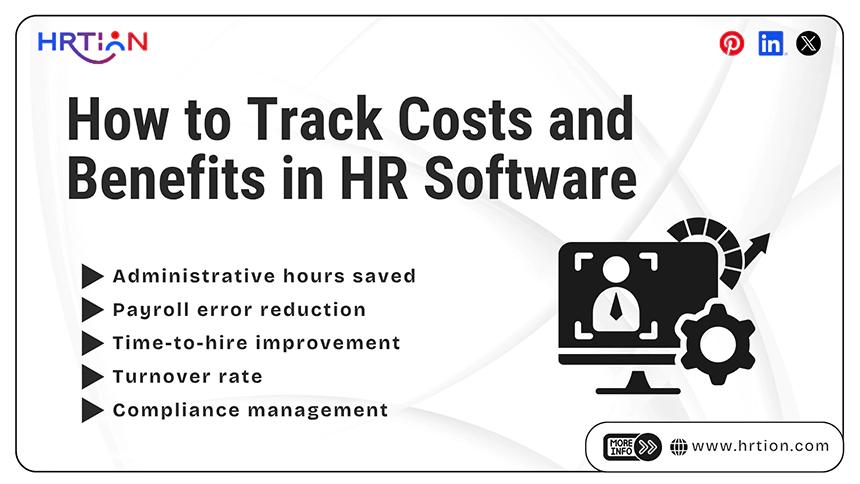
Tracking HR software ROI is not a one-time activity but an ongoing process that helps organizations measure financial returns, operational improvements, and workforce efficiency over time.
Here are the key metrics used to track the benefits vs. costs for HR software:
- Administrative hours saved: Automation helps reduce manual paperwork, allowing HR teams to focus on strategic tasks rather than repetitive processes.
- Payroll error reduction: Accurate payroll management minimizes costly mistakes, delayed payments, and compliance risks.
- Time-to-hire improvement: Faster recruitment helps the company hire employees to fill vacancies faster and reduce the productivity hindrances.
- Turnover rate: Employee turnover rate indicates better employee satisfaction and thus retains the top talent. It ultimately saves costs on hiring and training.
- Compliance management: When compliance management is handled rightly, a company can save money and reputation at the same time, thus becoming an ultimate cost-benefit factor.
Usually, companies underestimate the power of benefits because they only track monetary or time savings, whereas real ROI originates from the improved decision-making, retention, and compliance.
How to Calculate ROI of HR Software
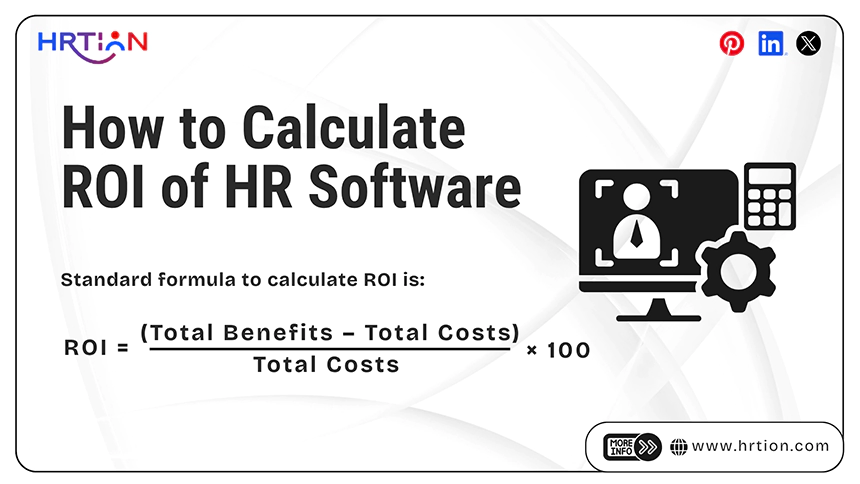
Calculating HR software ROI helps businesses determine whether the benefits of automation, improved productivity, and reduced administrative costs outweigh the total investment.
The standard formula to calculate ROI is:
ROI = (Total Benefits – Total Costs) ÷ Total Costs × 100
In simpler terms, the Return on Investment (ROI) of HR software compares the benefits gained by the company with the total cost of the software. Start by finding out the expenses, such as subscription fees, implementation, training, and maintenance costs.
Then, measure the benefits such as administrative workload, recruitment speed, improved productivity, lower turnover, and fewer payroll errors.
Key Cost-saving Benefits of Integrating HR Software
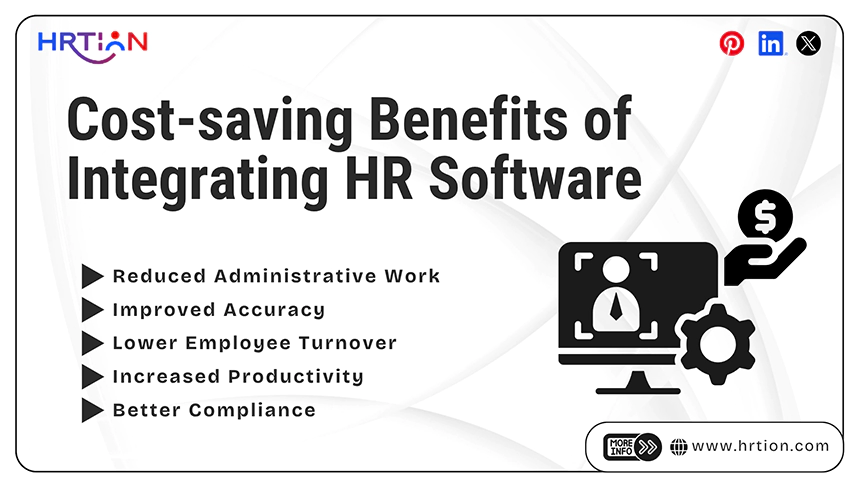
The main factors that contribute to the cost-saving of HR software are plenty. Here is how an integrated HR software helps in saving costs in the long-term.
- Reduced Administrative Work
HR software automates the basic HR tasks, such as attendance tracking, payroll, and leave management, reducing paperwork and saving crucial time and effort. This enables HR teams to focus on strategic activities instead of repetitive work.
- Improved Accuracy
Automation works well in reducing the human errors in payroll, attendance, and compliance processes; reducing instances of financial loss and legal penalties; and improving employee trust.
- Lower Employee Turnover
With smooth onboarding, performance tracking, and employee engagement tools, HR software helps improve employee retention rates. Lower turnover saves recruitment and training expenses, offering value in the long run.
- Increased Productivity
Automation is useful to save time for both employees and managers through self-service portals and automated workflows. This increases efficiency and productivity by diverting attention towards higher-value work.
- Better Compliance
HR software stores employee records and data securely for future reference. This data is also used in automated compliance tracking, helping organizations to avoid legal issues and maintain proper employee records.
How to Choose the Right HR Software for Cost Savings
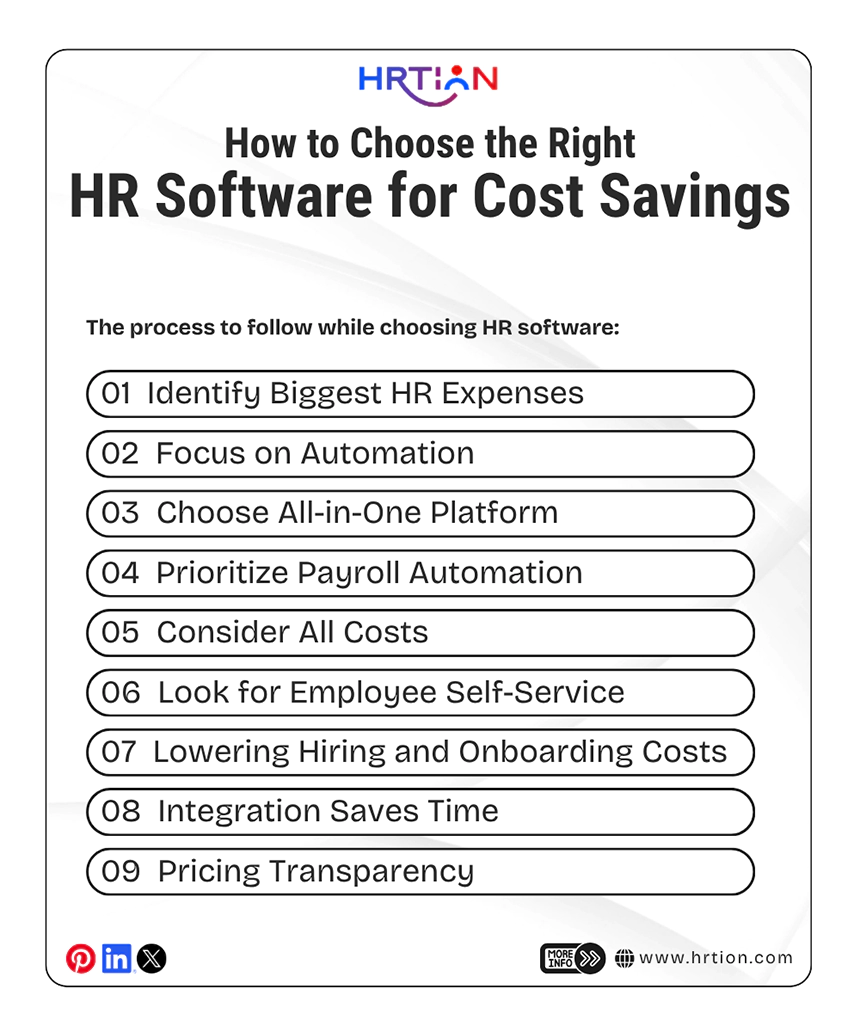
Selecting the HR software is not about automating HR operations only, but its real objective is to reduce costs by increasing efficiency and productivity.
Here is the process to follow while choosing HR software, focusing on cost savings.
- Identify Biggest HR Expenses
First, companies must find where they are losing time and money the most. Common HR cost drivers usually cover manual payroll processing, repetitive operations, hiring delays, compliance issues, and disconnected tools.
So, start by calculating the hours and money spent on these tasks, and create a baseline to measure the ROI. According to Techtarget, Businesses that automate HR processes reduce both processing time and costly errors.
- Focus on Automation and Not Extra Features
Many companies tend to spend on extra features that seem fancy but aren’t always useful. Thus, instead of selecting a platform that has a longer feature list, focus on an automation tool that can reduce workload and labor cost.
- Choose All-in-One Platform
An all-in-one platform can reduce the cost significantly by combining different tools used to manage different functions such as payroll, attendance, and performance. This eventually cuts down the subscription costs, reduces duplicated data, and simplifies training.
- Prioritize Payroll Automation
Payroll errors are the most expensive ones, as they result in tax penalties, compliance risk, and employee dissatisfaction. Therefore, opting for payroll automation is the most effective way to reduce HR costs and yield maximum benefit.
- Consider All Costs, Not Just Subscription Fees
Low monthly pricing is not a guarantee for lower overall costs. This is often due to the indirect expenses that come with an HR software subscription, like setup fees, training expenses, customization costs, integrations, and ongoing support charges.
- Look for Employee Self-Service
Features that allow employees to easily access payslips, update their personal information, submit leave requests, and view organizational policies should be taken into consideration when choosing the HR software. These features not only help employees but also reduce the number of routine tasks managed by HR teams.
- Lowering Hiring and Onboarding Costs
HR software and automation must work effectively to cut down expenses spent on onboarding. A centralized platform simplifies the employee joining formalities for HR professionals and managers. Thus, always invest in software that offers a robust employee onboarding feature.
- Integration Saves Time
When an HR software is capable of functioning in integration with other company systems, such as payroll, compliance, and more, it eliminates data duplication and thus saves valuable time.
- Pricing Transparency
Clear and transparent pricing models help businesses understand the total cost of the software, avoid hidden charges, and compare features properly. If confused, contact the service provider’s customer support team and request a comprehensive pricing model.
How HRtion Helps Optimize Cost and Efficiency
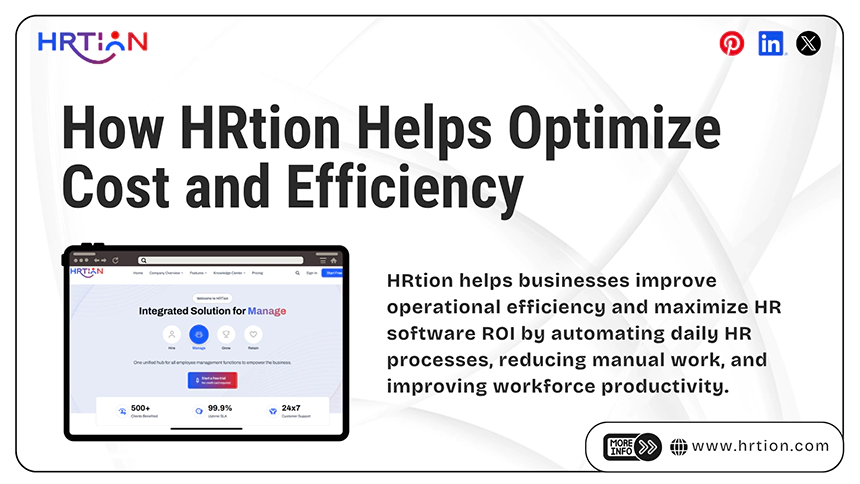
HRtion helps businesses improve operational efficiency and maximize HR software ROI by automating daily HR processes, reducing manual work, and improving workforce productivity.
Key benefits are:
- End-to-end HR automation
- Payroll and attendance management
- Real-time analytics and HR reporting
- User-friendly interface to help employees and managers
- Centralized platform for employee management
HRtion eliminates the need to install separate software tools and additional or disconnected systems. This ultimately lowers operational costs and improves workflow accuracy and productivity. This scalable solution is designed to support long-term growth and offer flexibility.
Conclusion
A strong HR software ROI demonstrates the value of investing in automation, workforce management, and employee experience. With returns often ranging from 200% to 700%, HR software continues to be a high-impact investment for modern businesses.
Just adopt the right solution and track performance metrics continuously to achieve maximum cost savings.
FAQs
What is the average cost of HR software?
HR software costs between $5 and $17 per employee per month, depending on the features and functionality.
How long does HR software take to generate ROI?
Most HR software produces impressive ROI within 12-18 months.
What are the HR software benefits?
The main benefits of HR software are time savings, reduced errors, better compliance, and improved employee experience.
Is HR software worth investing in?
Yes, HR software is an excellent investment, as it improves efficiency and reduces long-term operational costs.

Sunita Kumari is a Freelance Contributor Writer at HRTion, writing accurate, reliable, and informative content. She completed her Bachelor's from Rajdhani College of the University of Delhi. She has been a Human Resources Recruiter for almost 2 years, including over 1 year with Battersea Web Expert. Drawing on her recruitment and HR processes experience, she writes clear and practical payroll-related guides that help employees and job candidates better understand HR procedures and workplace practices.