
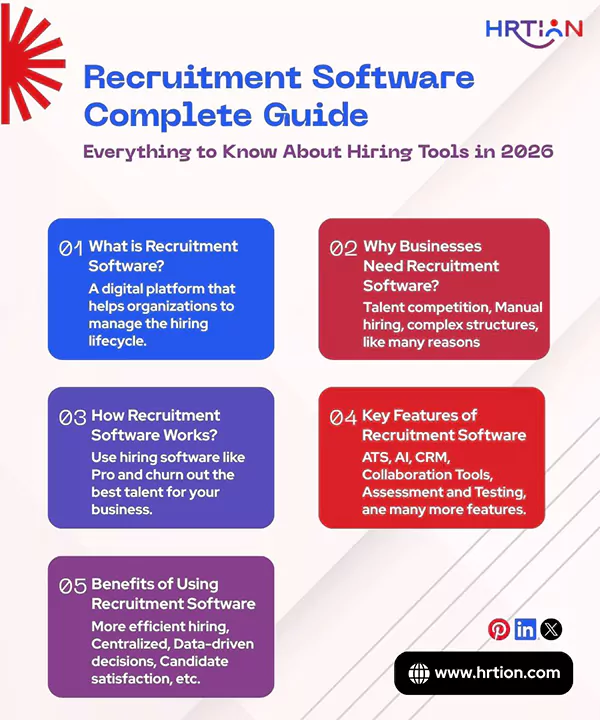
- What is Recruitment Software?
- Why Businesses Need Recruitment Software
- How Recruitment Software Works
- Key Features of Recruitment Software
- What Are the Different Types of Recruiting Software Available
- Recruitment Software vs Applicant Tracking System (ATS)
- Benefits of Using Recruitment Software
- How to Choose the Right Recruitment Software
- Cost of Recruitment Software and Pricing Models
- Common Mistakes to Avoid When Selecting Recruitment Software
- Conclusion
- Frequently Asked Questions (FAQs)
Recruitment is a complex function that most organizations struggle with. With ongoing challenges like talent shortages, remote work culture, and higher employee expectations, finding, hiring, and retaining talent has become more difficult than ever.
To keep up with the intensive digital transformation, organizations need a smart solution and recruitment software is an effective tool for this.
Recruitment tools are designed to automate manual tasks, improve candidate experience, and provide real-time insights along with an integrated Application Tracking System (ATS). Here is all you need to know before you start with a recruitment software system.
What is Recruitment Software?
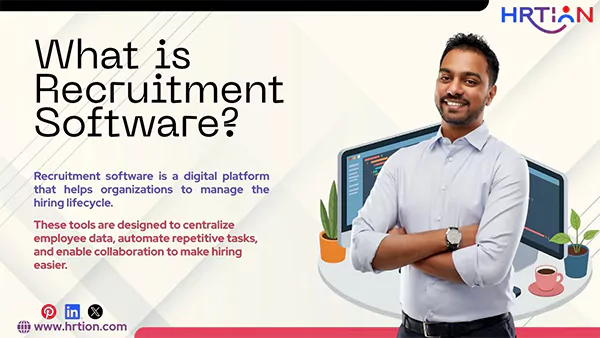
Recruitment software is a digital platform that helps organizations to manage the hiring lifecycle. From posting job openings to shortlisting, connecting, screening, and hiring, it does it all.
These tools are designed to centralize employee data, automate repetitive tasks, and enable collaboration to make hiring easier. Most of the Recruitment software consists of an Applicant Tracking System (ATS) combined with talent relationship management (TRM), AI recruitment assistants, and workflow automation.
It can simply:
- Publish jobs on multiple platforms concurrently.
- Filter and organize resumes to make the search easier.
- Automate the communication with applicants.
- Score and shortlist candidates according to the preset standards.
- Provide in-depth analytics for the pipelines of candidates.
- Can work in integration with HR systems, calendars, and assessment tools.
Why Businesses Need Recruitment Software
Companies nowadays struggle with recruitment the most; thus, recruitment researchandmarkets.com states that the “global recruitment market is projected to reach $7.8 billion by 2027, growing at the CAGR of 11.2% from 2022 to 2027.” This explains how rapidly businesses are adopting technology meant to make recruitment easier.
Reasons behind this are:
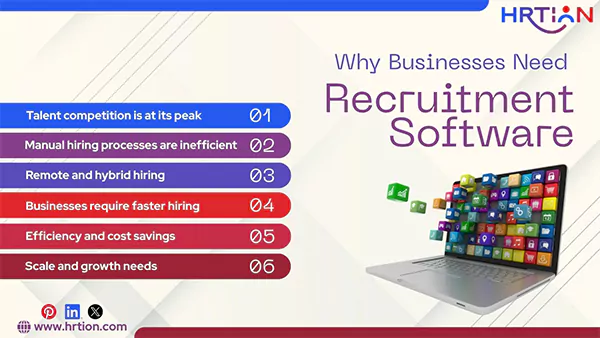
- Talent competition is at its peak.
Companies are constantly under pressure to attract and retain the right talent, as workforce shifts are in full swing. The increased competition and heightened candidate expectations make it difficult to manage hiring manually, as it will hold them back in the industry.
- Manual hiring processes are inefficient.
Manual hiring methods are loaded with limitations like high time to hire, inconsistent candidate experience, poor talent quality, and flawed data management.
This is why recruitment software maintains proper workflow and reduces administrative workloads by automating the time-consuming operations.
- Remote and hybrid hiring
Hiring is now more complex due to complex structures like remote work, hybrid methods, and global talent. Software for recruiters can handle end-to-end digital hiring by arranging virtual interviews and remote onboarding processes.
- Businesses require faster hiring
Recruitment agencies need AI augmentation to speed their hiring process. A digital platform is said to hire candidates 55% faster by bringing better quality candidates.
- Efficiency and cost savings
With ATS and recruitment automation, better hiring can be done by investing less. It must be more cost-effective than hiring HR staff and training them.
- Scale and growth needs
When hiring a large pool, manual methods may slow down the process. But a digital hiring tool can handle volume without disturbing the entire workflow.
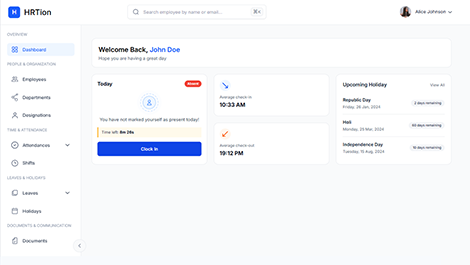
Manage the payroll, attendance, shift roles, and more in an all-encompassing HR suite. Your ultimate HR toolkit is just a click away.
How Recruitment Software Works
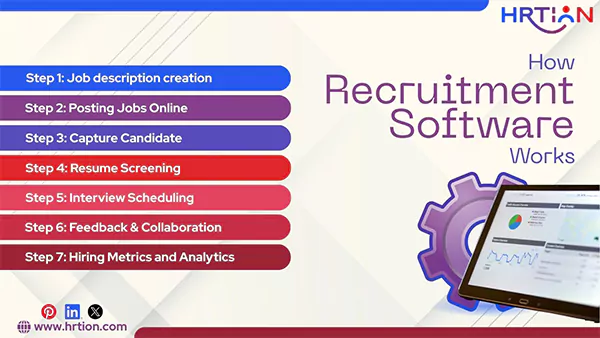
Here are the steps to follow if you want to use hiring software like Pro and churn out the best talent for your business.
Step 1: Job description creation
The HR team takes help from the AI-supported tool to create more successful job descriptions by analyzing past posting patterns.
Step 2: Posting Jobs Online
A hiring tool can distribute and publish the job description on multiple boards at once, such as LinkedIn, Indeed, Glassdoor, and the company’s careers page, simultaneously.
Step 3: Capture Candidate
The tool creates a funnel of all the data collected from different platforms and eliminates data duplication and manual sorting.
Step 4: Resume Screening
With advanced parsing tools, recruitment software extracts skills, titles, and experience, speeding up the entire process.
Step 5: Interview Scheduling
With built-in calendar tools, the automated interview coordination is managed effortlessly.
Step 6: Feedback & Collaboration
With the feedback feature, the hiring team can evaluate candidates, create scorecards, and update feedback. This helps in easy and consistent decision-making.
Step 7: Hiring Metrics and Analytics
Dashboards help track metrics such as time-to-hire, cost-per-hire, candidate drop-off rates, and recruiter performance. These metrics help recruiters to optimize strategies and align with the company’s goals.
Key Features of Recruitment Software
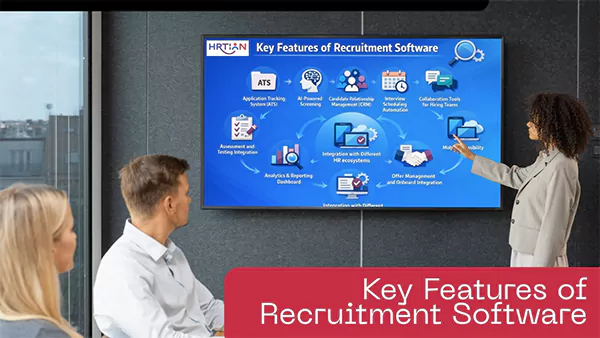
- Application Tracking System (ATS)
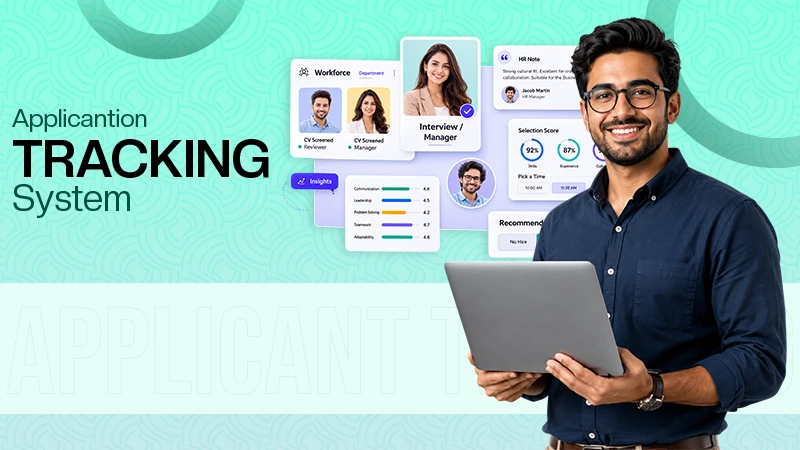
The core system of recruitment software is ATS. It centralizes the entire candidate data and tracks employees and applicants throughout the entire hiring process.
Without an ATS, HR has to rely on paperwork, spreadsheets, and emails, causing the risk of lost resumes, data duplication, and miscommunication.
- AI-Powered Screening
AI can screen resumes and applications with higher accuracy. It parses resumes based on skill matching, experience scoring, educational recognition, and ranking through AI. This way, recruiters focus on top qualifiers instead of reviewing hundreds of resumes manually.
- Candidate Relationship Management (CRM)
Recruitment tools often include a built-in CRM for assisting candidates. It helps in talent pool management, email campaigns, candidate tagging, and communication history tracking.
CRM also helps the company to stay connected with the candidates even for future openings.
- Interview Scheduling Automation
Scheduling interviews manually cannot only be time-consuming but can also engender conflicts. With calendar automation, automated availability matching tools, interview reminders, and coordination tools, the HR professional can skip sending emails back and forth and let the tool handle everything.
- Collaboration Tools for Hiring Teams
Recruitment is not only HR’s responsibility, because the entire administration has to take part in the process. The collaboration features include candidate notes and comments, scoreboards and evaluation forms, role-based access, and approvals.
It keeps everything put together and ensures the decisions are taken in a structured fashion.
- Assessment and Testing Integration
Many platforms integrate assessment tools to evaluate candidate skills even before scheduling interviews. It includes technical tests, psychometric assessments, coding tests, and personality profiling. This removes bias and improves overall hiring quality.
- Analytics and Reporting Dashboard
Software for hiring provides real-time data metrics such as time to hire, cost per hire, source of hire, and acceptance rate, along with recruitment funnel performance. With this, HR leaders can strategize decisions on real-time data instead of assumptions.
- Complete Document Management
Hiring involves securing sensitive data and legal documents of the employees. Thus, the compliance features like GDPR and data privacy controls, audit trails, secure document storage, and e-signature integration protect the data and keep legal risks at bay by ensuring regulatory compliance.
- Offer Management and Onboard Integration
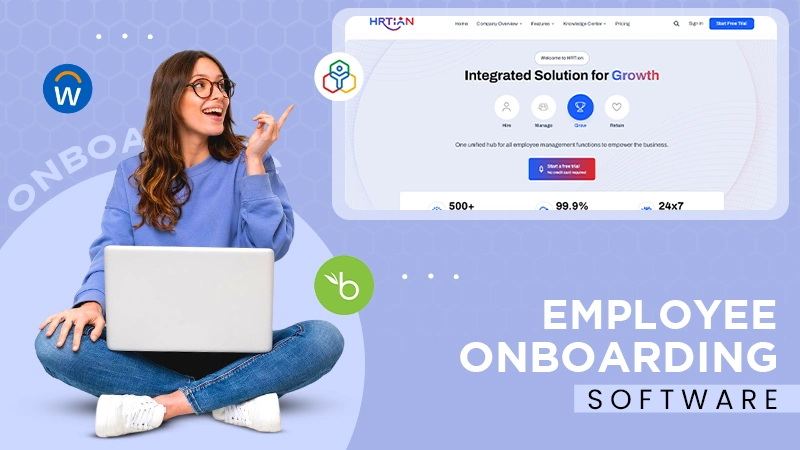
Some recruitment software offers onboarding support as well. It can handle offer letter generation, digital signatures, document collection, and HRMS integration to provide a smooth transition from a candidate to an employee of the company.
- Mobile Accessibility
Most of the modern recruitment tools offer support for mobile use. It consists of a recruitment mobile dashboard, a mobile-friendly candidate application, and interviews via mobile devices. This improves the hiring experience for both the company and the candidate.
- Integration with Different HR Ecosystems
Recruitment software can integrate with different HR systems, namely HRMS/HRIS, payroll systems, background verification tools, video interview platforms, and communication tools like Slack. This offers transparency by eliminating data silos.
What Are the Different Types of Recruiting Software Available
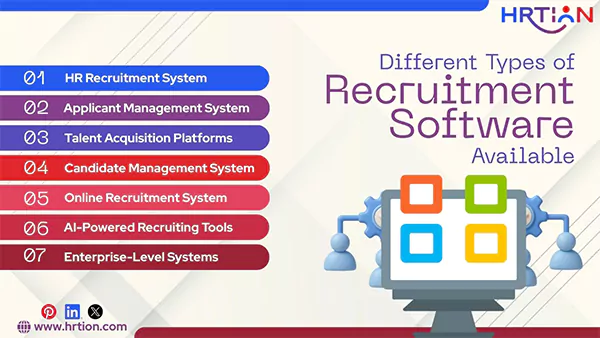
Here are different types of recruitment software solutions available in the market; here is an explanation for each of them.
1. HR Recruitment System
An HR recruitment system is the amalgamation of an HRIS or HRMS. It works in a broader manner by managing the hiring process in the integration with payroll, onboarding, and employee records.
It is best suited for small to mid-sized companies that require an all-in-one solution rather than a single hiring tool.
Key Functions:
- Job posting
- Candidate tracking
- Interview coordination
- Offer letter and joining forms generation
- Direct integration with employee records
2. Applicant Management System
An applicant management system (AMS) mainly focuses on managing and organizing job applicants. It enables recruiters to collect and track applications digitally through a centralized system.
ATS works best for businesses hiring high-volume candidate applications without requiring advanced analytics.
Key functions:
- Resume storage and filtration
- Candidate status tracking
- Shortlisting tools
- Interview scheduling
- Basic reporting
3. Talent Acquisition Platforms
A Talent Acquisition Platform is not only about hiring and filling posts, it is more inclined towards designing a long-term strategy for talent management and employer branding. It is best suited to mid-sized and growing companies that focus on strategic hiring.
Key functions:
- Talent pool generation
- Employer branding
- Candidate relationship management (CRM)
- Recruitment marketing campaigns
- Workforce planning analytics
4. Candidate Management System
Candidate Management System emphasizes relationship building with both active and passive candidates. Recruitment agencies and organizations with recurring hiring needs can benefit from CMS.
Key Functions:
- Candidate data management
- Communication history tracking
- Automated follow-ups
- Engagement and re-engagement campaigns
5. Online Recruitment System
An Online Recruitment System is a web-based hiring platform that handles the entire recruitment process digitally. It is ideal for companies that are transforming from manual hiring to digital recruitment.
Key Functions:
- Online job postings
- Web-based applications
- Resume Parsing
- Automated email communication
- Cloud-based access
6. AI-Powered Recruiting Tools
AI-powered Recruitment Tools are an AI-based platform that supports machine learning. It is great for high-growth companies, enterprises, and staffing firms to deal with a large volume of applications.
Key Functions:
- AI resume screen and ranking
- Candidate matching
- Chatbots for candidate engagement
- Automated interview analysis
- Bias-reduction tools
7. Enterprise-Level Systems
Enterprise-level Recruitment Systems are robust, scalable platforms developed for large companies with complex and active hiring needs. Large companies, multinational organizations, and companies that hire thousands of candidates.
Key Functions:
- Multi-location hiring requirements
- Global compliance support
- Advanced analytics and dashboard
- Integration capability with ERP and HR systems
- Custom workflow automation
Recruitment Software vs Applicant Tracking System (ATS)
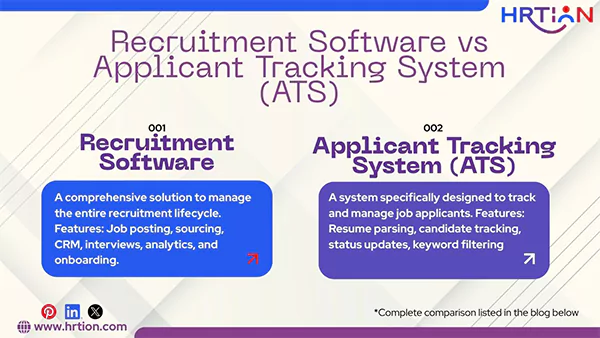
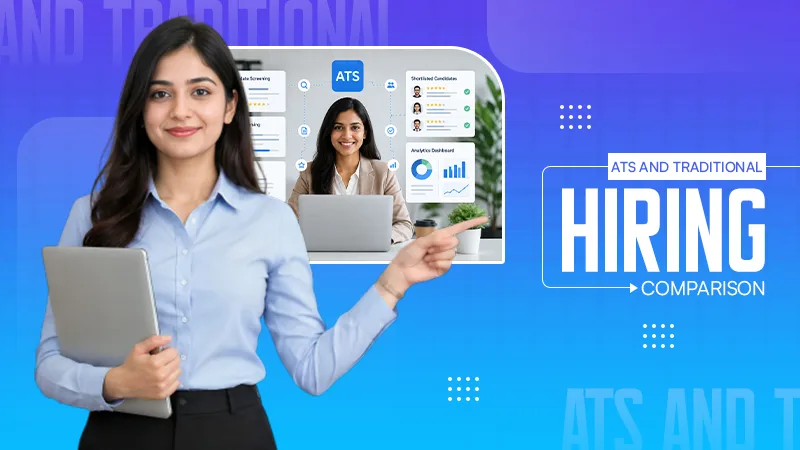
Recruitment software is a broader solution that covers multiple hiring aspects such as sourcing, engagement, and analytics. However, an Applicant Tracking System (ATS) is more of a specific type of technology meant for tracking candidate progress.
Here is a quick comparison:
| Comparison Aspect | Recruitment Software | Applicant Tracking System (ATS) |
| Definition | A comprehensive solution to manage the entire recruitment lifecycle. | A system specifically designed to track and manage job applicants |
| Scope | Broad (end-to-end hiring process) | Focused (application tracking and workflow management) |
| Primary Purpose | Optimize, automate, and streamline recruitment strategies. | Organize and monitor candidates through hiring stages. |
| Features Included | Job posting, sourcing, CRM, interviews, analytics, and onboarding. | Resume parsing, candidate tracking, status updates, keyword filtering |
| Recruitment Marketing | Often included | Limited or not included sometimes |
| Onboarding Integration | Sometimes integrated | Rarely included |
| Analytics & Reporting | Advanced dashboards and strategic insights. | Basic recruitment metrics. |
| Best For | Growing companies and enterprises are scaling hiring | Small to mid-sized businesses needing structured applicant management |
| Scalability | High scalability | Moderate scalability |
| Overall Role | Complete hiring ecosystem | Core tracking engine included in recruitment software |
Benefits of Using Recruitment Software
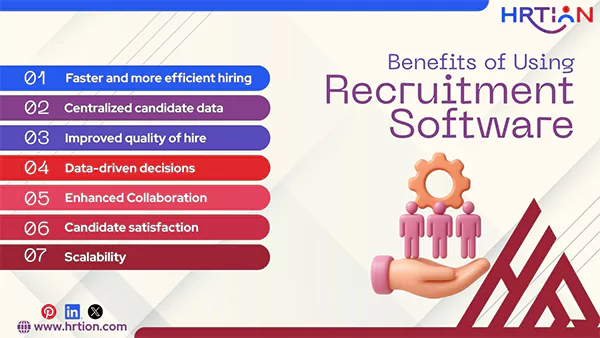
The modern recruitment technologies are designed to deliver benefits that can transform the entire hiring process. Here are the main benefits of using recruitment software to solve your hiring needs.
- Faster and more efficient hiring: Automated HR tools can streamline repetitive tasks, reducing time to hire and enabling employers to make strategic moves.
- Centralized candidate data: All applications and the related databases are stored under one roof for easier search and reporting.
- Improved quality of hire: With integrated applicant screening tools, companies can score and hire candidates more effectively.
- Data-driven decisions: With recruitment analytics and key metrics, organizations can optimize the hiring process.
- Enhanced Collaboration: Hiring managers and employers can share feedback and make collective decisions.
- Candidate satisfaction: With automated communication, candidates get faster responses, enhancing their holistic experience and getting hired.
- Scalability: Recruitment software can handle high-volume hiring needs without causing disruption in other operations.
How to Choose the Right Recruitment Software
Selecting the right recruitment software can make a lot of difference for your company’s success. So, to find the software that can serve your hiring needs, just:
Identify hiring volume: First, go through what your hiring volume is, and find a tool that can handle such scalability.
Focus on core features: Features like ATS, resume parsing, analytics, and communications are must-have tools while selecting recruitment software.
Consider User Experience: A simple interface and easy-to-use dashboard can help managers and HR adapt quickly.
Check Integrations: Connections with HRMS, payroll, and onboarding systems can improve the workflow and hiring process.
Evaluate support and training: reliable vendor support can help in faster implementation without being overwhelming.
Review pricing models: Choose a tool that fits in your budget and offers transparency in costs and flexibility as your company grows over time.
Cost of Recruitment Software and Pricing Models
Recruitment solutions come in different plans and pricing. Some of the popular models are:
Subscription-Based Pricing:
Most of the recruitment software usually follows subscription-based plans. The most common pricing models are the following:
- Basic/small business planning: Includes basic features like job posting, candidate tracking, and communication tools. Costs $25–$100 per user/month.
- Mid-tier Plans: They include all basic and some additional features like integrations, advanced analytics, and responding and automating workflow and customer support and usually cost $100–$500 per user/month.
- Enterprise Plans: These are highly customizable features, advanced analytics, and candidate sources, $500–$2,000+ per user/month.
Per Job Posting or Per Hire pricing
Per job posting can range from $100 to $500, depending on the platform you use.
Per-hire models can charge $500 to $5000 for every successful hire, based on the complexity level.
One-time License Fee
Some platforms offer a one-time license for complete access to the software, ranging from $2000 to $20,000. But these systems may need maintenance and a subscription fee for updates.
Free options
There are a few software options available that offer free trials or basic plans with very limited features, which are great for small businesses or startups. Some of those are HRtion, Zoho Recruit, or Jobscore.
Common Mistakes to Avoid When Selecting Recruitment Software
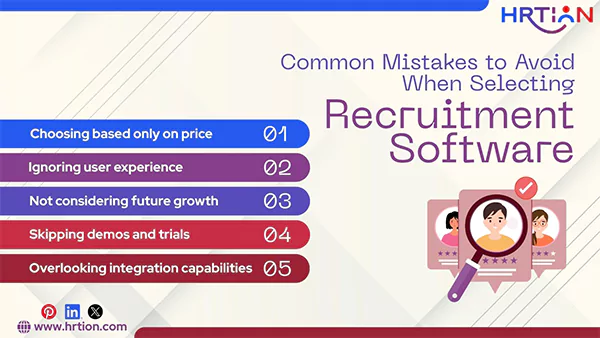
When selecting a recruitment software, these are the pitfalls you must avoid:
- Choosing based only on price: Software that is too cheap may lack important features and include hidden costs.
- Ignoring user experience: A complex interface can adversely affect the user experience, resulting in delays and confusion.
- Not considering future growth: A growing company must invest in software that offers scalability according to the hiring needs.
- Skipping demos and trials: Testing the software before investing in it is crucial to make an informed decision.
- Overlooking integration capabilities: A system that works in isolation can cause data silos and disrupted communication across the organization.
Conclusion
Recruitment software has aided companies in finding, screening, and hiring the right talent. Adoption of an intelligent recruitment technology is mandatory in the current global workforce market.
The applicant tracking software implementation is said to grow rapidly in the next decade. So, if you want to lay down a strong foundation for your business, it is the right time to spend on a recruitment solution that can accelerate growth and strategic talent acquisition.
Frequently Asked Questions (FAQs)
What is the best software for recruitment?
An all-in-one recruiting software with integrated CRM and ATS is the best for any business. Some examples are HRtion, ZohoPeople, greytHR, Greenhouse.
What is an ATS vs. CRM?
ATS is an Applicant Tracking System, meant to keep a record of applications and manage activities like resume screening, interview scheduling, and compliance management. Whereas CRM, aka Candidate Relationship Manager focuses mainly on building long-term relationships with candidates.
What software is used for recruitment?
Recruitment or hiring software is primarily driven by Applicant Tracking Systems (ATS) and Talent Acquisition platforms.
What are the four pillars of recruiting?
The four key pillars of recruitment are Data, Programs, Operations, and Strategy. They help find the right talent and retain it for a longer period.

Bhavesh is a Guest Writer at HRTion with an academic background in HR. He did an HR management course in 2025. Before transitioning to HR content writer, he worked as an Academic Content Writer at Trident Management for over 6 years. His expertise in recruitment processes & strategies helps him write detailed and clear content that is not only informative but also accessible for everyone.