
- What is Attendance Management Software?
- Why Businesses Need Attendance Management Software in 2026
- How Attendance Management Software Works
- Benefits of Using Attendance Management Software
- Types of Attendance Management Systems
- How to Choose the Right Attendance Management Software
- How to Implement Attendance Management Software
- Cost of Attendance Management Software
- Best Attendance Management Software in 2026
- Common Challenges in Attendance Management
- Conclusion
- FAQs
Attendance management is a critical aspect of overall workforce management. With organizations getting modern, the inclusion of automation and a hybrid work model engenders the need to rely on attendance management software. It helps track employee working hours, monitor productivity, and ensure payroll accuracy.
Here is the comprehensive guide that explains what a management system is and why 2026 is the right time to deploy one.
What is Attendance Management Software?
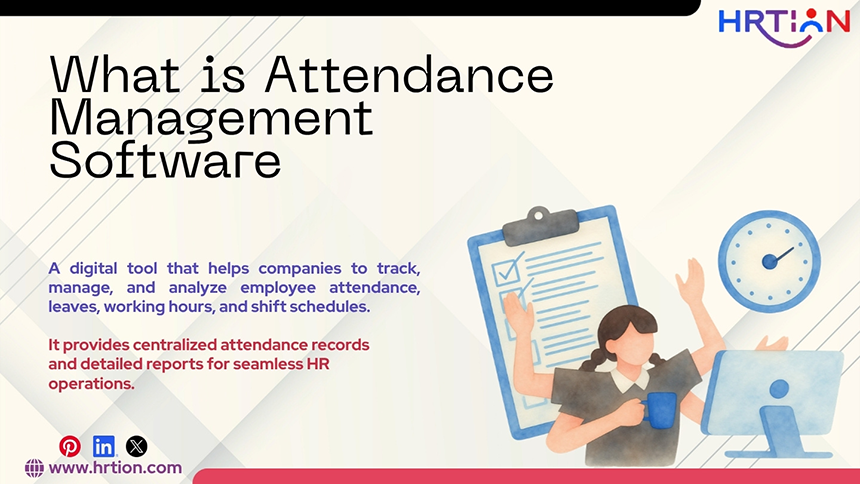
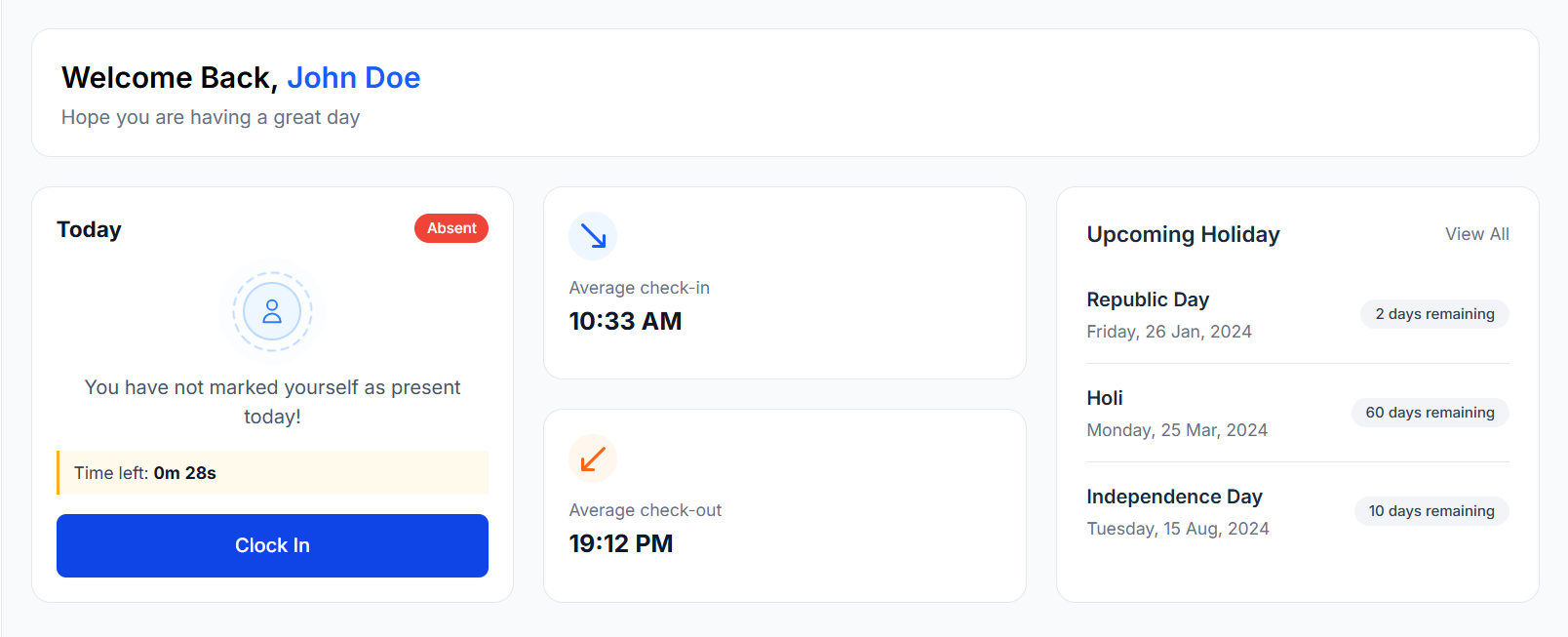
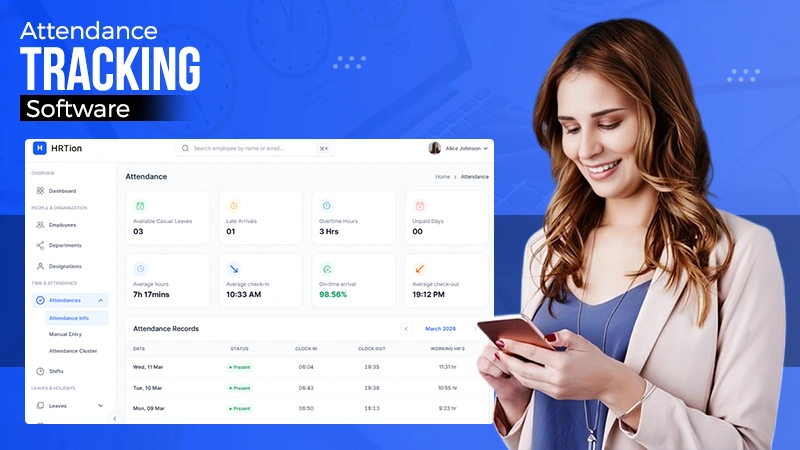
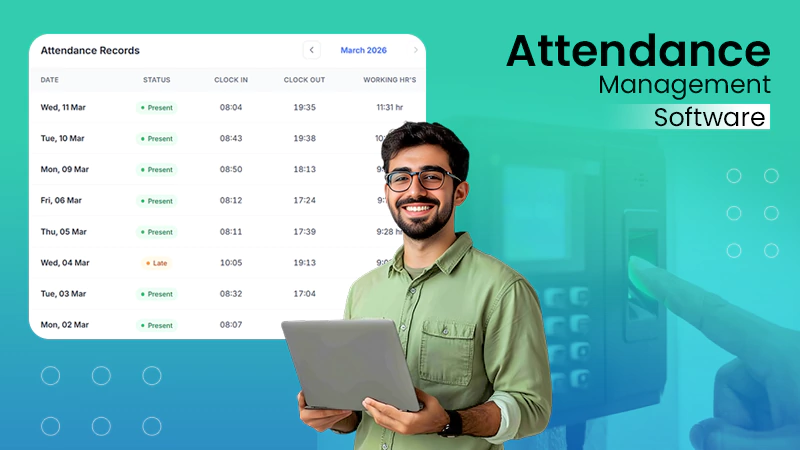
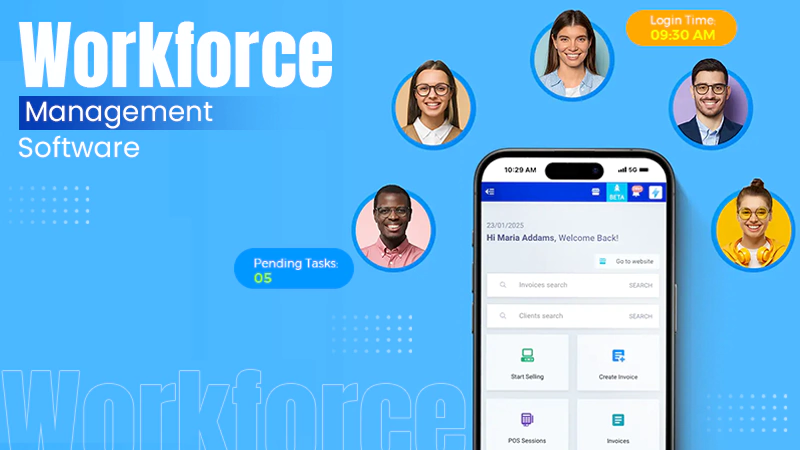
Attendance management software is a digital tool that helps companies to track, manage, and analyze employee attendance, leaves, working hours, and shift schedules. It replaces traditional attendance-tracking options, such as manual registers, spreadsheets, and more. The automated system records the employee’s login and logout timings in real time.
Most attendance systems integrate with other HR systems, such as HR, payroll, and workforce management software, to calculate salaries and ensure compliance with labor laws.
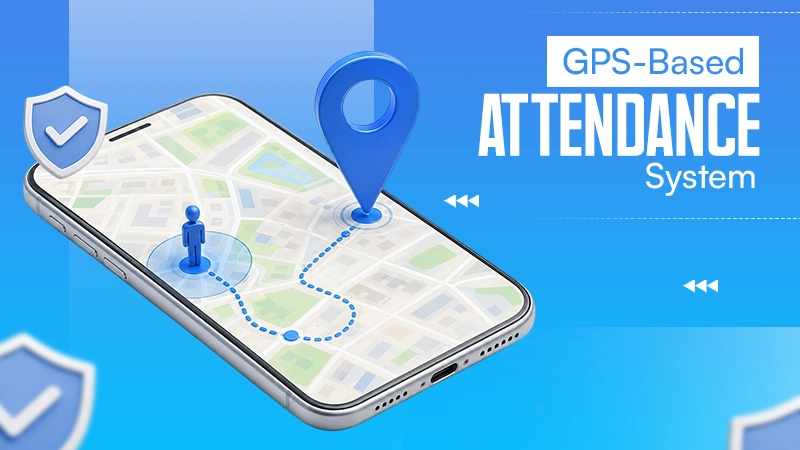
The automated attendance solution can sync with biometric devices, mobile applications, QR codes, GPS-based tracking, or web portals and maintain accurate records.
Manual attendance systems cause payroll discrepancies, inefficient processes, and delays in salary payments, and thus, an automated management system is the only solution to eliminate these problems. It provides centralized attendance records and detailed reports for seamless HR operations.
Why Businesses Need Attendance Management Software in 2026
According to IMARC Group, “the global time and attendance software market size was valued at USD 3.06 billion in 2024. Looking forward, IMARC Group estimates the market to reach USD 5.58 billion by 2033, exhibiting a CAGR of 6.55% during 2025-2033.”
The report further states that the market share of attendance automation is rapidly increasing due to the need for workforce management, adoption of cloud-based solutions, compliance with labor laws, and the rise in hybrid and remote work models.
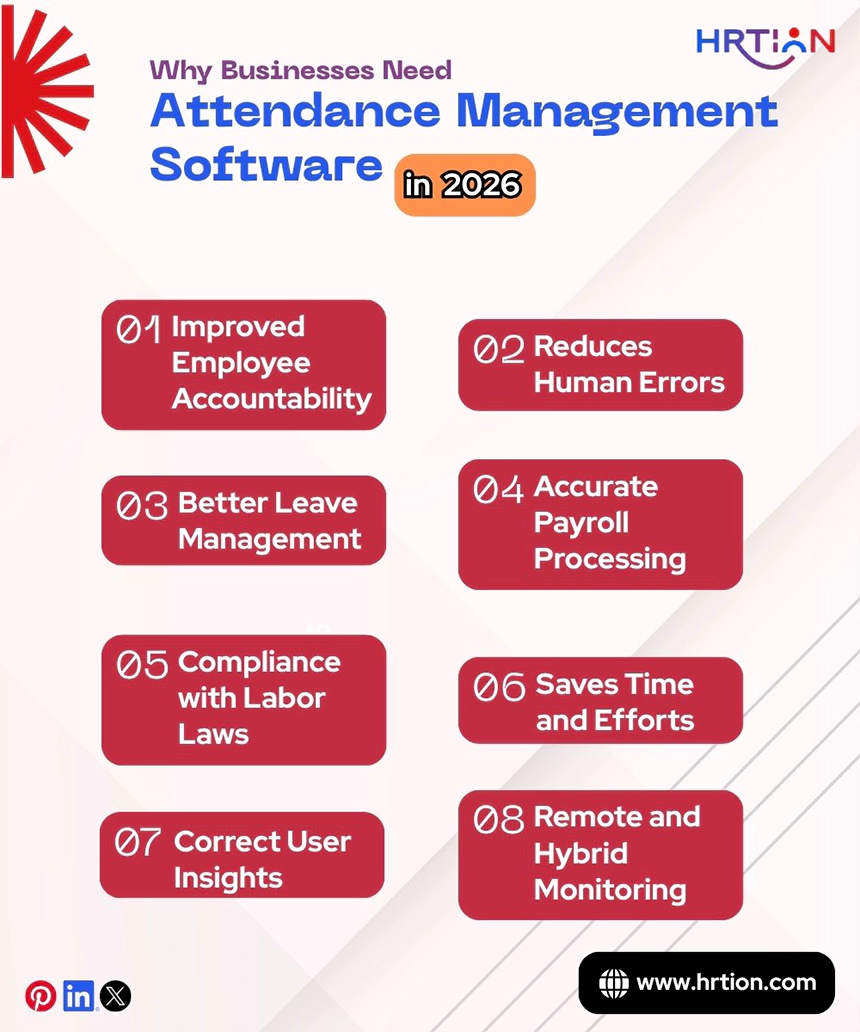
Major reasons why businesses need attendance software are the following:
1. Saves Time and Efforts
Instead of calculating attendance manually every month, implementing an automated attendance solution is a smarter choice. Manual methods not only take hours but are also prone to mistakes, but digital tracking saves time and effort by automatically tracking check-ins and check-outs, empowering HR teams and administration.
2. Reduces Human Errors
Manual registers and spreadsheets can cause human errors. The attendance tool data is recorded and maintained automatically, which eliminates errors in payroll and attendance records.
3. Accurate Payroll Processing
Attendance data directly impacts the salary calculation and processing. The automated systems ensure that the employees receive the correct amount of payments, including working hours and overtime.
4. Compliance with Labor Laws
Companies need to maintain accurate employee attendance records, especially the correct working hours, to ensure compliance with the labor laws of the country.
5. Improved Employee Accountability
When employees are monitored accurately, they stay alert and act responsibly. They focus on and follow shifts and schedules allotted to them.
6. Better Leave Management
When employees apply for leave, managers or the HR team can easily approve or reject leaves, making it easier for them to stay organized.
7. Provides Correct User Insights
Attendance patterns are crucial for a business to scale. Plus, they help businesses to boost productivity by understanding workforce behavior and rule-following tendencies.
8. Remote and Hybrid Employee Monitoring
The current era of remote or hybrid workforces needs a centralized solution to deal with people working from different locations without confusion. The attendance tracking solution is best suited to manage companies with a large number of distant employees.
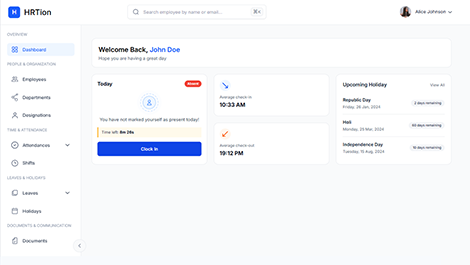
Manage the payroll, attendance, shift roles, and more in an all-encompassing HR suite. Your ultimate HR toolkit is just a click away.
How Attendance Management Software Works
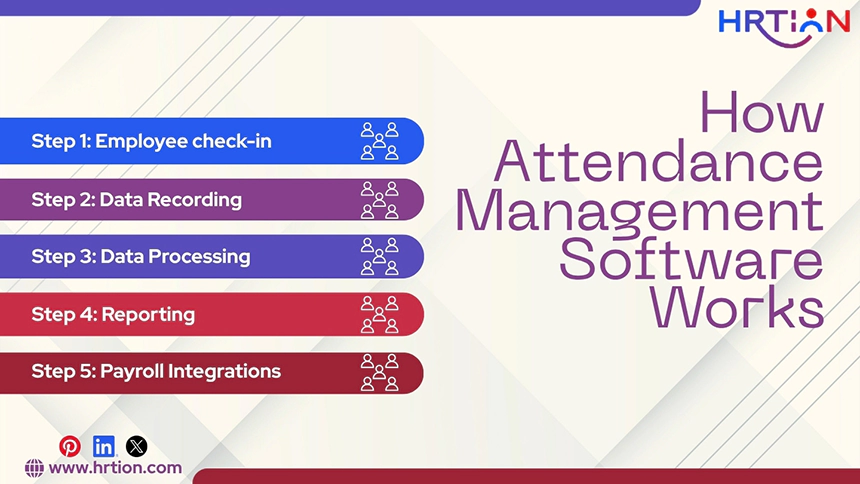
Attendance management software starts with collecting data and processing it through a centralized system. Here is how it works:
Step 1: Employee check-in
The process starts with the employee check-in. When an employee marks the attendance through biometric finger scanning, facial recognition, mobile applications, or QR code scanning, it instantly gets updated on the automated attendance system.
Step 2: Data Recording
After attendance is marked, the data is recorded on the system. It records all important details, such as employee ID, date and time, work location, and shift schedule.
Step 3: Data Processing
Data is collected and then processed according to the company’s policy, rules, and regulations. It calculates working hours, overtime, break timings, and leave deductions. This way, the need for manual calculations gets eliminated.
Step 4: Reporting
Attendance management software then generates a comprehensive report, including key insights for managers and HR. The report also gives a clear picture of the attendance patterns, the rate of absenteeism, late arrivals, and overtime costs.
Step 5: Payroll Integrations
The most important use of attendance software is its ability to integrate with payroll systems. The attendance data is used to calculate payments, overtime costs, and leave deductions. It reduces HR workload, payment errors, and employee mismanagement.
Benefits of Using Attendance Management Software
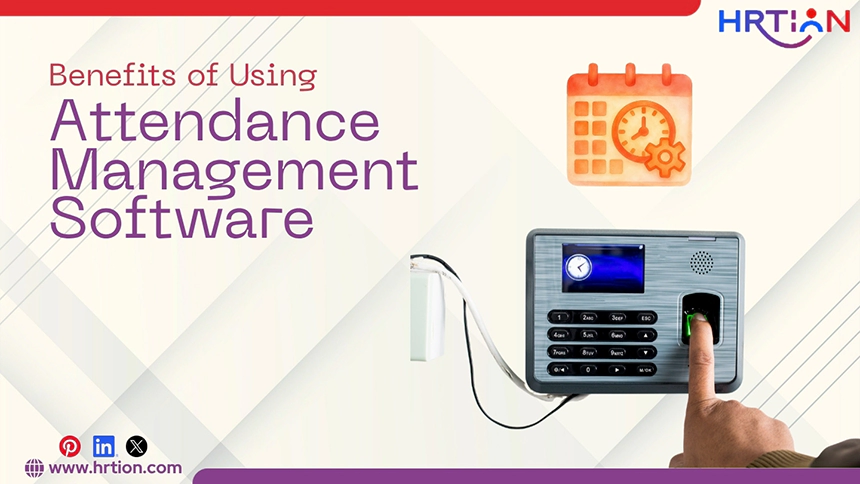
The range of benefits is quite extensive when it comes to using attendance management software. Here are the compelling reasons why this tool is highly beneficial:
- It improves accuracy with automation by eliminating manual errors.
- The HR team needs to spend less time on calculating payments based on attendance and can dedicate more time to strategic HR initiatives.
- With biometric and facial recognition features, fraud like buddy punching or proxy attendance can be prevented.
- The clear attendance insights allow managers to allocate staff properly to meet deadlines and business goals.
- The unnecessary overtime costs and HR team expansion can be controlled.
- Data is available through an easy-to-navigate dashboard; thus, employees and managers can access the stored information without any hassle.
Types of Attendance Management Systems
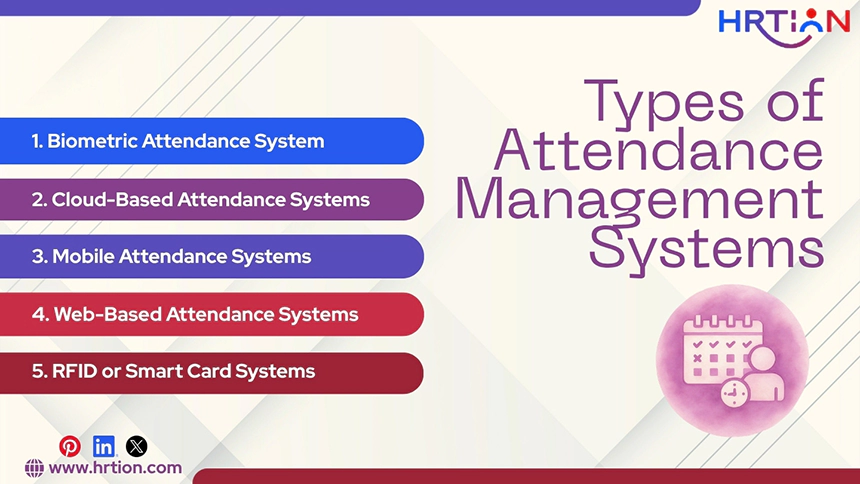
Attendance management software is available in different types. You can select the format that is best suited to your organizational needs:
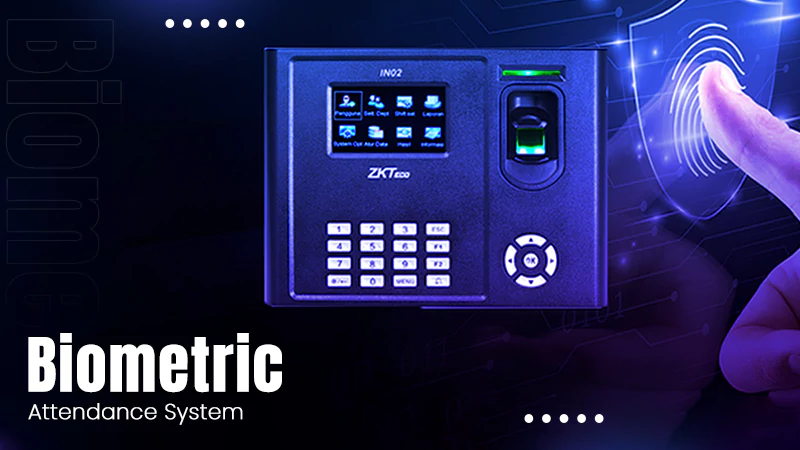
1. Biometric Attendance System
Biometric systems use different physical characteristics, such as fingerprints, facial recognition, or iris (eye ring) patterns, to record employee attendance. They are the most secure option and are thus used widely by organizations. Over 58% of companies rely on biometric systems to reliably time-track with strict access control.
| Pros | Cons |
| Secure and no false information | May require hardware investment |
| Prevents buddy-punching or attendance-related fraud. | May incur maintenance issues |
| Accurate time-tracking | Led to privacy concerns among employees |
| Fast data-processing | Not flexible enough for off-site workers |
2. Cloud-Based Attendance Systems
The cloud-based system allows employees to mark attendance from anywhere; only an internet-connected device is required. These systems offer high scalability, thus being best suited for companies with remote teams. It provides real-time data sync and mobile apps to track working from far locations. Cloud attendance tools store data online, thus not requiring local servers.
| Pros | Cons |
| Highly accessible online | Needs stable internet connectivity. |
| Scalable and flexible | A subscription is required |
| Real-time data sync | Security risks when not managed properly |
| Easy to integrate. | Limited offline functionality |
3. Mobile Attendance Systems
A mobile attendance system allows employees to log in and out using their smartphones. They include GPS tracking and geofencing to ensure that people are working from the correct location. Mobile solutions are designed for field workers, sales teams, and the remote workforce. It also ensures compliance by providing notifications and reminders to employees.
| Pros | Cons |
| Convenient for remote and field employees | Requires smartphones and network access |
| GPS tracking ensures location accuracy | A mobile charging or device issue can create a problem |
| Mobile notifications ensure compliance | Risk of phone misuse or fraud |
| Easily implementable for small teams | Limited built-in security |
4. Web-Based Attendance Systems
A web-based attendance system requires an employee to log in using a dedicated web portal. It is easy to implement and doesn’t require specialized hardware or an IT team, making it suitable for offices with standardized computer systems.
These systems can integrate with payroll and HR software, making them best suited for desk-based employees. But it requires strong network connections to work at full capacity.
| Pros | Cons |
| Easy to implement | Not a great option for off-site employees |
| No additional hardware required | Dependent on internet access |
| Integration with payroll and HR systems | Less secure without a strong network connection |
| User-friendly interface | No biometric or location verification |
5. RFID or Smart Card Systems
RFID or smart card attendance systems consist of scanning an ID card or company badge at a scanner or reader to mark attendance. These systems are relatively fast and secure compared to manual methods. They work best for offices, factories, and workplaces that have selected entry points.
These systems are highly cost-effective, but can’t control issues like buddy punching and other fraud.
| Pros | Cons |
| Quick and easy to use | Can cause issues like buddy punching |
| Controls manual errors | Card issuance and management is required |
| Cost-effective solution compared to biometric systems | Cards may get damaged or lost |
| Good for controlled entry points | Limited security features |
How to Choose the Right Attendance Management Software
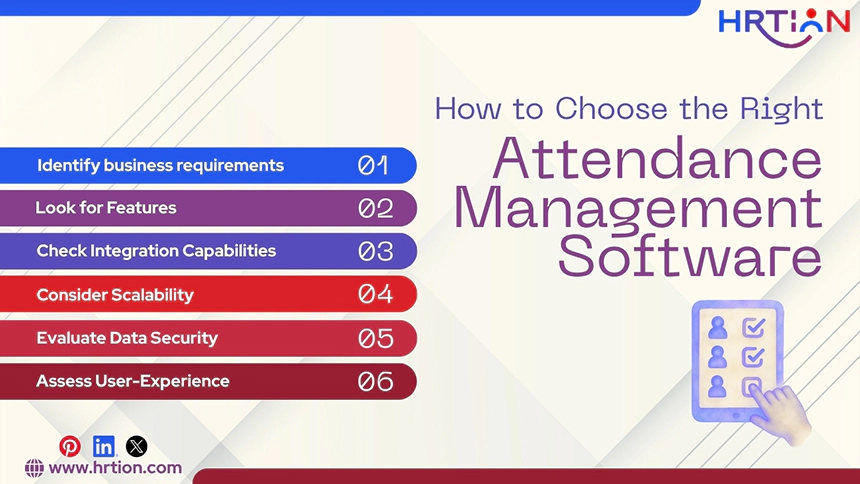
To select the right attendance software, a company needs to consider its size, workforce structure, and operational needs. Here is the criterion to choose the most suitable attendance system for your business:
1. Identify business requirements
Organizations must consider factors like
- Number of employees.
- Proportion of remote vs. on-site employees.
- Integration capabilities.
2. Look for Features
It is essential to consider the feature requirements. Some important features are the following:
- Time tracking
- Leave management
- Payroll and HR system integration
- Reporting dashboard
- Attendance analytics
3. Check Integration Capabilities
The tool must be able to integrate with different HR platforms, such as
- HRMS or HRIS systems
- Payroll software
- Performance management tools
4. Consider Scalability
An ideal attendance software must be able to scale as the business grows. This ensures consistent support for future workforce growth.
5. Evaluate Data Security
The attendance tool should comply with the compliance and data protection regulations. It ensures secure data storage and prevents legal risks.
6. Assess User-Experience
A clean and intuitive interface improves employee experience and makes it easier for HR to get started with it without requiring any technical experience.
How to Implement Attendance Management Software
According to a recent study by Deloitte, organizations that implement HR tools through a structured strategy experience up to a 30% improvement in HR process efficiency. This emphasizes the benefits of proper planning when deploying attendance management systems.
1. Choose the right software according to business requirements
After identifying the requirements, select a tool that fits in your budget. Compare different solutions based on features like biometric integration, mobile access, reporting tools, security, flexibility, and scalability.
2. Configure System Settings
The next step is to configure software according to the company’s policies. This includes setting work shifts, schedules, overtime rules, leave structure, and attendance tracking methods. Proper configuration is essential for accurate attendance records.
3. Add Employee Data
Enter the employees’ details, such as employee IDs, departments, roles, and shifts they are working in. Make sure the data you entered is accurate, so make a thorough check before finalizing.
4. Train Employees and Managers
The company needs to train the employees and managers so that they can evaluate the usability, features, and performance of the tool. This ensures smooth adoption of the new technology across the company.
5. Run a Pilot Test
Before rolling out the attendance system, businesses should test it first with a small group of people. This will help in finding any flaws, challenges, or technical glitches and removing them before full implementation.
Cost of Attendance Management Software
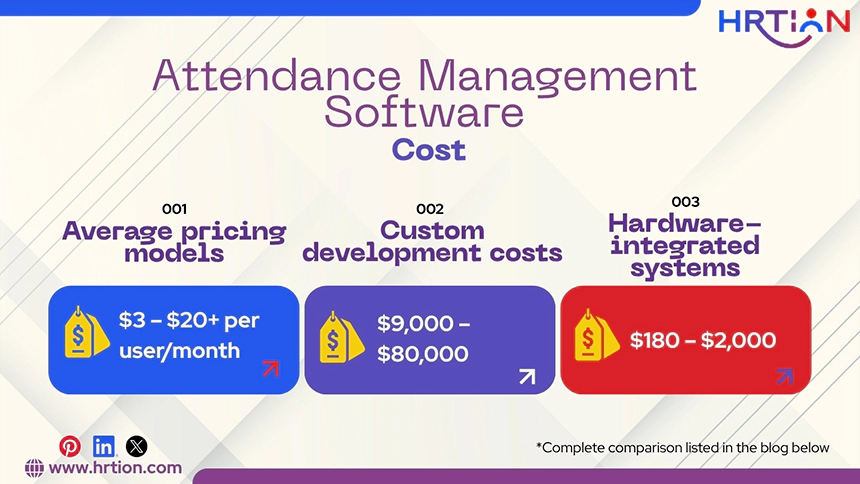
The cost of attendance management software varies depending on the features, company size, and deployment model of the tool.
Average pricing models:
- $3 – $5 per user/month for small businesses
- $5 – $10 per user/month for mid-sized businesses
- $10 – $20+ per user/month for enterprise or advanced solutions
Custom development costs:
- $9,000 – $15,000 for a basic application
- $15,000 – $50,000 for a feature-rich application
- $50,000 – $80,000 for an enterprise-grade solution
Hardware-integrated systems:
- $180 – $720 for biometric devices
- $1,000 – $2,000 for portable scanners
Best Attendance Management Software in 2026
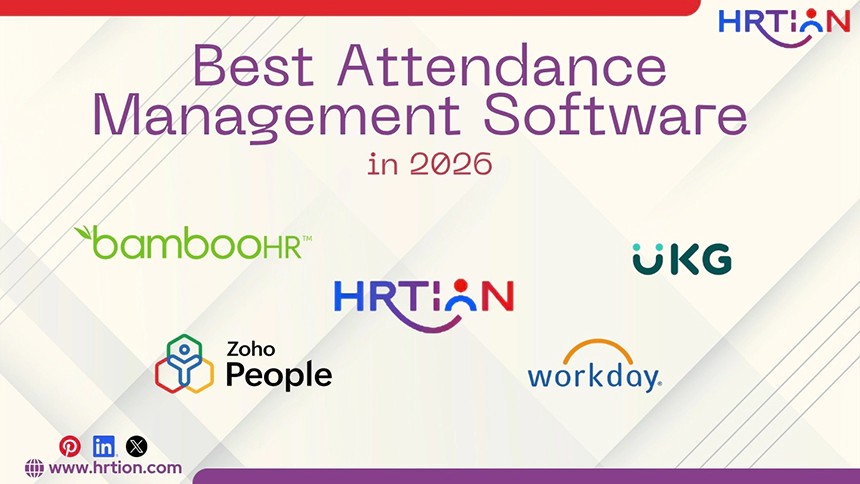
The modern solutions for attendance management software that work best in 2026 are:
1. HRtion
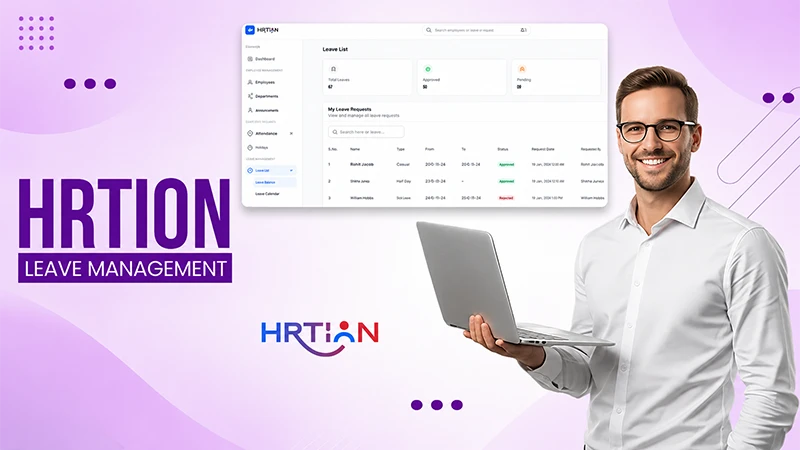
HRtion is an integrated solution that offers HR management along with advanced attendance tracking features. It helps businesses to automate routine operational tasks, along with seamless attendance and leave management. This tops the list due to the highest ROI and seamless user experience.
2. BambooHR
BambooHR is a quite popular solution designed to cater to small- to mid-sized businesses. It offers time tracking, leave management, and data management along with a user-friendly interface.
3. UKG Ready
UKG Ready offers a comprehensive solution for workforce and attendance management, with features like attendance tracking, scheduling, and payroll integration.
4. Zoho People
ZohoPeople is a cloud-based solution that offers attendance tracking, performance monitoring, and leave management. It is integratable with Zoho applications for improved HR processes.
5. Workday
Workday is an enterprise HR and finance platform that provides advance anaylitcs to manage the workforce efficiently. It is best suited to larger organizations that need comprehensive workforce management.
Common Challenges in Attendance Management

Despite its advantages, there are a few challenges that attendance management software may bring forth.
- System integration issues: Some companies may face issues while integrating an attendance tool with other HR tools.
- Employee privacy concerns: Biometric systems raise concerns regarding employee privacy, data security, and protection.
- Hardware installation costs: Hardware systems, like biometric and fingerprinting machines, need a hefty initial investment.
- Unfamiliarity with technology: Employees can feel it overwhelming getting used to the new technology, creating administrative chaos.
Conclusion
Attendance management software is a smart investment for modern organizations for seamless employee management. As attendance is an integral part of the employee lifecycle, having an automated solution to handle it carefully is crucial.
With the global market expected to exceed $26 billion by 2032, it is high time to get future-ready and adopt technical advancements like attendance management systems.
FAQs
What are the uses of attendance management systems
An attendance management system is used to track employee check-ins and check-outs, record leaves, and monitor attendance patterns for accurate payroll calculations.
Is attendance management software suited to small businesses?
Yes. Most of the cloud-based attendance management systems work well for small businesses, as they are affordable and scalable.
What are some free attendance management software options?
There are a few systems that offer attendance management with their free versions, but they consist of limited features. Some of those are Jibble, Clockify, Toggl Track, Empxtrack, and SumHR.
What is the cost for an attendance management system?
The cost of an attendance management system ranges from $2 to $15 for basic features, but advanced features may cost $6 to $20 per user per month.
What is biometric attendance system?
Biometric attendance system is a tool that records employee attendance using biological characteristics such as fingerprints, facial recognition, and iris scans.
Sources:

Sunita Kumari is a Freelance Contributor Writer at HRTion, writing accurate, reliable, and informative content. She completed her Bachelor's from Rajdhani College of the University of Delhi. She has been a Human Resources Recruiter for almost 2 years, including over 1 year with Battersea Web Expert. Drawing on her recruitment and HR processes experience, she writes clear and practical payroll-related guides that help employees and job candidates better understand HR procedures and workplace practices.