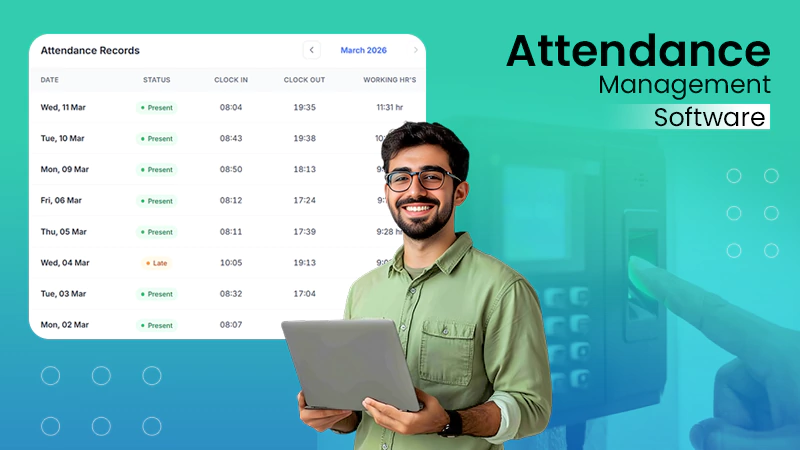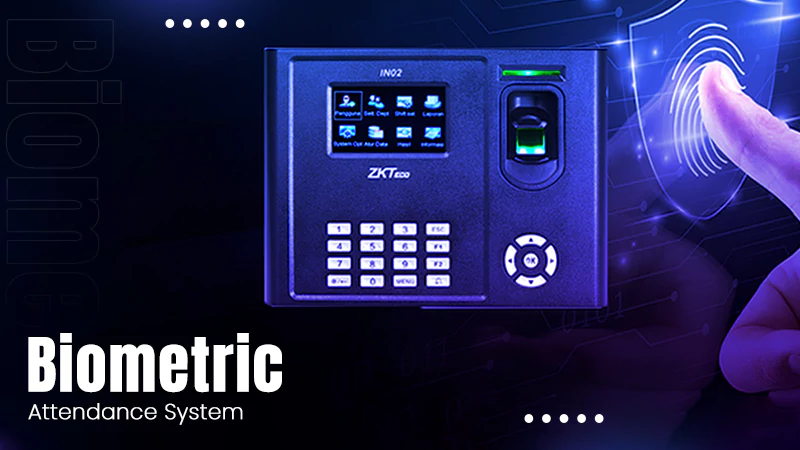

- What is a GPS-Based Attendance System?
- How Does a GPS Attendance System Work?
- Key Features of GPS Technology
- Benefits of GPS-Based Attendance Systems
- Common uses of GPS Based Attendance Systems
- Types of GPS-Based Attendance Systems
- Cost of GPS-Based Attendance Systems
- Challenges and Solutions with GPS-Based Attendance Systems
- Tips for Successfully Implement GPS-Based Attendance System
- GPS-Based Attendance System Integration with HRtion
- Conclusion
- FAQs
With rapid changes in workforce trends such as remote, hybrid, and field-based employees, traditional attendance methods are becoming less effective over time. Register entries, punch cards, and fixed devices are no longer efficient to meet the needs of employees working across multiple locations.
The solution to these challenges is a robust GPS-attendance system that links employee records with their exact geographical location.
Location-based attendance systems are extremely useful in fields like sales, construction, delivery, service engineering, healthcare, and MNCs. The modern attendance solutions allow employees to mark attendance using different criteria.
This guide takes a 360-degree view of modern GPS attendance systems, providing a roadmap for transformation.
What is a GPS-Based Attendance System?
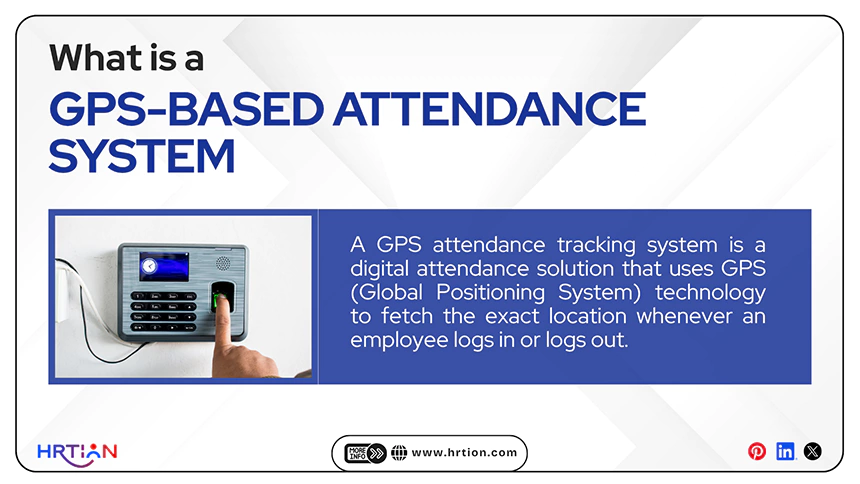
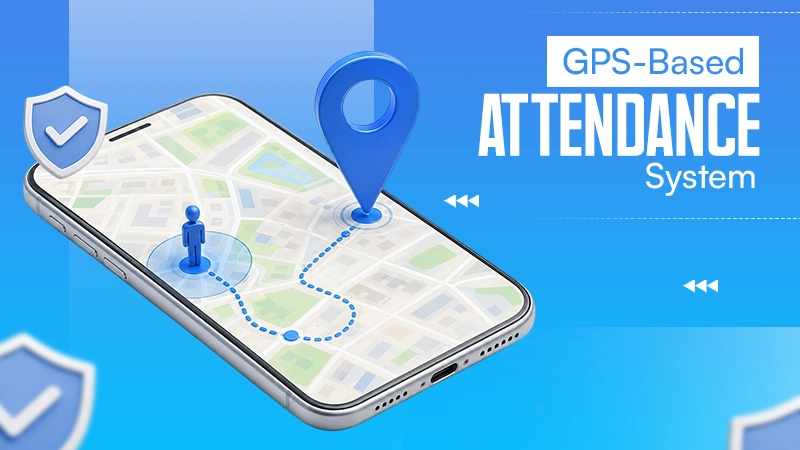
A GPS attendance tracking system is a digital attendance solution that uses GPS (Global Positioning System) technology to verify location and mark attendance. It fetches the exact location whenever an employee logs in or logs out.
Not only does a GPS attendance solution record time, but it also requires an employee to enter or automatically capture information such as
- Employee identity
- Check-ins and check-outs
- GPS coordinates
- Work location
- Device information
- Attendance status
- Shift details
To put it in simple words, this system enables the employer to track whether the employee is physically present at the designated work location and only accepts attendance after ensuring it.
The GPS tracking solutions are an ideal way to reduce attendance issues like buddy punching, time theft, and mismanagement. Furthermore, it also helps organizations improve accuracy, transparency, and accountability, while supporting payroll and HR management.
Manage the payroll, attendance, shift roles, and more in an all-encompassing HR suite. Your ultimate HR toolkit is just a click away.
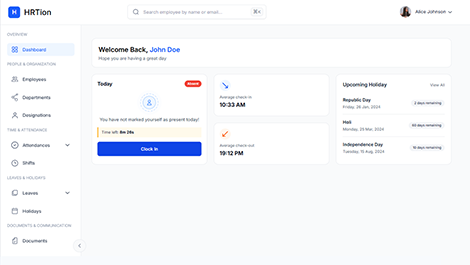
How Does a GPS Attendance System Work?
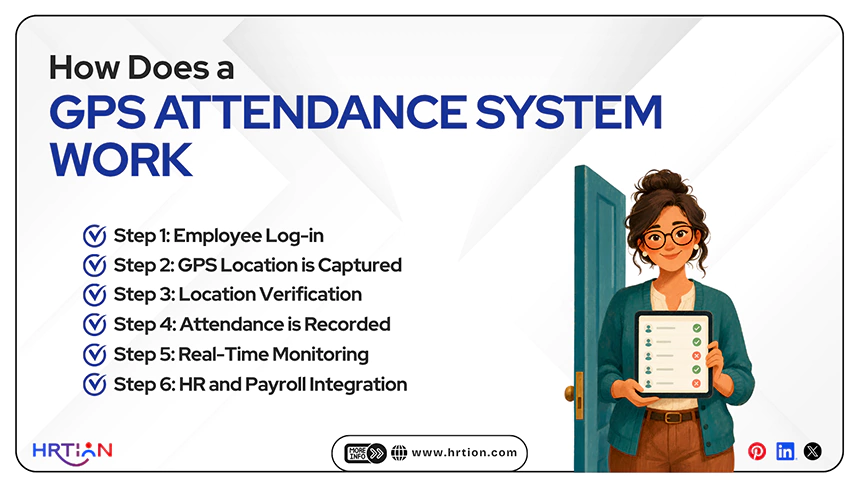
A GPS attendance system works by using the GPS capabilities of an employee’s location-enabled devices. The system ensures that the attendance is recorded properly using approved work locations. It also offers a secure and accurate way to track dedicated working hours.
Here are the steps on how a GPS attendance system works:
Step 1: Employee Log-in
The employee first opens the attendance app on their smartphone, tablet, or laptop and logs in using the secure credentials. Systems also support biometric authentication, PINs, or facial recognition.
Step 2: GPS Location is Captured
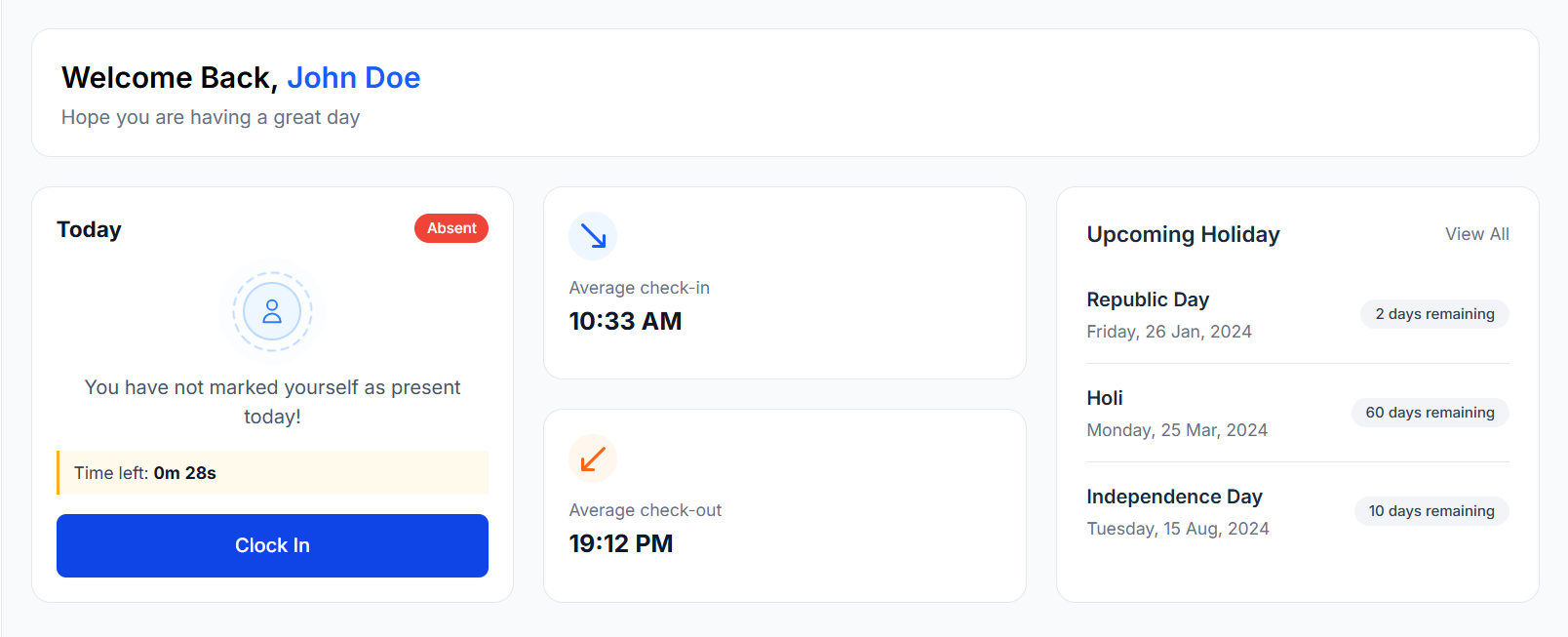
When an employee uses the check-in or clock-in button. The app then automatically captures the current GPS coordinates. This location data is compared with predefined work locations and geofenced areas.
Step 3: Location Verification
The system then verifies whether the employee is placed within the approved work zone. If the employee is inside the designated location, the attendance is recorded in the system. The system can reject the attendance or notify the employee to move to the correct location.
Step 4: Attendance is Recorded
Once the location is verified, the system tracks and records the attendance details, such as
- Employee name or ID
- Check-in or check-out time
- GPS coordinates
- Date
- Device information
- Work location
Step 5: Real-Time Monitoring
Managers and HR teams can monitor attendance in real-time through a centralized platform/dashboard. They can view who has logged in, employee locations, late punch-ins, absenteeism, and working within designated hours.
Step 6: HR and Payroll Integration
The attendance data is automatically compiled into detailed reports that are further used for payroll, HR, compliance, and workforce management. It helps integrate the collected data into other administrative systems.
By using this GPS technology with attendance management, the company can secure against time theft and control buddy punching. It can improve overall HR operations and overall management.
Key Features of GPS Technology
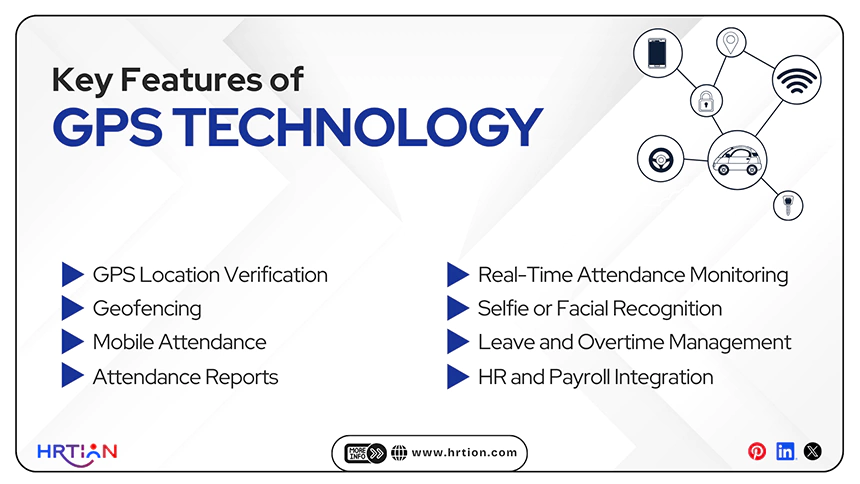
A modern GPS attendance system must have the below-listed features to be most effective.
GPS Location Verification
The system records the employee’s location during logins and log-outs. This helps verify whether the employee was present at the required location.
Geofencing
Geofencing is the process of building a virtual geographical boundary around the workplace, branch, client site, and project location. The system can stop attendance marking for employees who are outside the designated area.
Mobile Attendance
Attendance can be marked through different platforms such as mobile phones, tablets, and other devices. This enables flexibility of platform instead of just relying on fixed machines.
Real-Time Attendance Monitoring
Managers can view attendance information online right at the moment an employee logs in to the centralized dashboard.
Selfie or Facial Recognition
Many attendance systems include GPS with selfies and facial recognition to record attendance, which is impossible to manipulate.
Attendance Reports
Managers can create reports based on attendance, working hours, overtime, late arrivals, absences, and locations.
Leave and Overtime Management
A GPS-based attendance system can also connect records and leave and overtime workflows.
HR and Payroll Integration
The attendance data can be integrated with HRMS, payroll, and other workforce management systems to reduce duplicate data entry.
Benefits of GPS-Based Attendance Systems
GPS attendance systems can offer a wide range of benefits, especially for employees working in different areas and geographical locations. It not only helps in location tracking but also improves the overall functioning of the company.
- Improves Attendance Accuracy
Regular attendance systems record the punch-in only. GPS-based systems add a location layer, helping companies verify where the employee marked attendance.
This can be quite useful for field employees who don’t require a fixed office.
- Reduces Fake or Proxy Attendance
The attendance record can be associated and linked with a particular location and, in most cases, selfie and facial verification processes.
This reduces buddy punching and false attendance entries, though businesses should still consider combining location verification with other verification methods in case the risk of spoofing is high, as GPS alone is not invulnerable to manipulation.
- Supports Mobile Employees
Some employees, like sales representatives, construction teams, healthcare workers, security personnel, service engineers, project-based employees, and delivery workers, are constantly shifting locations. Hence, the GPS attendance system is of great value to these employees.
- Automates Manual Administrative Work
Automated attendance records relieve HR teams of many repetitive, time-consuming, and exhausting tasks such as having to manually collect registers, verify timesheets, and calculate working hours.
- Grants Better Workforce Visibility
Managers can use the GPS attendance system to get a much clearer and more concise view of employee attendance across different branches, project sites, offices, and client locations.
- Improves Payroll Accuracy
Manual attendance records can have many errors, especially in calculations concerning working hours, overtime, and absence calculations. This can be reduced heavily by using the GPS attendance system to automatically record the data and connect it with payroll systems.
- Promotes Hybrid and Remote Work
GPS-based attendance systems are of immense help to organizations that work across many locations and have employees who are stationed in remote areas or locations, though it is necessary to be transparent about using this system for verifying attendance and have suitable and detailed privacy boundaries if the business wants to avoid legal and compliance risks.
- Creates Comprehensive Attendance Records
It has been observed that paper-based registers are more difficult to analyze, export, and search than digital attendance records.
A 2024 research paper once described the use of a GPS-based employee monitoring and attendance system, detailing the utilization of location data and geofencing for improving workforce oversight and automation of attendance records.
Common uses of GPS Based Attendance Systems
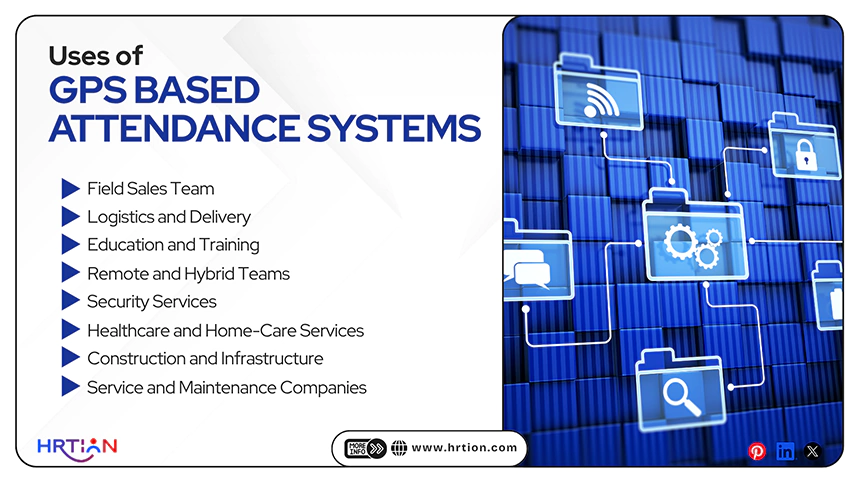
A GPS-based attendance system is used widely in different fields of work. Here are the best uses for these systems apart from reliability and transparency.
- Field Sales Team
Sales representatives are able to mark attendance at client meetings, business locations, or assigned territories through the usage of GPS-based attendance systems.
- Logistics and Delivery
When traveling through various routes and locations, the GPS attendance system can provide a great amount of aid to delivery teams via the mobile attendance systems.
- Education and Training
Employees working across different campuses or locations in different institutes can take advantage of GPS-enabled attendance.
- Remote and Hybrid Teams
Organizations can utilize location verification for specific work-related attendance requirements; however, the policies must clearly define when locational data is collected and how it is used.
- Security Services
Security businesses can verify attendance at assigned client sites easily using the GPS attendance system.
- Healthcare and Home-Care Services
Employees who need to travel to patients’ homes or across different healthcare locations can also take great advantage of the GPS attendance system.
- Construction and Infrastructure
Workers and supervisors are able to record attendance easily at construction sites and project locations via the GPS attendance system.
- Service and Maintenance Companies
Service engineers can check and confirm their presence at customer locations or assigned service sites.
Types of GPS-Based Attendance Systems
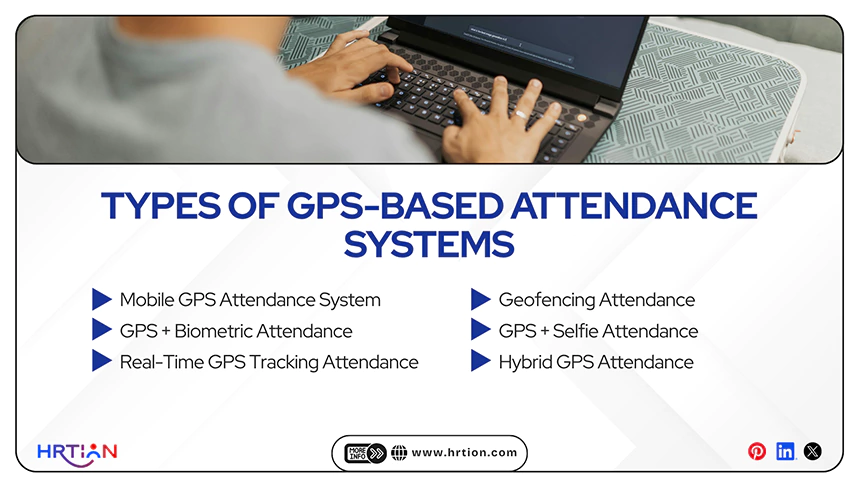
From mobile systems to hybrid solutions, here are all the options available to track remote employee attendance. Select the one that suits your business requirements, budget, and goals.
- Mobile GPS Attendance System
A mobile GPS attendance system allows marking attendance using a smartphone app. This is one of the common options for the field and mobile workforces.
Best suited for: field staff, sales teams, remote employees.
Advantages: easy-to-use, real-time location, tracking, and cost-effective methods.
Disadvantages: GPS accuracy can fluctuate indoors and outdoors.
- Geofencing Attendance
Attendance is allowed only within predefined geographic boundaries. It creates a virtual workplace because employees can only log in when inside that boundary.
Best suited for: offices, factories, schools, and construction sites.
Advantages: Can prevent remote or fake check-ins and support automated approval.
Disadvantages: It requires accurate GPS and proper Geofence setup.
- GPS + Biometric Attendance
Combines GPS location with biometric verification such as fingerprint and facial recognition. In this system, both identity and location are verified before completing the attendance.
Best suited for: High-security workplaces and government offices.
Advantages: optimum attendance security, reduced buddy punching, and fraud.
Disadvantages: High implementation cost and device requirements
- GPS + Selfie Attendance
Employees just take a selfie while signing in along with the GPS verification. The app captures the photo and GPS coordinates at the time.
Best suited for: remote workers, delivery personnel, field technicians.
Advantage: Adds visual identity verification
Disadvantage: requires camera access and good lighting conditions
- Real-Time GPS Tracking Attendance
It tracks employee location during working hours in addition to attendance. The app sends GPS coordinates to the server after check-ins.
Best suited for: logistics, transportation, filed service teams
Advantages: It can improve workforce monitoring and route optimization
Disadvantages: Higher battery consumption and privacy concerns
- Hybrid GPS Attendance
Combines GPS with technologies such as Wi-Fi, Bluetooth, or NFC for improving attendance accuracy. Multiple technologies work in sync to verify both identity and location.
Best suited for: Smart offices, hospitals, large enterprises
Advantages: best accuracy rate, stronger security, reliable indoors
Disadvantages: Complex implementation and higher cost
Cost of GPS-Based Attendance Systems
| System | Typical Cost | Pricing Model | Best for |
| Mobile GPS Attendance | $1–$5 per user/month | Subscription | Small and medium businesses |
| Geofencing Attendance | $2–$6 per user/month | Subscription | Offices, schools, construction sites |
| GPS + Biometric Attendance | $500–$2,000 (software setup) + $100–$500 per biometric device | One time + maintenance | Government offices, secure organizations |
| GPS + Selfie Attendance | $2–$6 per user/month | Subscription | Remote workers, field employees |
| Real-Time GPS Tracking Attendance | $5–$15 per user/month | Subscription | Logistics, transportation, delivery services |
| Hybrid GPS Attendance | $10–$30 per user/month or $2,000–$10,000 | subscription + one time | Large enterprises |
Some Additional Cost Components
| Components | Cost |
| Software Installation | $100–$1,000 (one-time) |
| Customization | $500–$5,000 |
| Payroll/HR Integration | $200–$2,000 |
| Employee Training | $100–$1,000 |
| Technical Support & Maintenance | 15–20% of software cost per year |
| Cloud Storage | $10–$100 per month |
| Mobile Internet/Data | It depends on mobile service provider |
Challenges and Solutions with GPS-Based Attendance Systems

GPS attendance systems offer various advantages but can also present some difficulties. Identifying these challenges and fixing them before they become threatening is crucial.
Problem 1: GPS Accuracy Problems
Solution: Use reasonable geofencing boundaries and allow manual verification when GPS accuracy is temporarily poor.
Problem 2: Poor Internet Connectivity
Solution: Choose a system that supports offline attendance and sync data when connectivity returns.
Problem 3: Employee Privacy Concerns
Solution: Combine GPS with additional verification methods such as selfie verification, facial recognition, device checks, and accurate location.
Problem 4: Employee Resistance
Solution: Employees may resist a new attendance system, and they see it as intrusive or difficult to use; thus, the company must explain the business purpose, provide training, collect feedback, and avoid unnecessary tracking.
Problem 5: Battery Consumption
Solution: Use an attendance system that captures only essential information instead of actively tracking the real-time monitoring.
Problem 6: Integration Problems
Solution: Having a GPS attendance system with APIs, native integrations, and compatible data export.
Tips for Successfully Implement GPS-Based Attendance System

The best practical tips for continuous monitoring and effectiveness are improved communication and the right training. These suggestions will also help minimize technical and operational challenges.
- Define attendance policies clearly before actually implementing them, including check-in and check-out rules, working hours, and location requirements.
- Choose the right GOS attendance solution that suits your company’s size, budget, and operational needs.
- Enable geofencing to ensure employees can only mark attendance when they reach the authorized locations.
- Prefer data privacy and security by encrypting location data and following data protection protocols.
- Provide employee training to both managers and employees so that users can understand the right application of GPS systems.
- Make sure that the internet connectivity is strong enough for real-time attendance sync and accurate attendance reporting.
- Test the accuracy of GPS for multiple locations before deploying it to minimize the errors.
- Check battery and data usage for mobile devices to ensure that the application is not affecting the device performance.
- Collect employee feedback after implementing to identify the issues and improve the system over time.
GPS-Based Attendance System Integration with HRtion
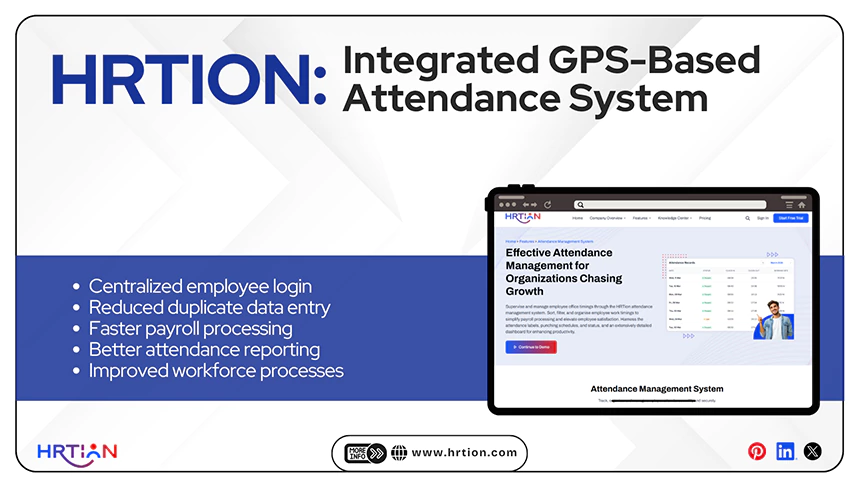
GPS-based attendance systems offer more benefits when combined with HRMS systems like HRtion.
HRtion keeps employee data in one system, and when the attendance system is combined, companies can improve the overall HR workflow.
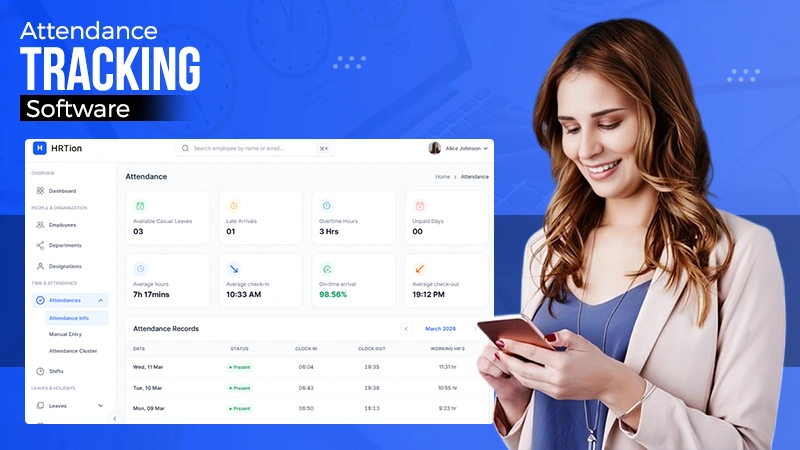
This digital tool offers attendance tracking itself and can be linked with other devices as well to offer a centralized platform for all organizational needs.
The main benefits of integration:
- Centralized employee login and other information
- Reduced duplicate data entry
- Faster payroll processing
- Better attendance reporting
- Easier leave management
- Improved workforce processes
- More consistent HR operations
Conclusion
A GPS-based attendance system offers businesses an efficient way to verify employee attendance across different locations for remote, hybrid, or field employees.
However, GPS attendance should not be used as a surveillance tool without informing the employees. Furthermore, every employee must be informed and trained on how to use the GPS tool and what information it may collect. Without conjoining it with transparent company policies, it can create legal and compliance issues.
FAQs
What is a GPS-based attendance system?
A GPS-based attendance system is a digital solution that uses GPS location data to verify an employee’s location when they mark attendance. It collects information such as check-in time, check-out time, and geographical location.
How does GPS attendance work?
Employees use a mobile application to check in or check out. The system captures their location and compares it with a dedicated location set through geofencing.
Can a GPS attendance system be used for remote employees?
Yes. GPS attendance systems can support remote employees and field workers, providing the company with clearly defined locations along with logging-in time.
What is geofencing in attendance management?
Geofencing is a visual geographical boundary around a dedicated location. Employees may be allowed to mark attendance when they are within the predefined area.
How much does a GPS attendance system cost?
The pricing depends on factors such as number of employees, features, integration capabilities, and support requirements. It comes with subscription pricing or fixed organizational plans.

Bhavesh is a Guest Writer at HRTion with an academic background in HR. He did an HR management course in 2025. Before transitioning to HR content writer, he worked as an Academic Content Writer at Trident Management for over 6 years. His expertise in recruitment processes & strategies helps him write detailed and clear content that is not only informative but also accessible for everyone.