
- What is Attendance and Time Tracking Software?
- Key Features of Attendance and Time Tracking Software
- Benefits of Attendance and Time Tracking Software
- Types of Employee Attendance Tracking Systems
- How to Choose Attendance and Time Tracking Software
- Top 10 Attendance and Time Tracking Software
- Best Practices to Ensure Smooth Adoption
- Conclusion
- FAQs
With an increasing number of remote and work-from-home employees, handling the distributed workforce has become complex and disintegrated.
Stats by Wagepoint (2019) revealed that “80% of employee timesheets have to be corrected.” This is the reason companies are relying on remote attendance tracking methods to ensure fewer errors and simplified time tracking.
There are several functional employee attendance tracking system options available in the market, but finding the best fit is not relatively straightforward, especially without knowing the basics.
Here is every detail required before selecting the best remote attendance tracking software.
What is Attendance and Time Tracking Software?
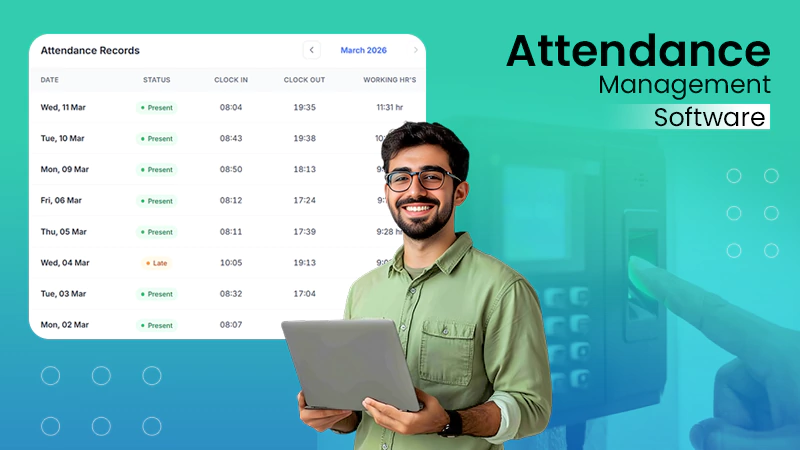
Attendance and time tracking software are automated solutions to record and monitor employee work hours, attendance, leaves, and schedules.
The software is designed to digitize the process of logging in, reduce human errors, and collect real-time data for HR professionals and managers. Furthermore, it helps companies deal with attendance concerns like buddy-punching or incorrect login entries.
Overall, a modern attendance tracking system automates time capturing, controls discrepancies, and provides valuable insights and analytics for HR professionals to maintain consistency in schedules, compliance, and payroll.
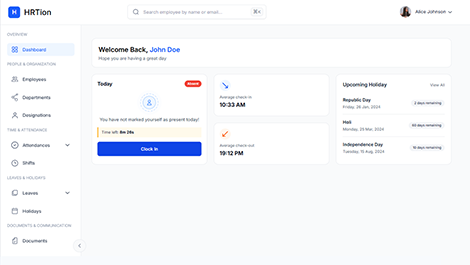
Manage the payroll, attendance, shift roles, and more in an all-encompassing HR suite. Your ultimate HR toolkit is just a click away.
Key Features of Attendance and Time Tracking Software
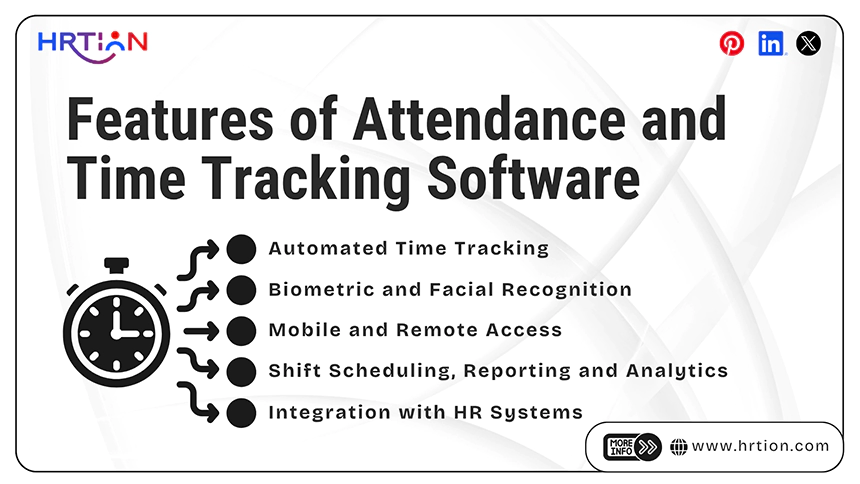
An effective attendance tool does more than monitor time logging. It comes packed with features like the following:
- Automated Time Tracking
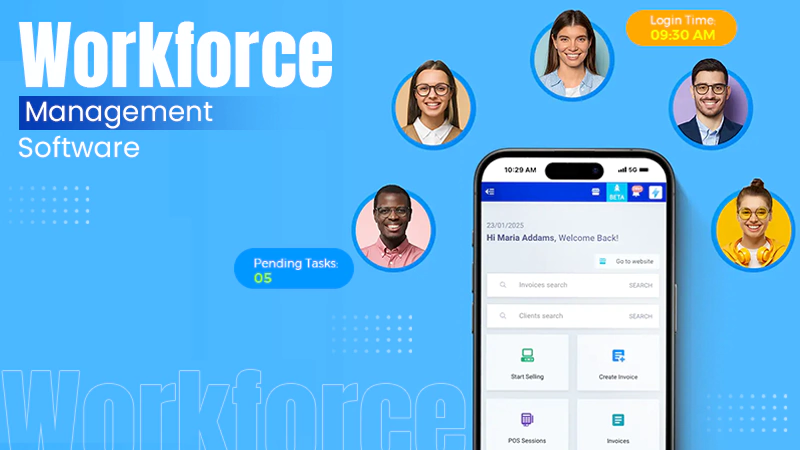
Employees can log in while working from any location via multiple channels, such as mobile apps, web portals, and on-site devices. Every entry is recorded in real time, reducing manual input and minimizing errors when punching in.
- Biometric and Facial Recognition
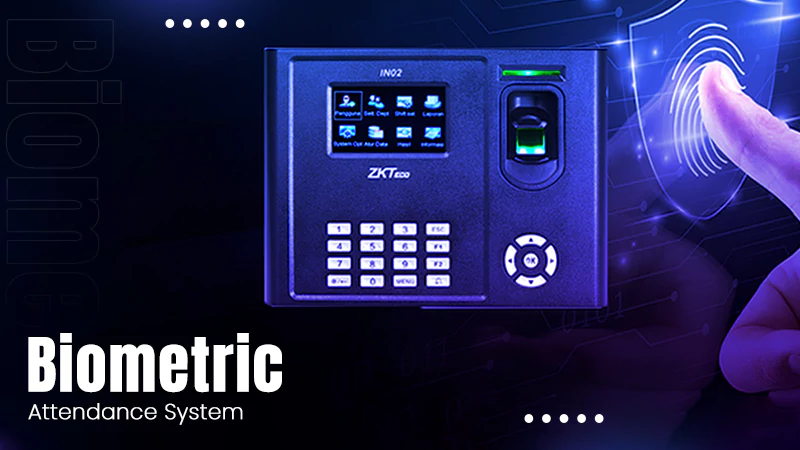
Advanced attendance systems include biometric technologies like fingerprint scanning or facial recognition to verify the employee’s identity. This feature helps in eliminating “buddy punching” to keep attendance fraud at bay.
- Mobile and Remote Access
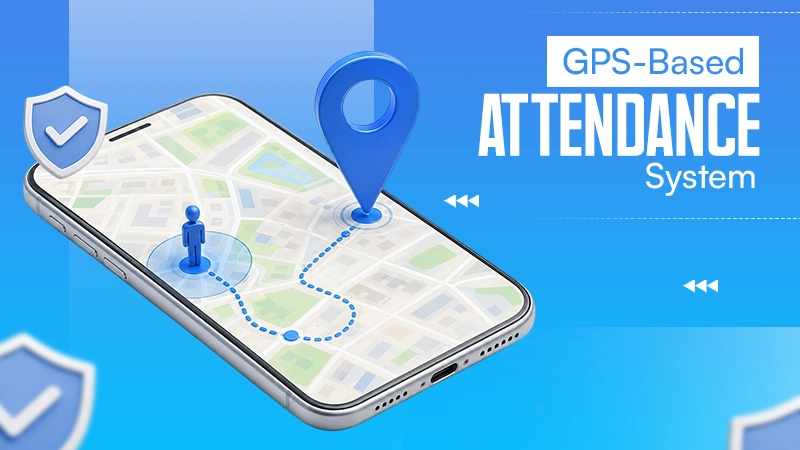
With the rise of remote work and field-based roles, it has become necessary to introduce mobile accessibility. Employees are now able to use their smartphones to mark their attendance, utilizing the GPS-based location tracking to validate their presence on a specific site. This feature is highly valuable for sales teams, on-site workers, and remote staff.
- Shift Scheduling
Managing employee schedules is a very complex and time-consuming task. Attendance software helps in simplifying scheduling tasks by enabling managers to create, assign, and adjust shifts based on business needs, employee availability, and workload demands.
- Integration with HR Systems
One key feature of attendance and time tracking software is its ability to integrate with HR and payroll management systems. Attendance data like total hours worked, overtime, and leave records are automatically synced with payroll, which allows for accuracy in salary calculations. This reduces the administrative workload, minimizes mistakes, and also speeds up the payroll process.
- Reporting and Analytics
Modern systems can provide detailed reports and analysis that give valuable insights into workforce behavior. HR teams can also analyze patterns such as absenteeism, lateness, overtime trends, and overall productivity. By using this data and insights, organizations can make informed decisions and improve workforce planning, leading to increased efficiency and employee performance.
Benefits of Attendance and Time Tracking Software
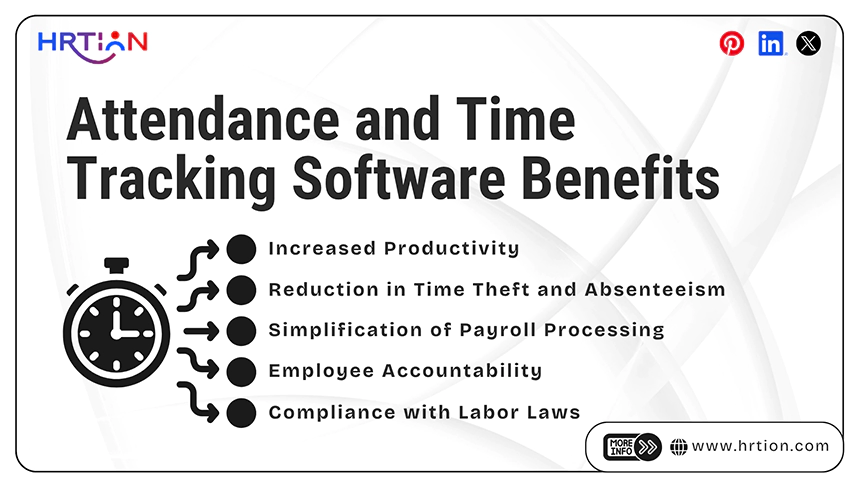
Attendance and time-tracking software brings many benefits and improvements across both operational efficiency and workforce management. Some of these benefits are listed below:
- Increased Productivity
Using the data provided by the software in real-time, managers are able to clearly visualize how working hours are distributed across teams and projects. This not only makes it much easier to identify patterns like peak productivity hours, frequent delays, or underutilized time slots but also allows the organization to optimize shift schedules and eliminate inefficiency.
- Reduction in Time Theft and Absenteeism
Manual attendance systems can often be manipulated, such as through buddy punching or false time entries. Automated systems, especially those that provide biometric or location-based verification, significantly reduce these risks. When employees can understand that their work hours are being tracked accurately, it leads to a significant reduction in absenteeism and fraudulent practices.
- Simplification of Payroll Processing
Attendance and payroll are closely linked processes, and any mistakes in time tracking can lead to salary miscalculations and conflicts. By integrating attendance software directly with payroll systems, organizations can automate salary calculations based on actual work hours, overtime, and leave records.
- Employee Accountability
Transparency in attendance tracking allows employees to understand and take greater responsibility for their work hours and punctuality. When everyone has their own attendance records, it builds trust and minimizes disputes. Employees learn to be mindful of their schedules, while managers are able to address issues objectively using precise data, which creates a much fairer and more accountable work environment.
- Compliance with Labor Laws
Businesses are required to maintain detailed records of employee work hours, overtime, and leave to comply with labor regulations. Attendance software helps by automatically storing and organizing this data, making compliance with legal requirements easier, and preparing for audits. It also allows the enforcement of company policies consistently.
Types of Employee Attendance Tracking Systems
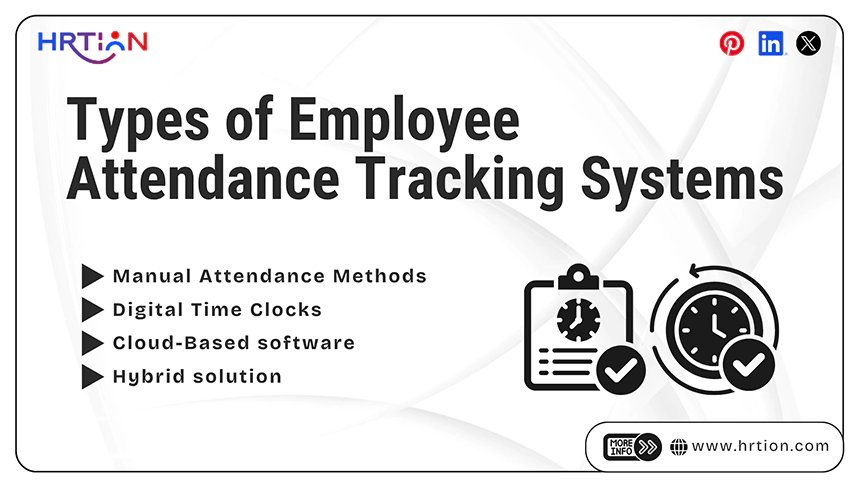
| Type | Description | Pros | Cons | Best Suited For |
| Manual Attendance Methods | It uses registers, punch cards, and manual entries. | Low cost, no technical setup required, simple to use. | Error-prone, time theft, no clear data, and difficult to manage. | Very small businesses or low-tech companies. |
| Digital Time Clocks | Through biometric systems, fingerprint recording, and face recognition programs. | Accurate, automated, free of fraud. | Hardware costs, requires maintenance, and is limited for remote employees. | Offices, factories, and on-site workforce. |
| Cloud-Based software | Online systems accessible through the web or mobile apps. | Real-time tracking, best for remote work, highly scalable, easy reporting | Requires an internet connection and a subscription cost. | Remote teams and growing businesses. |
| Hybrid solution | Combine both hardware devices and cloud-based solutions. | Flexible, accurate, centralized data, versatile | Higher in cost and complexity | Large teams, and combined workforces (on-site and remote employees) |
Important Note: Cloud-based solutions are the most suitable options for remote workforces as they allow real-time attendance tracking and access from anywhere and any device.
How to Choose Attendance and Time Tracking Software
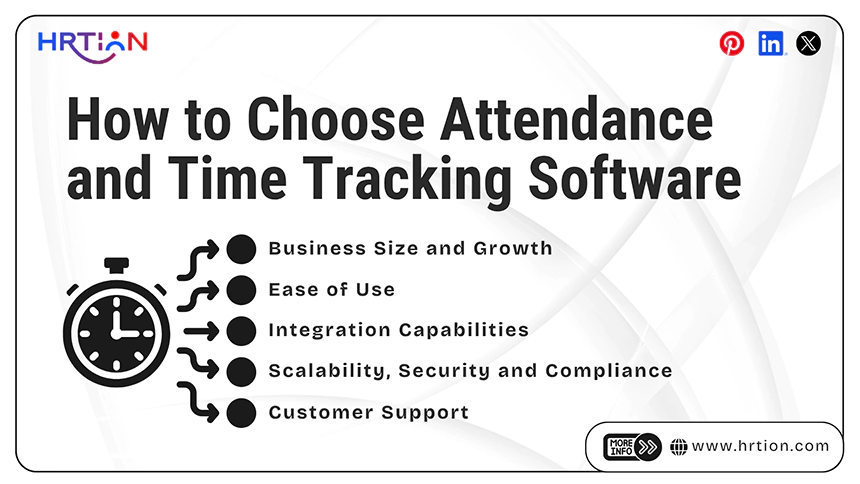
While choosing an attendance and time tracking software, there are a few considerable things other than features. These HR software must fit with the organization’s current needs and future growth.
- Business Size and Growth
The requirements for both large and small businesses vary significantly. Small teams only need basic attendance systems like manual or digital clocks, whereas large enterprises need more advanced features like shift scheduling, multi-location tracking, and compliance management.
- Ease of Use
The attendance system must be user-centric so that employees can easily incorporate it into their work routine. Thus, select the tool with an intuitive interface that is easy to navigate for both employees and HR professionals.
- Integration Capabilities
Attendance software must be able to work in combination with other HR software, such as payroll and accounting tools. This reduces manual entries, controls errors, and ensures data accuracy.
- Security and Compliance
Employee data is crucial and sensitive; thus, the digital solution must consist of strong security features such as data encryption, secure login protocols, and role-based access controls. It must also comply with the local labor laws to avoid legal issues.
- Scalability
Every business evolves with time, and the software must be able to grow with it. When the number of employees or the number of locations expands, the tool must be able to handle the increased demands without causing system lag or performance issues.
- Customer Support
Reliable customer support must be readily available through chat, email, or phone, ensuring that issues are addressed as soon as they surface. Thus, make sure you consult with the support team beforehand regarding the training assistance, user material, or instant technical resolution facility.
Top 10 Attendance and Time Tracking Software
Scalable businesses require tools that are advanced in features yet easy on pocket. From simple time trackers to enterprise-level workforce management tools, there is software available for every need. Here is the list of 10 best remote attendance tracking systems that are used widely across all industries.
1. HRtion
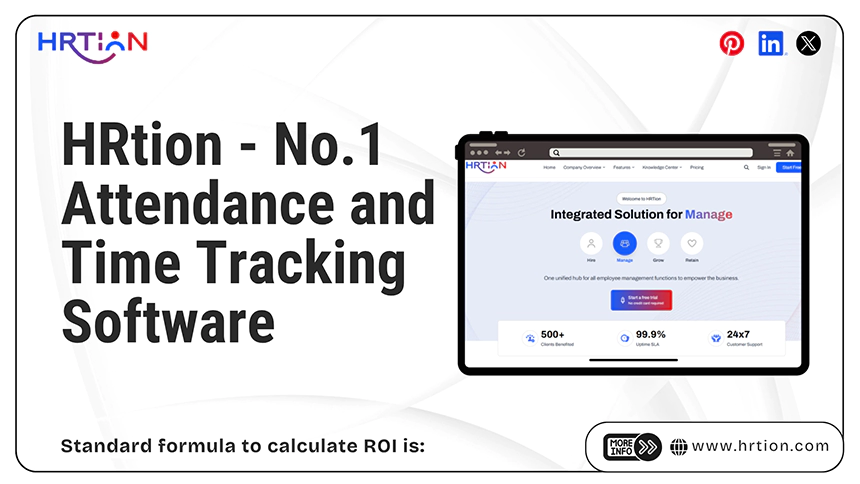
HRtion is one of the most feature-rich yet affordable tools designed for businesses that need accuracy in attendance and leave management processes. It provides employee management combined with time tracking and reporting tools. The platform is suited to companies looking for a balance and all-in-one HR system.
Key features:
- Accurate time tracking and attendance data
- Automated reports and analytics
- Employee management tools
- Cost-effective solution best suited for all business sizes.
2. Toggl Track
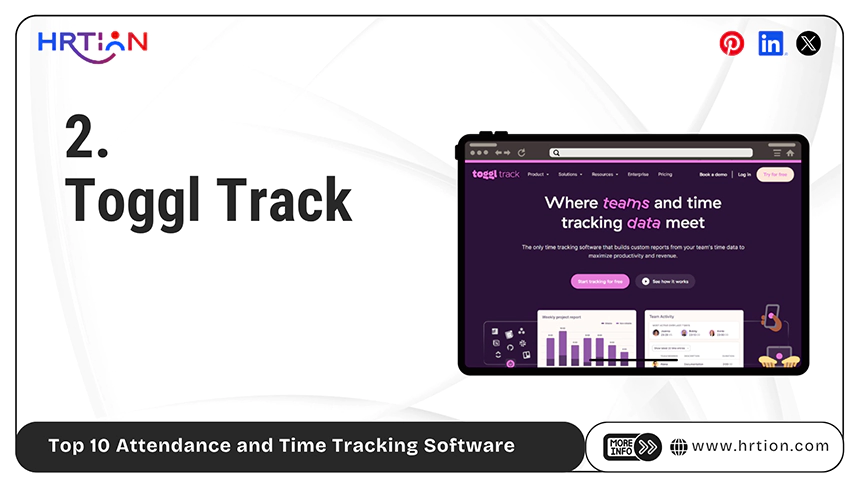
Toggl Track is known for its simple interface and ease of use. It is highly popular among small teams and startups. Toggl Track mainly focuses on quick time tracking and minimal technical setup, making it ideal for businesses that prefer usability and detailed insights.
Key features:
- One-click time tracking
- Clean and intuitive interface
- Detailed report and analytics
- Integration with multiple platforms and apps.
3. Kronos Workforce Ready
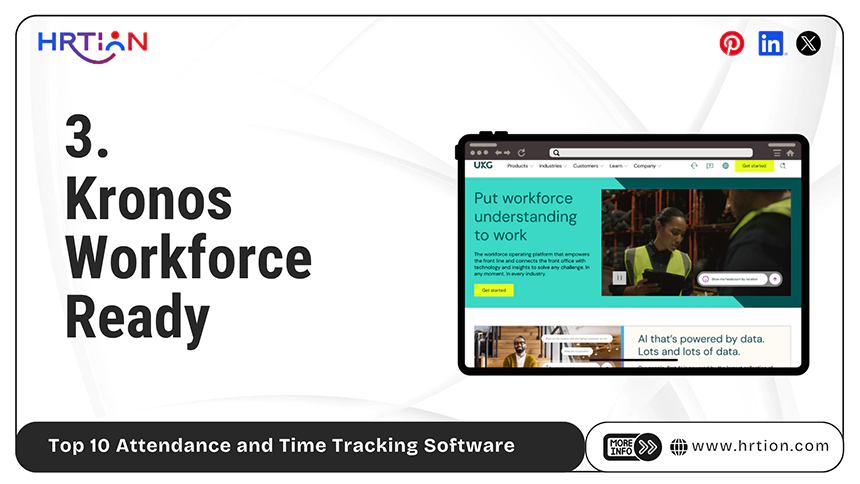
Kronos Workforce Ready is a powerful workforce management solution designed for large enterprises. It can conveniently and efficiently handle the complex scheduling, compliance, and attendance tracking. The system is highly scalable and suited for bigger teams.
Key features:
- Advanced scheduling and time tracking
- Real-time reporting and analytics.
- Compliance and labor law management
- Payroll and HR integration
4. ADP Time and Attendance
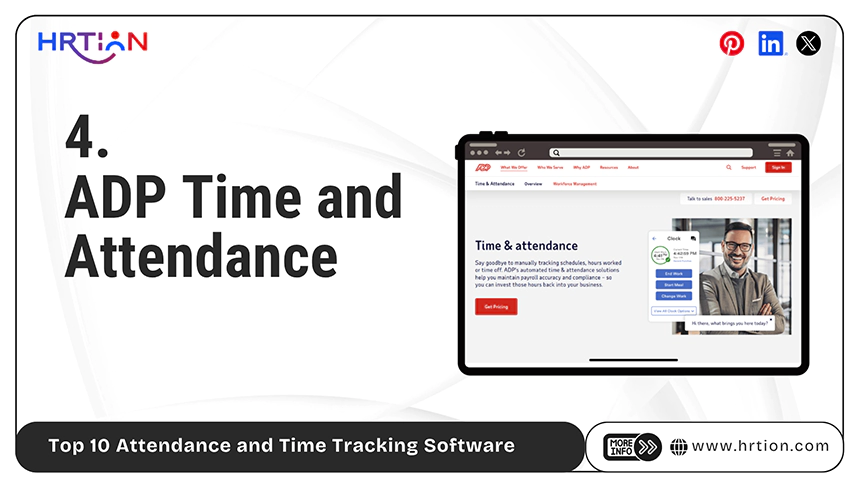
ADP Time and Attendance is a widely used management tool that integrates seamlessly with payroll systems. It is designed for companies that require precise and accurate payroll processing along with compliance. This platform is best suited to mid and large enterprises.
Key features:
- Automated payroll integration
- Time and attendance tracking
- Compliance alerts and audit trails
- Custom reporting dashboards
5. Zoho People
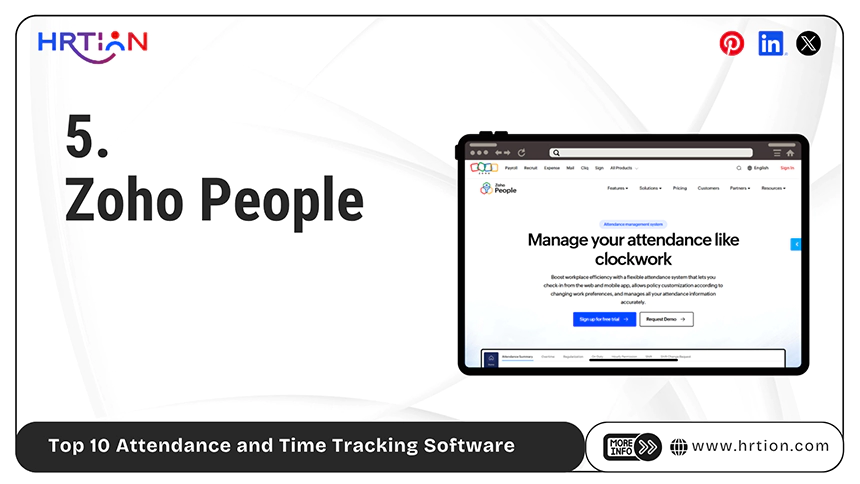
Zoho People is a cloud-based HR platform that consists of attendance and leave management. It offers high-level customization and is best suited for small to mid-sized businesses. The software can easily integrate with other solutions from the Zoho ecosystem.
Key Features:
- Attendance and timesheet tracking
- Leave and shift management
- Employee self-service portal
- Mobile access and real-time reporting
6. Hubstaff
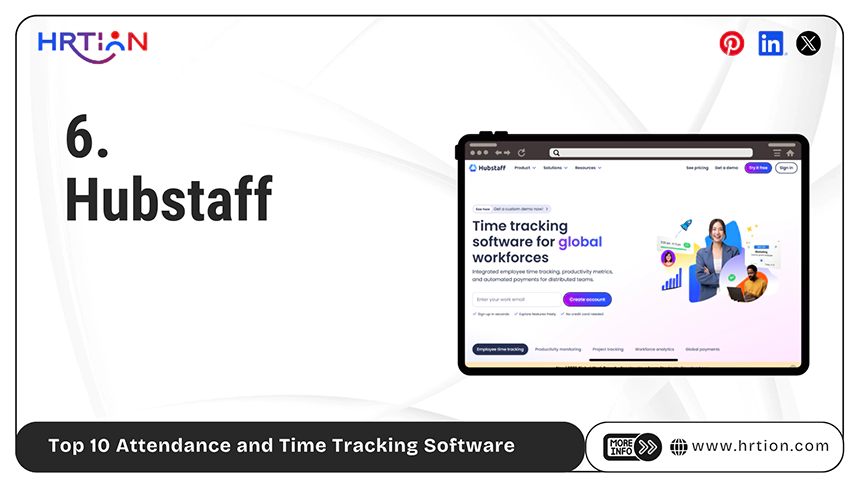
Hubstaff is designed for remote and distributed teams, mainly focused on productivity and attendance. It offers detailed insights into employee activity and work patterns. The tool is widely used in companies managing remote workforces.
Key features:
- Time tracking and activity monitoring
- GPS and location tracking
- Productivity and performance insights
- Integration with payroll tools
7. TSheets by QuickBooks
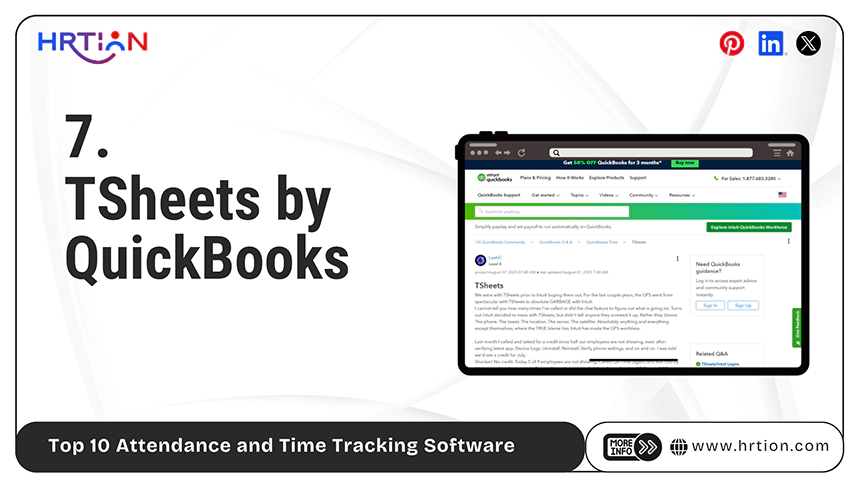
TSheets (QuickBooks Time) is a mobile-friendly time tracking solution best for working in the field. It allows businesses to track employees for hours with GPS and manage schedules efficiently. It offers integration with other accounting software easily.
Key features:
- GPS tracking and geofencing
- Mobile time tracking
- Integration with QuickBooks
- Scheduling and reporting tools
8. Time Doctor
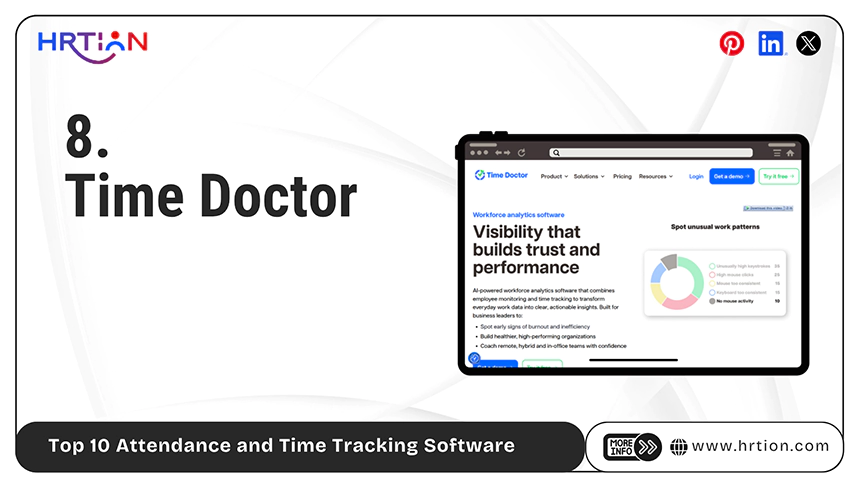
Time Doctor is focused on productivity and designed to track remote employees. It helps businesses monitor performance and improve overall efficiency. This platform provides detailed insights about how many hours employees have spent working.
Key features:
- Automatic time tracking
- Screenshots and activity monitoring
- Productivity reports
- Payroll and invoice tools
9. Paycom Time and Attendance
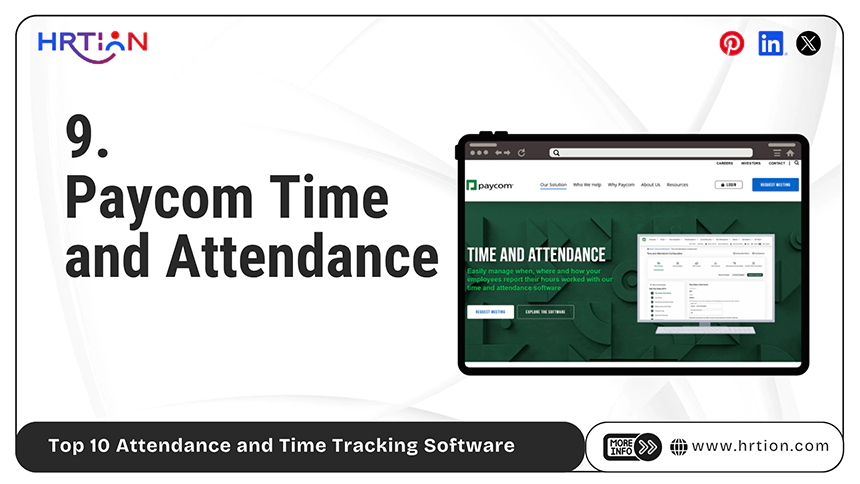
Paycom offers a very comprehensive HR and payroll solution with integrated attendance tracking. It is best suited to mid- and large-sized organizations that require centralized employee management. The major highlights of the tool are automation and reporting.
Key features:
- Time tracking and scheduling
- Payroll integration
- Analytics dashboards
- Employee self-service tools
10. SAP SuccessFactors
SAP SuccessFactors is an enterprise-level HR solution that includes advanced time tracking capabilities. It is designed to cater to global organizations that require compliance management and scalability. This tool is integrated with HR processes and workflows to offer seamless monitoring.
Key features:
- Enterprise-grade time tracking
- Workflow automation and approvals
- Global compliance support
- Advanced reporting and analytics
Best Practices to Ensure Smooth Adoption
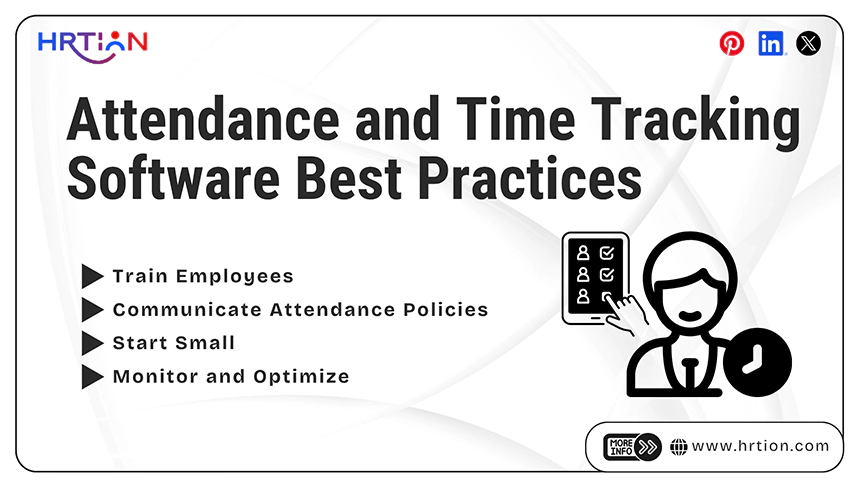
After selecting an attendance system, it is crucial to ensure smooth adoption and implementation. Following are a few best practices to ensure seamless transition, better user acceptance, and boosted ROI.
- Train Employees: Providing structured training sessions and easy-to-follow guides to the employees help them understand how to use the attendance system correctly. This also ensures smooth adoption and reduced errors.
- Communicate Attendance Policies: Clearly define the attendance rules and regulations to avoid confusion regarding leaves, working hours, and missing punch-ins.
- Start Small: It is best to start with a smaller group. Choose a pilot group or a single department to find the potential downsides at earlier stages. This will help make necessary amendments before rolling it out across the organization.
- Monitor and Optimize: Regularly review the attendance data and system performance to find issues and fix them right away. Use the insights provided by the tool to improve productivity and workflow and enhance overall proficiency.
Conclusion
Investing in remote attendance tracking software is one of the smartest decisions an organization can make to improve efficiency, ensure compliance, and encourage accountability.
By selecting the right attendance tool and following the smart practices, companies can not only save time but also reduce discrepancies, and make data-driven decisions
FAQs
Can attendance software track remote employees?
Yes, modern attendance solutions offer mobile applications and GPS-based tracking to monitor remote and field employees.
How does a biometric attendance system work?
Biometric systems use fingerprints, facial recognition, and IRIS scans to verify employee identity and prevent attendance fraud like buddy punching.
Is attendance software cost-effective?
Yes, attendance tools are generally cost-efficient, as they offer significant ROI. Moreover, cloud-based solutions often have affordable subscription plans.
How to ensure smooth adoption of attendance software?
With the right employee training, clear communication, and beginning with small batches, companies can ensure the smooth adoption of attendance automation.

Sunita Kumari is a Freelance Contributor Writer at HRTion, writing accurate, reliable, and informative content. She completed her Bachelor's from Rajdhani College of the University of Delhi. She has been a Human Resources Recruiter for almost 2 years, including over 1 year with Battersea Web Expert. Drawing on her recruitment and HR processes experience, she writes clear and practical payroll-related guides that help employees and job candidates better understand HR procedures and workplace practices.